
Read it through a lens
A lens hands the document you are reading to an agent you chose — Claude, Codex, a model on your own machine, or a program of your own — and shows its answer with the text: a translation in the document's places, a summary on request, a note beside each paragraph. The file itself is never changed.
Current as of v0.39.1.
Why read through one
Reading a document in another language, or wanting its gist, used to mean copying it out to a chat and reading the answer apart from the text it was about. A lens brings the answer to the document instead: the translation stands where the original stood, the note sits beside the paragraph it is about, and the page you are reading is still the page you opened.
Nothing leaves until you ask
Arto reaches out to nothing on its own. A lens runs only when you open it, and only what you configured it with is handed the text it looks at — a program on your machine, or the server you named. Whether the text leaves the machine is up to what you chose: an Ollama server on your own machine keeps it there.
Page, popover, annotate
A lens says how its answer is shown, and that decides how the agent is asked.
| Display | The agent runs | The answer is shown |
|---|---|---|
| Page | Once, on the whole document | In the document's places, block by block from the top as it is written — a translation |
| Popover | Once, on the whole document or on one block | From the header for the document, beside the block for a block — a summary |
| Annotate | Once per block, with the blocks around it as context | Beside each block, on hover over a mark in its margin — a gloss, an explanation |
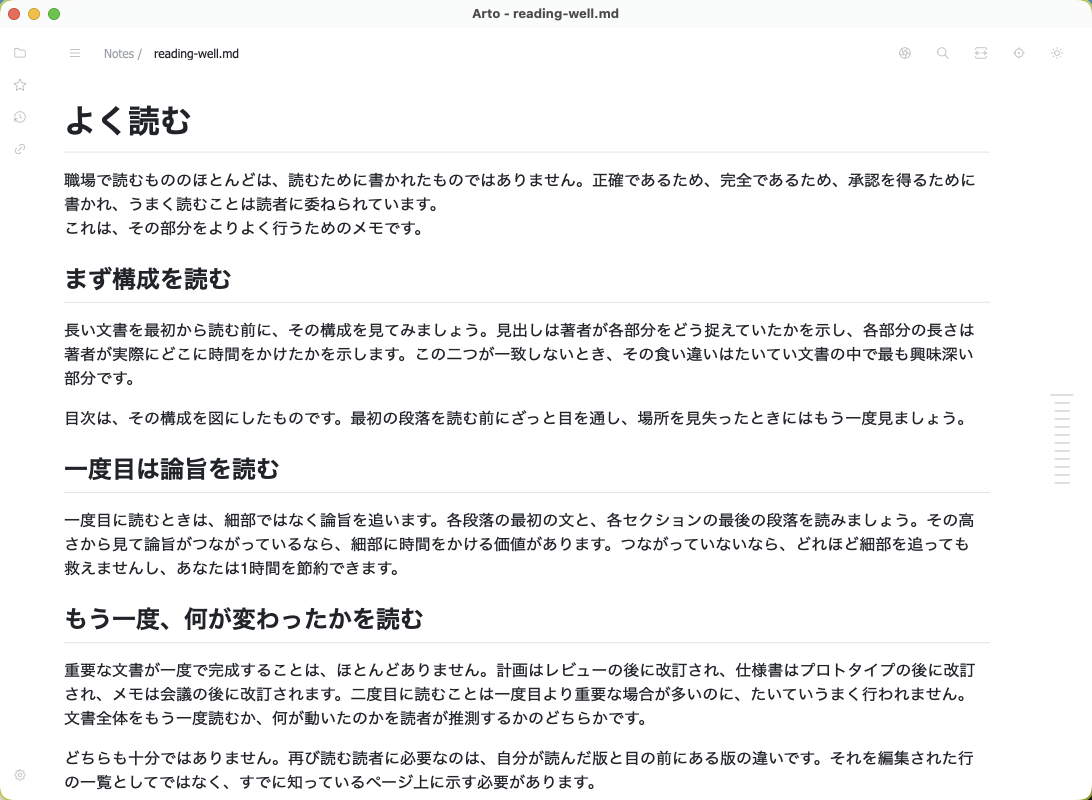
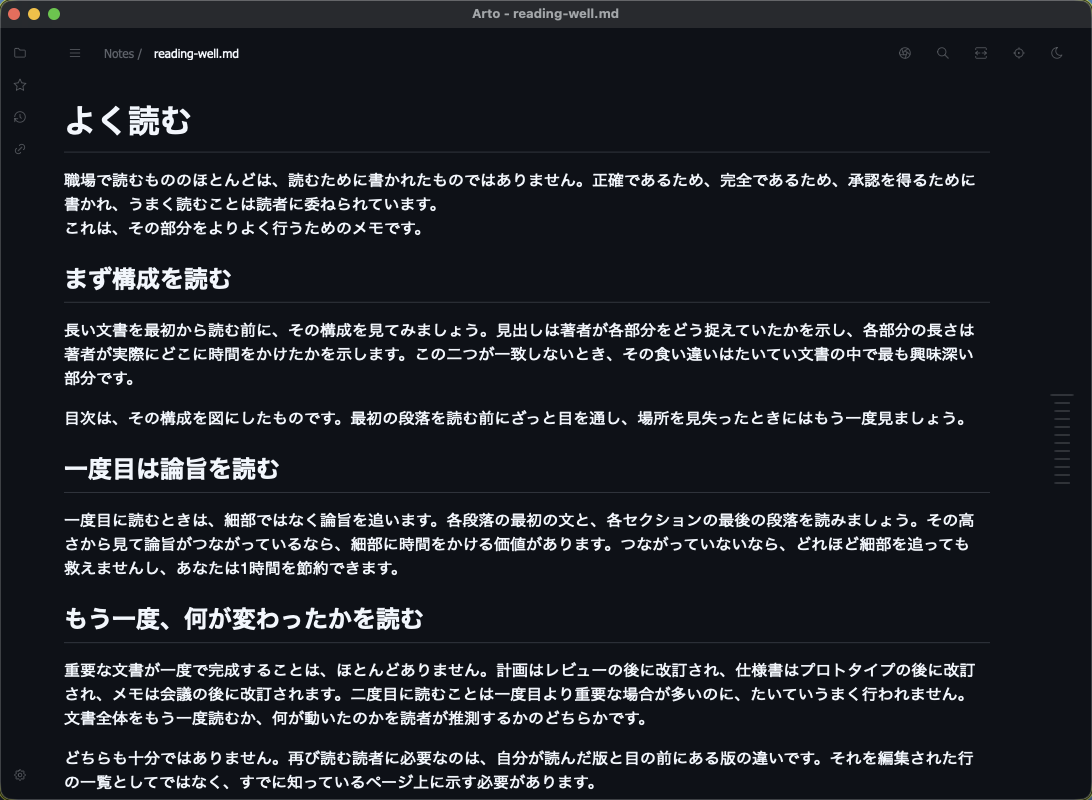
A page that turns over from the top
A page lens pairs its answer with the document block by block, so the page reads as the translation from the top down while the rest is still the original. Point at the mark in an answered block's margin, or hold ⌥ over it, to see the block it stands for. The lens glyph in the header switches between page lenses, or back to Original, at once — their answers are kept.
Lenses stack
One page lens takes the page at a time, since two would take the same places. Everything else only adds to it: summarize a translated page and the translation stays, and a block marked by several annotate lenses carries one mark that shows each answer under its lens's name.
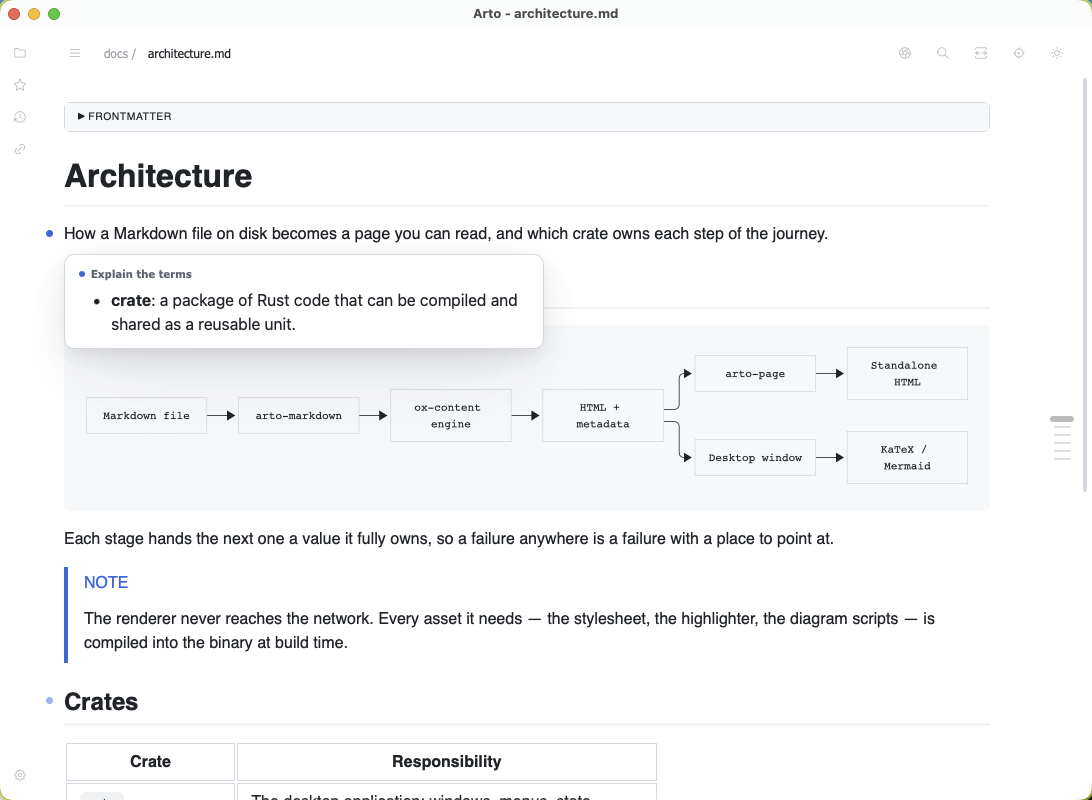
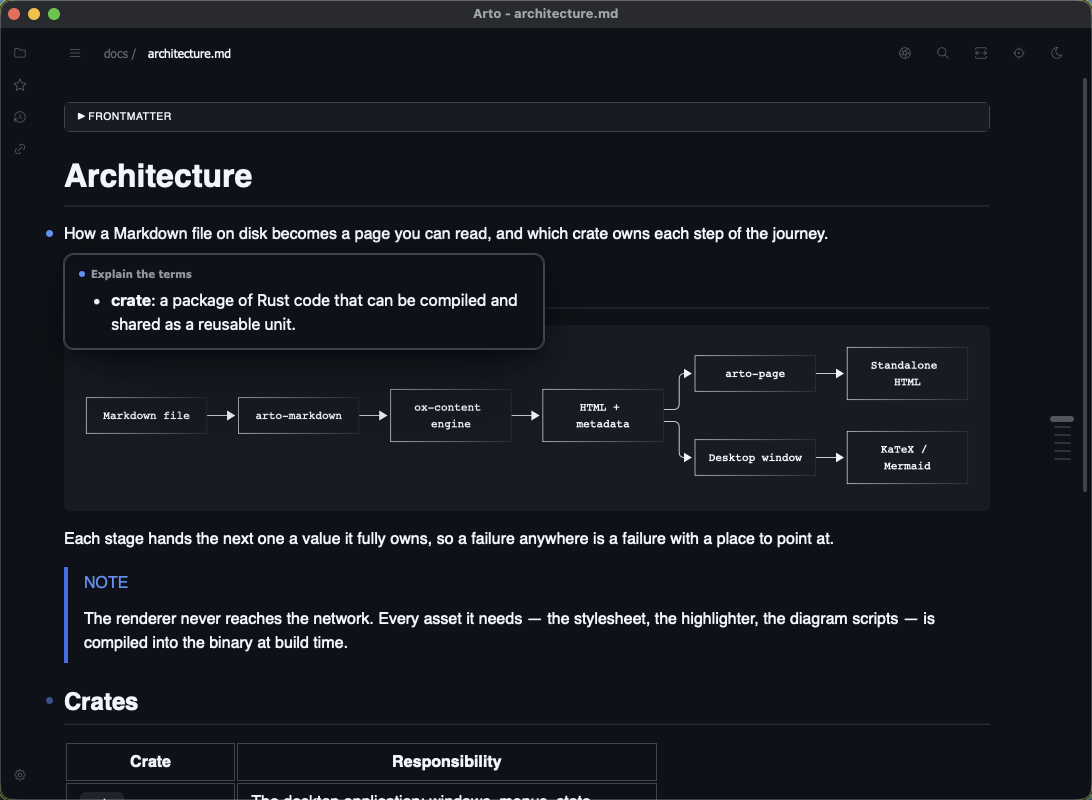
Notes only where there is something to say
An annotate lens can be told to leave a block unmarked when it has nothing to note, so a lens for terms or a critique marks just the blocks that stand out rather than every paragraph.
The agent is yours
Arto names the agent rather than wrapping it, and asks it with as little of its own set-up as it allows.
| Agent | Asked through |
|---|---|
claude | claude -p with no tools, no MCP servers, no settings or hooks — so a CLAUDE.md near the document does not turn it into an agent |
codex | codex app-server with its tools, plugins, hooks and MCP servers off, in a read-only sandbox, keeping no session |
ollama | Ollama's own chat API, with the context sized to the request rather than to the longest the model takes |
openai | Any OpenAI-compatible server — LM Studio, llama.cpp's server, vLLM, OpenAI, OpenRouter and the like |
Your sign-in, your keys
claude and codex use the sign-in you already have. A server's API key is kept in the system's credential store — the Keychain, the Credential Manager, the Secret Service — never in config.json, so the file can live in a dotfiles repository. A command that prints the key, such as a password manager's, can stand in for the stored one.
Answers as they are written
Every agent's answer is shown as it arrives, so a translation of a long document fills in from the top rather than appearing all at once minutes later.
A command of your own
In place of an agent, a lens can run any program. It reads one JSON object — the text, where it sits in the file, and for an annotate lens the blocks around it — and writes its answer as Markdown.
What an agent is allowed
Left as it is, an agent can do nothing but read the text it is handed and answer. That is not caution for its own sake: a document can be written to talk an agent into anything its tools can do — reading the files beside it into its answer, or sending them out through a search. So each lens is handed more one thing at a time, and only that lens:
| Allowed | The agent may |
|---|---|
| Web search | Search the web and read what it finds — what a fact check needs. It can send out only what it was already handed. |
| Read files | Read the files around the document |
| Shell | Run commands |
Reaching past the document
A lens allowed to read files or run commands can reach what is on this machine beyond the document, so allow it only over documents you trust. The menus mark such a lens with a warning sign, and when it opens again by itself it shows what it answered before and asks nothing until you regenerate it.
An answer is written by a model the document can steer, so it is shown with less trust than the document itself: raw HTML in it is shown as written, and nothing in it is fetched from another host.
Setting one up
Preferences → Lenses starts a lens from a recipe — translate the page, a translation beside each block, summarize, explain the terms, critique, explain a block, fact check — with its prompt and display already written. It asks only the language to answer in, which agent, and which model, and the model field suggests what that agent offers. Drag lenses into the order the menus should offer them, and the pane says beside a lens what keeps it out of the menus.
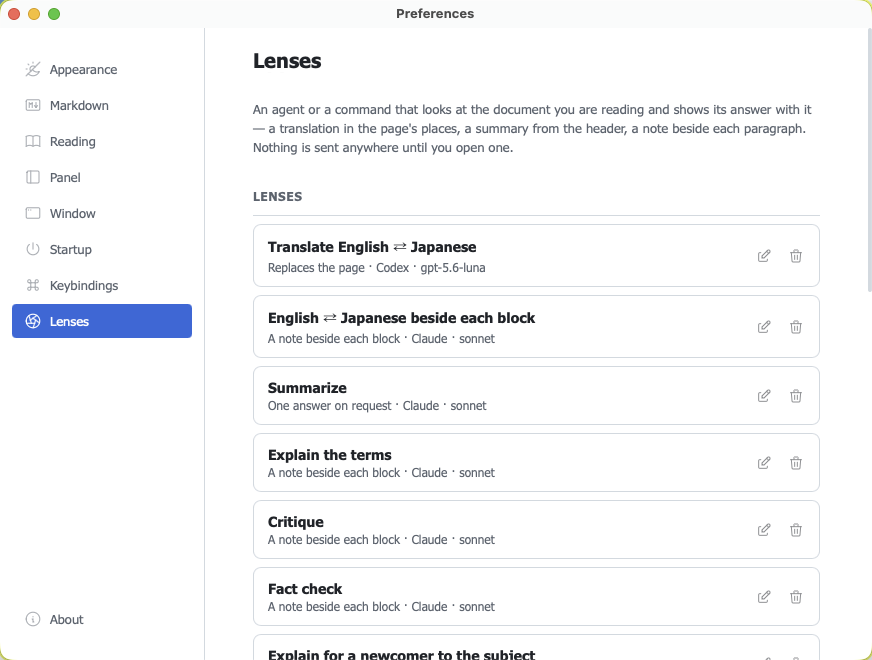
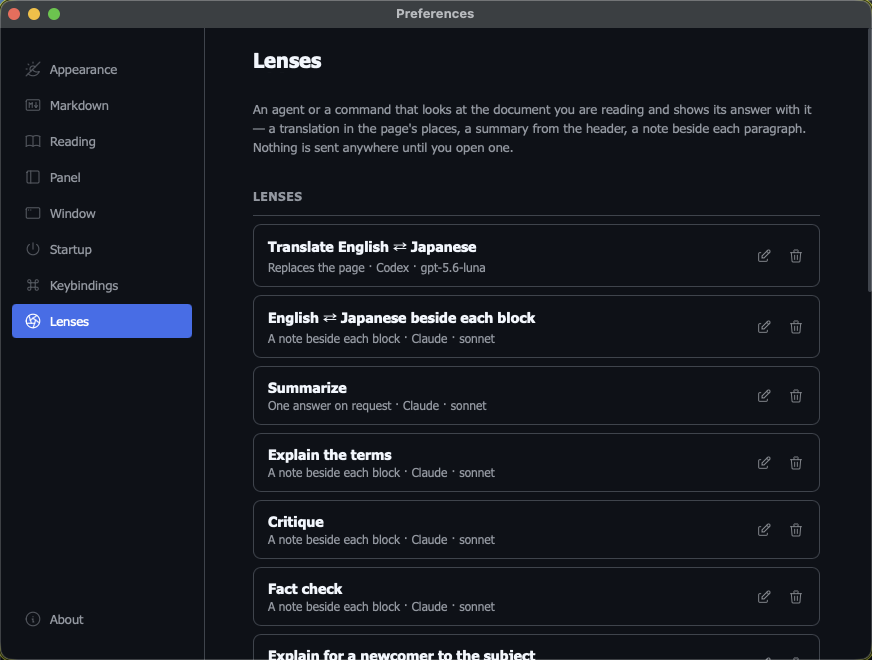
Lenses live in config.json as well, which Arto reads again when it is saved:
{
  "lenses": [
    {
      "id": "translate-ja",
      "label": "Translate to Japanese",
      "display": "page",
      "agent": "claude",
      "model": "sonnet",
      "prompt": "Translate the text into Japanese. Keep its structure exactly and translate the prose only. Write the translated document and nothing else."
    },
    {
      "id": "translate-ja-local",
      "label": "Translate to Japanese (local)",
      "display": "page",
      "agent": "ollama",
      "model": "qwen3:4b-instruct",
      "prompt": "Translate the text into Japanese. Keep its structure exactly and translate the prose only. Write the translated document and nothing else."
    }
  ]
}
Every field — endpoints, context, concurrency, timeouts, what a lens is offered on — is in the lenses documentation.
Using one
Opening
Right-click the page and choose Lens on Document or Lens on Block. Each lists only the lenses made for what it looks at — a summary on a document, an explanation on the block you are stuck on, a critique on either. A lens can have a shortcut of its own, which opens it over the document, or over the block under the cursor.
Watching it work
The header keeps one lens glyph while any lens is open, since the document is what is being read. An hourglass turns beside it while answers are coming, and hovering it says how far each lens has got and how to stop it.
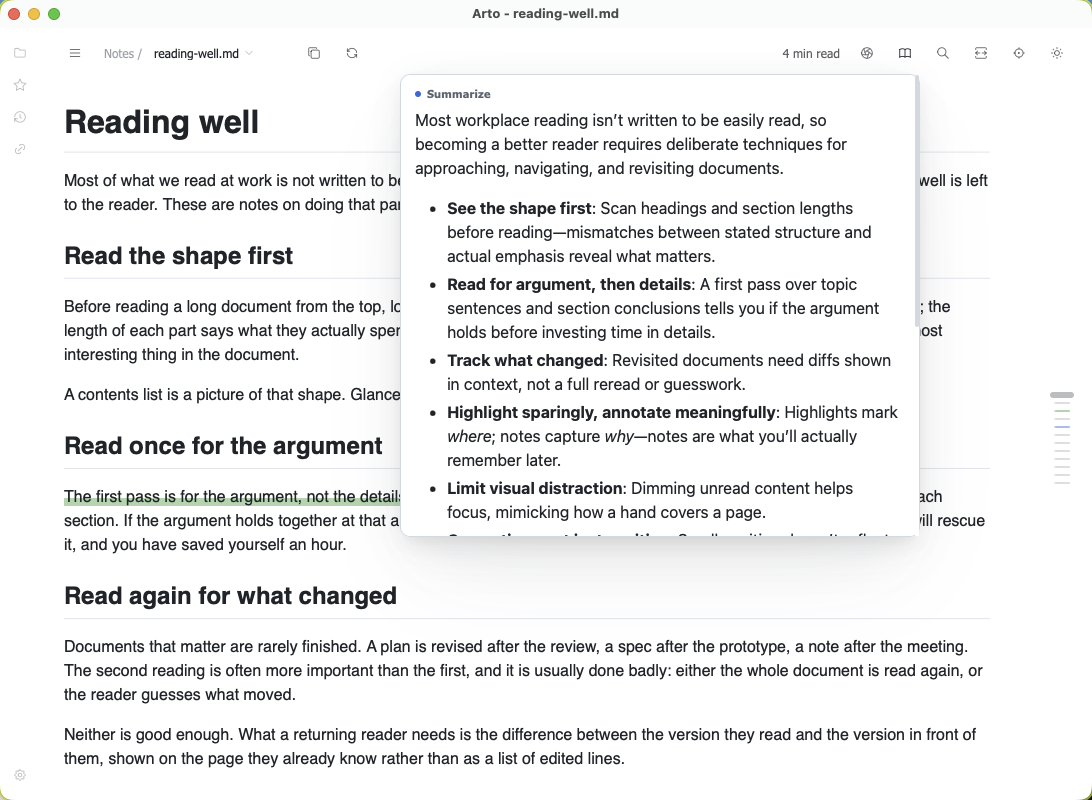
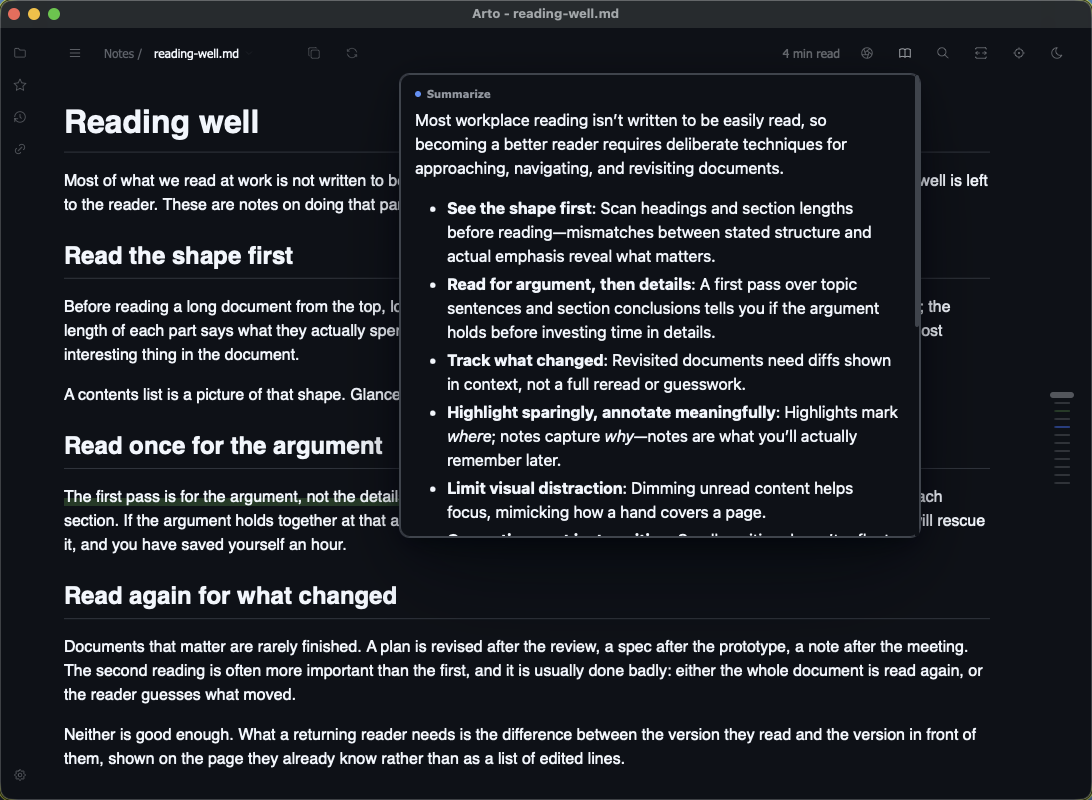
Answers are kept
Some answers take minutes and cost money, so they are filed per document: reopen one — after a restart, too — and it comes back with the lenses it had open, showing what they answered without asking again.
When the document changes
An answer whose block has changed since is shown outdated — a note's mark goes hollow, a translated block carries a rule in its margin — and the lens menu regenerates just those. A lens stopped halfway can be continued, and a failed block retried, without asking again about the rest.
Hiding and forgetting
Hiding a lens takes its answer off the page but keeps it in the header, to be shown again at once. Forgetting deletes its answers for that document.