
Everything it does
The whole surface of the application, grouped the way you meet it: what it renders, how it helps you read, how you get around, how you find things, what a window is, what a lens adds, and how it fits into the rest of your machine.
Current as of v0.39.1.
Reading
GitHub's dialect, rendered by ox-content — the same engine behind arto page and the Quick Look preview.
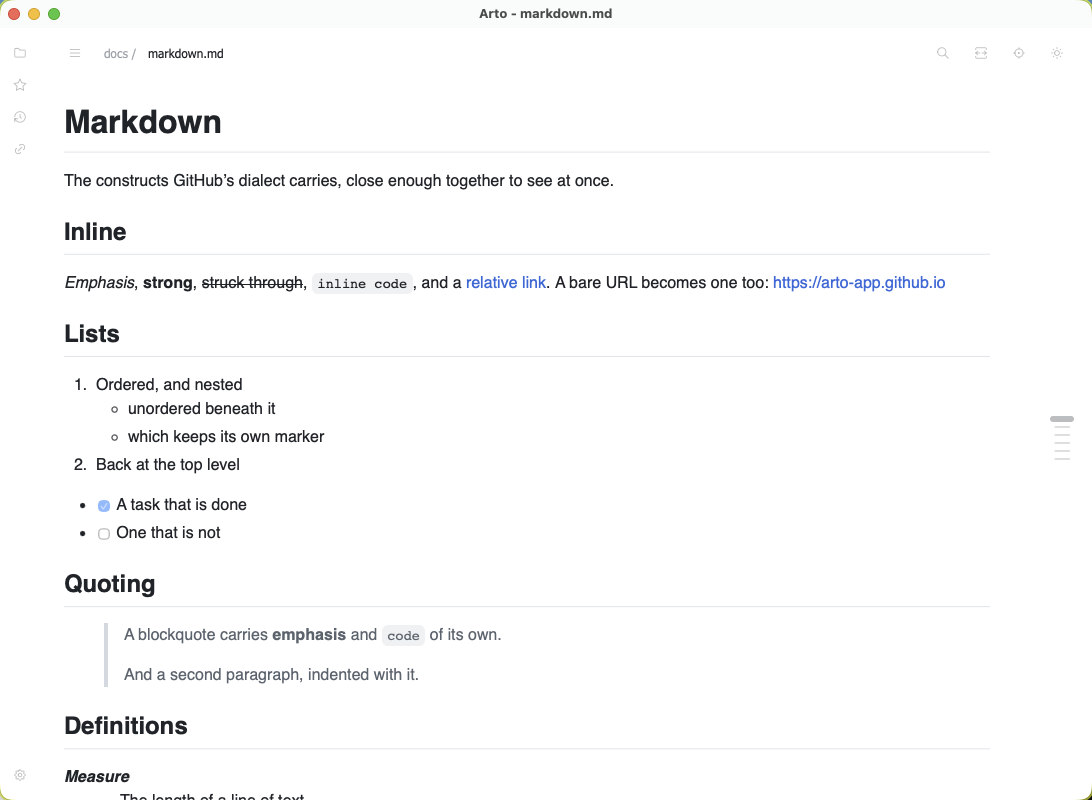
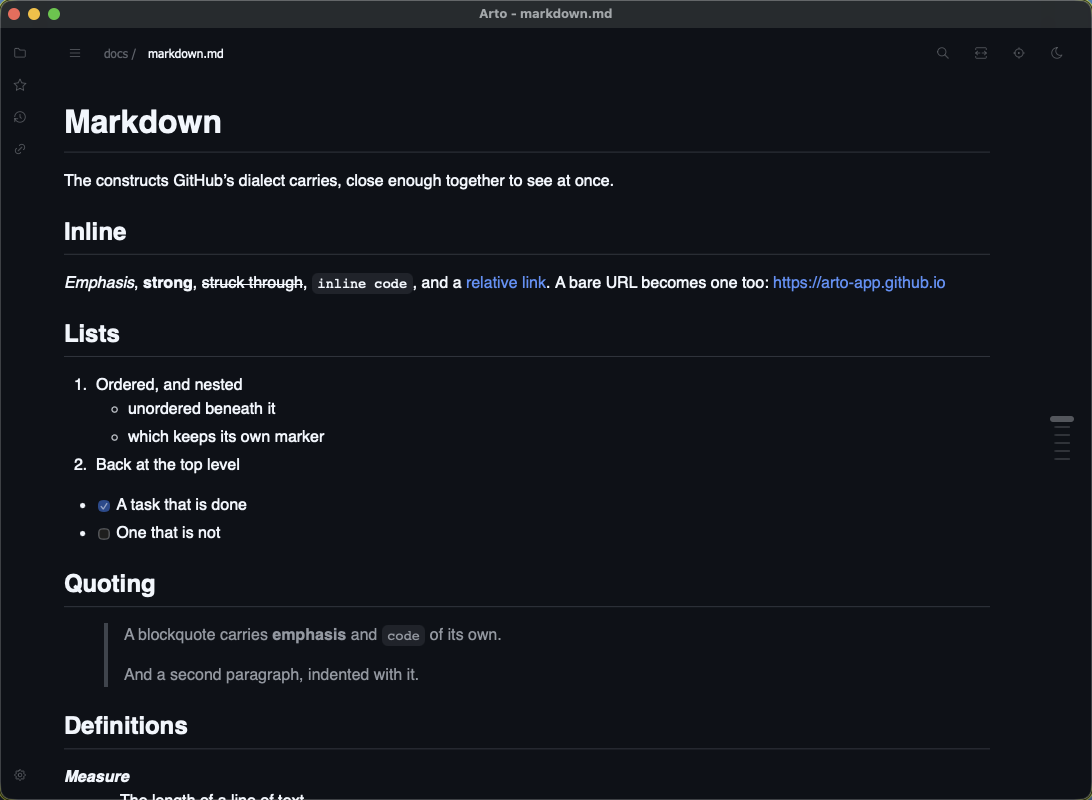
GitHub-accurate rendering
Headings, lists, tables, task lists, footnotes, strikethrough, autolinks and heading slugs, drawn with GitHub's own stylesheet so a document looks the way it will on the web.
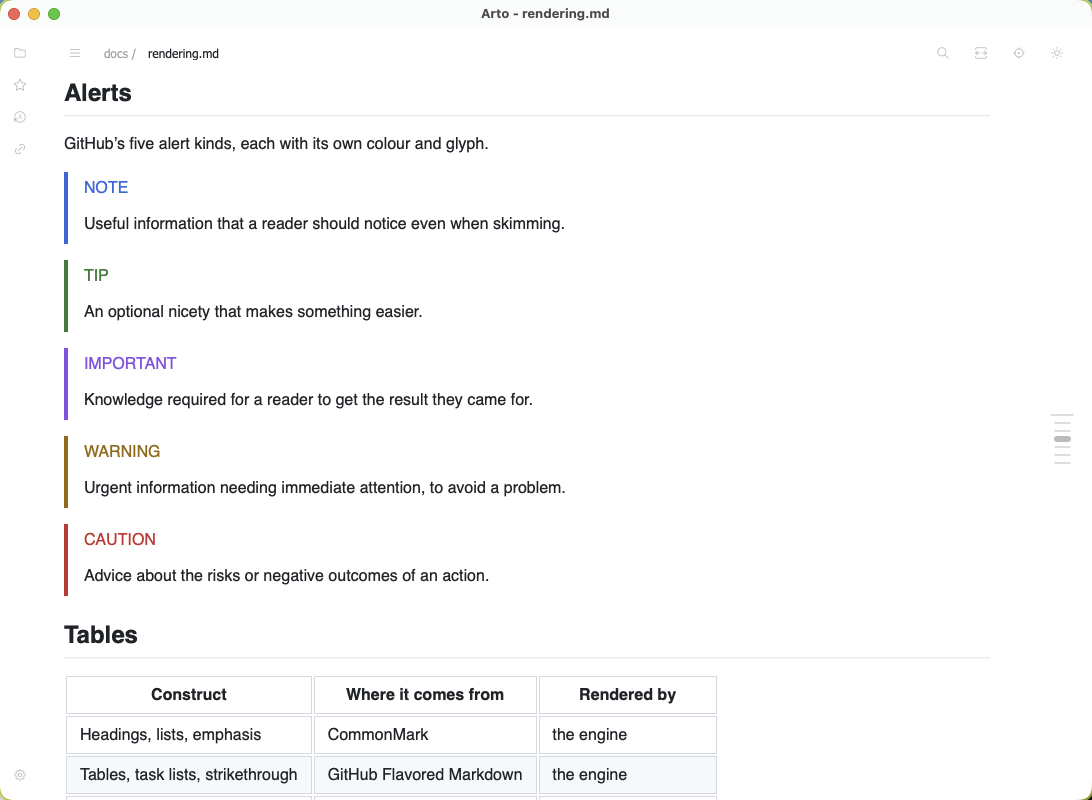
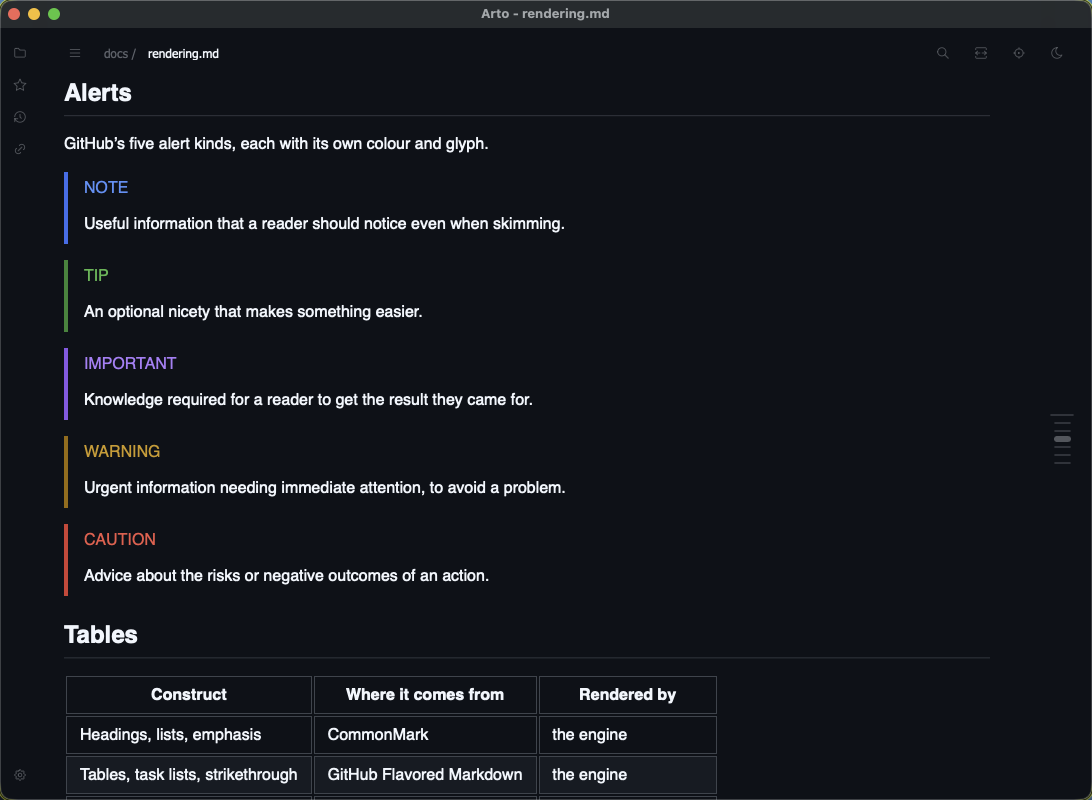
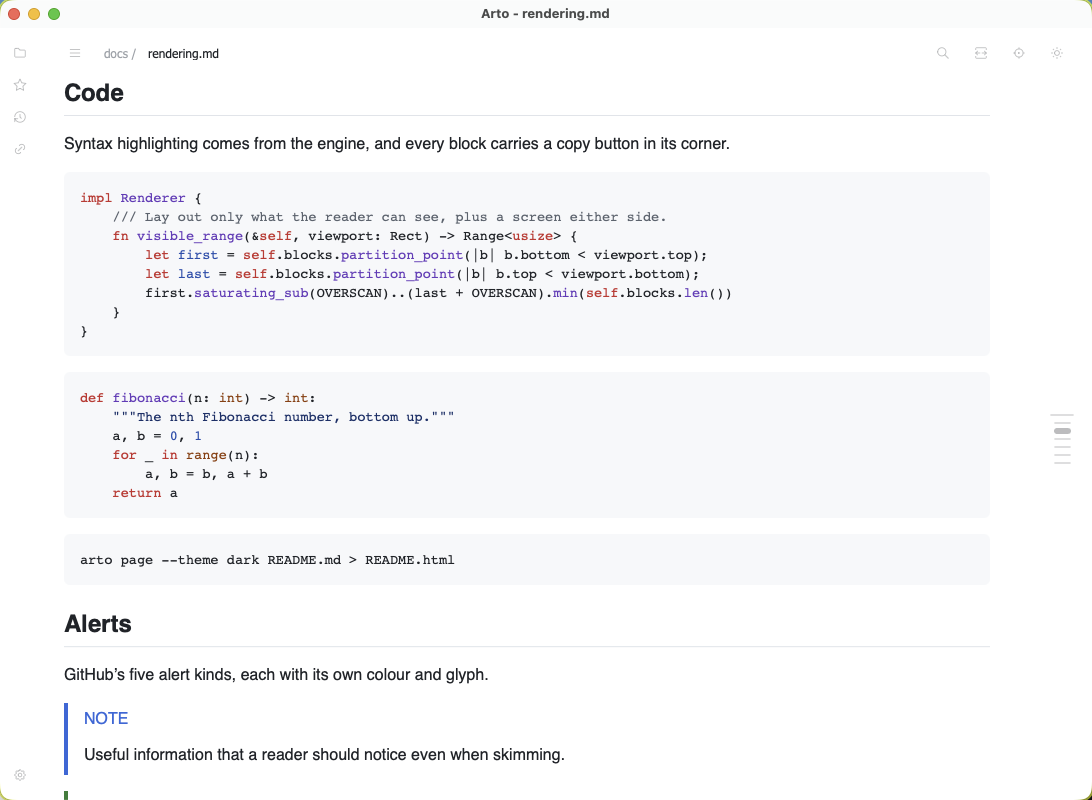
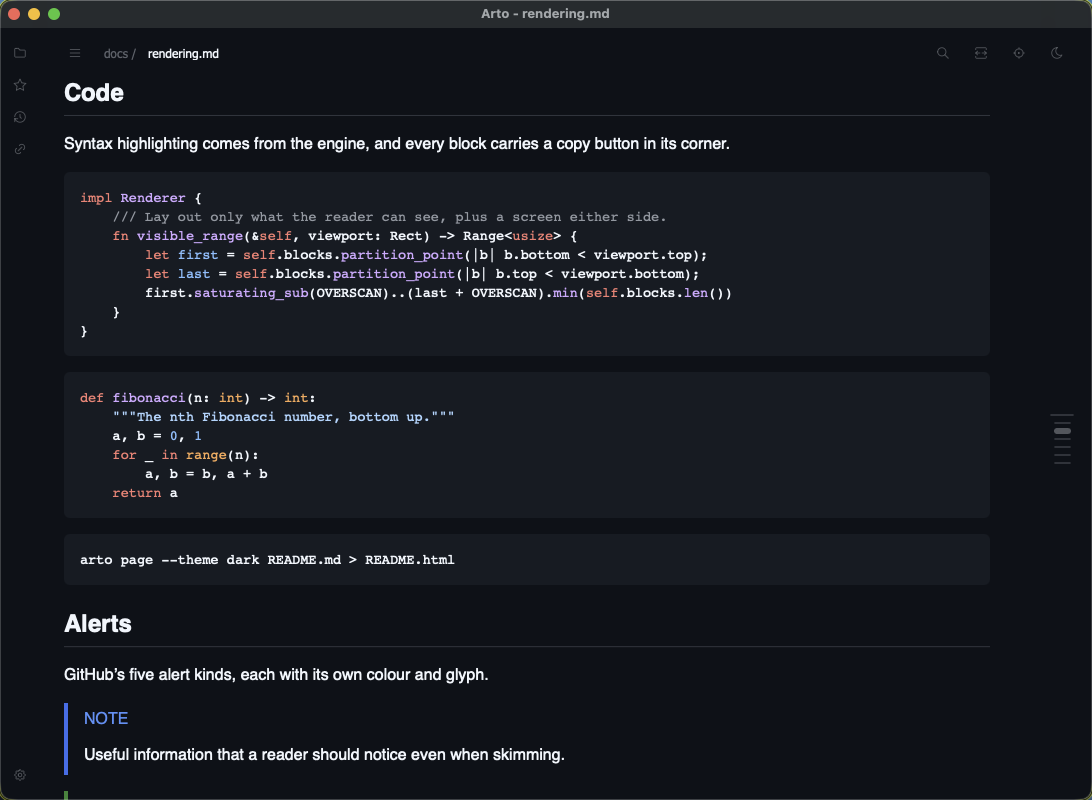
GitHub alerts
NOTE, TIP, IMPORTANT, WARNING and CAUTION.
Syntax highlighting
Code blocks arrive highlighted per language, and each carries a copy button in its corner.
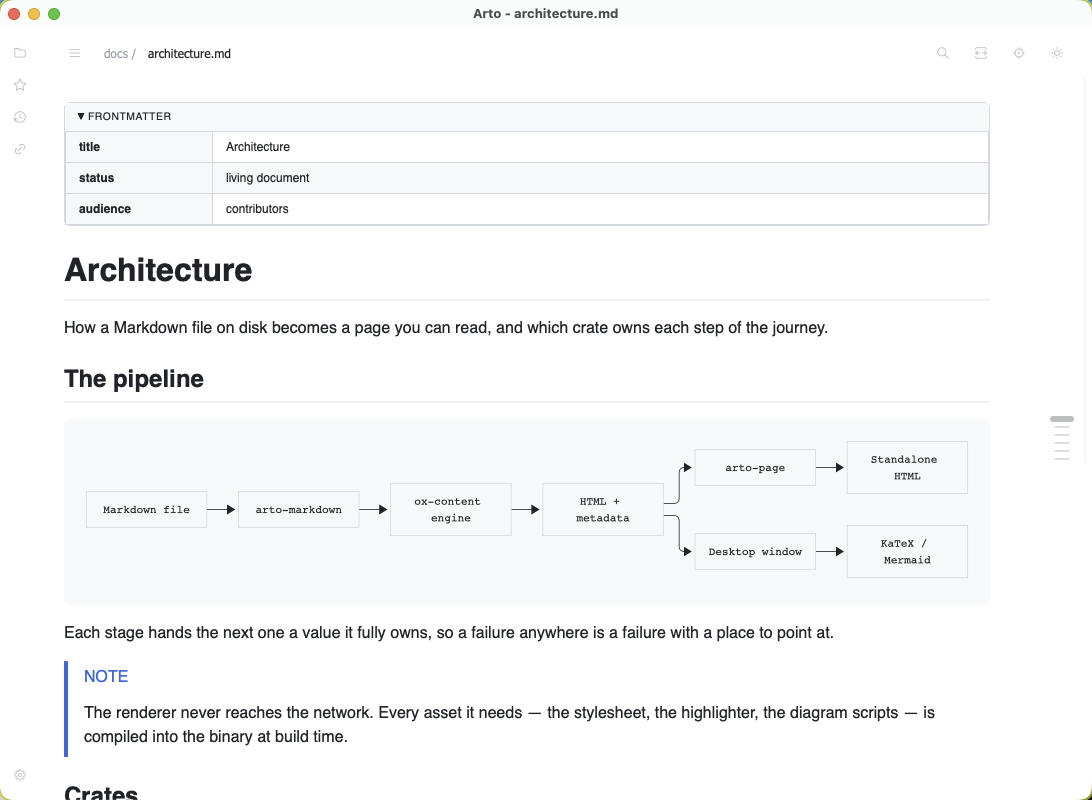
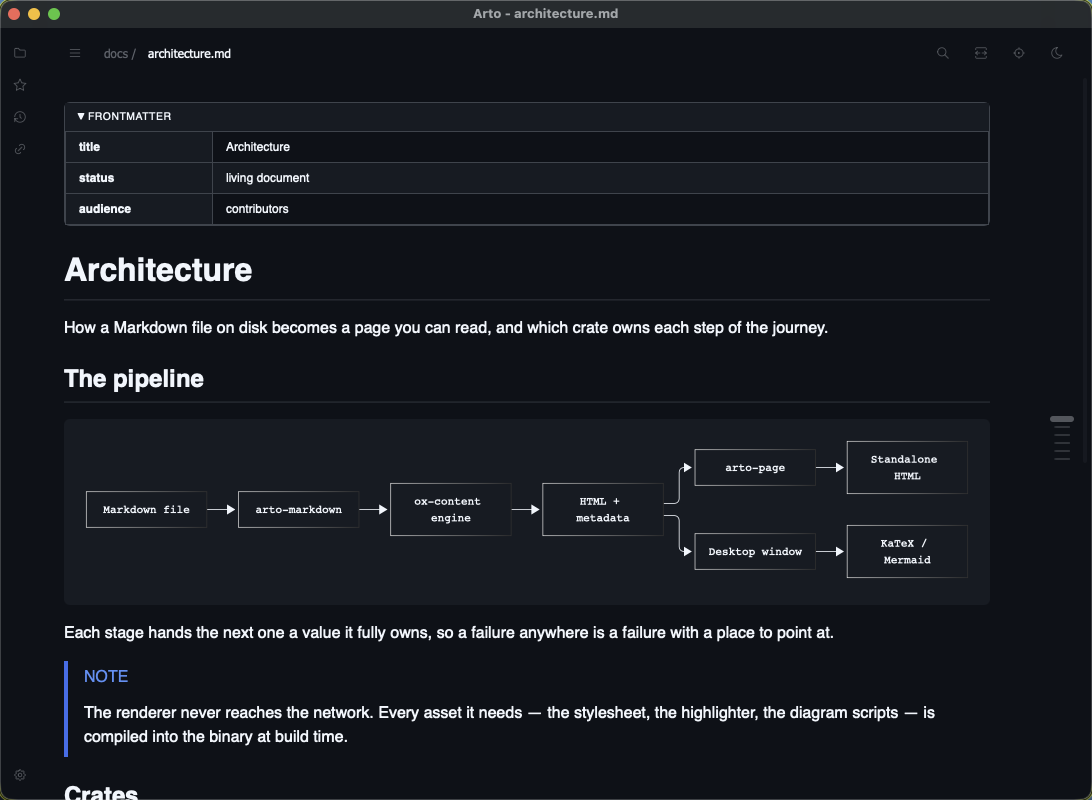
YAML frontmatter
Metadata at the top of a file becomes a table rather than a wall of text before the document starts, and it arrives collapsed so the document still begins with its title.
Long tables keep their header
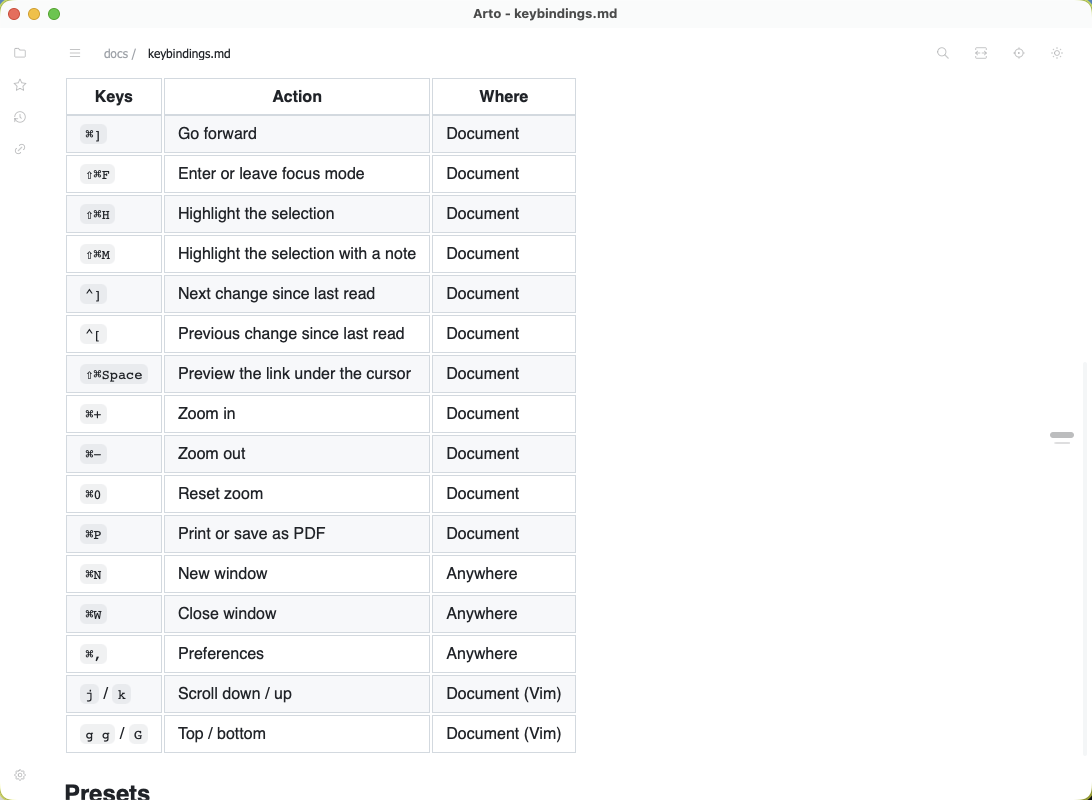
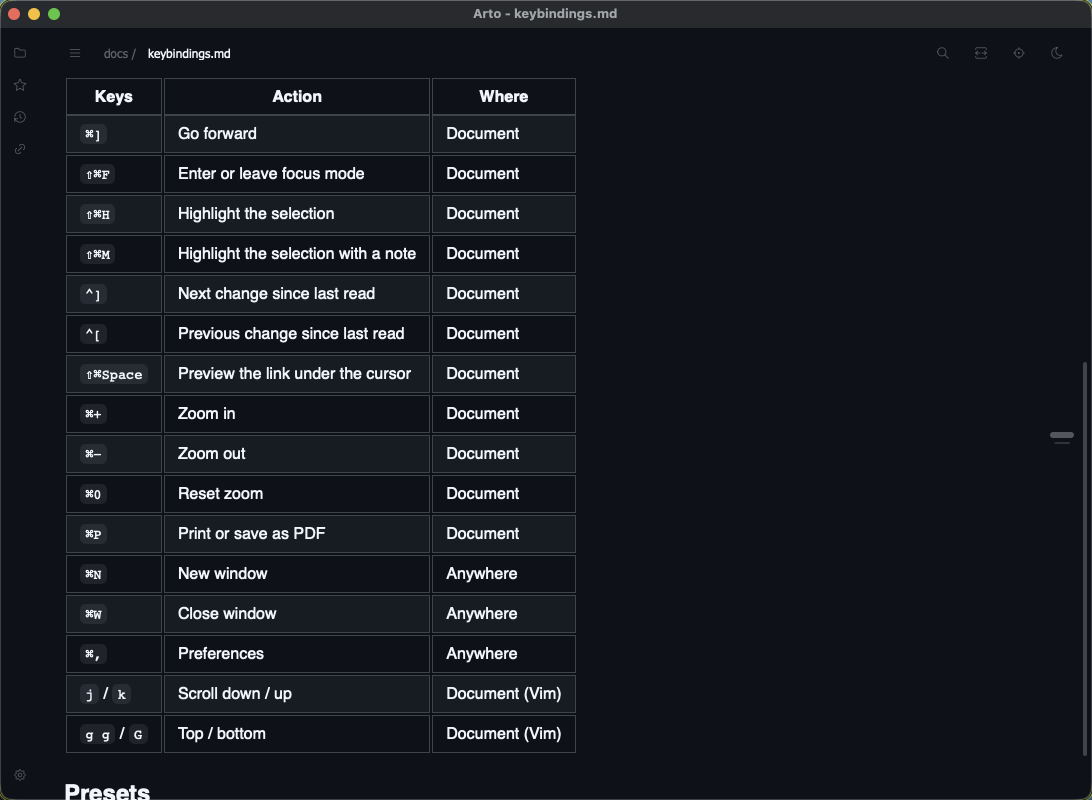
A table taller than the window pins its header row to the top while you read down it, and lets it go with the table's last row — so the columns stay named past the first screen.
Auto-reload
A file that changes on disk re-renders in place, so a document being edited elsewhere stays current without a keystroke.
Offline by construction
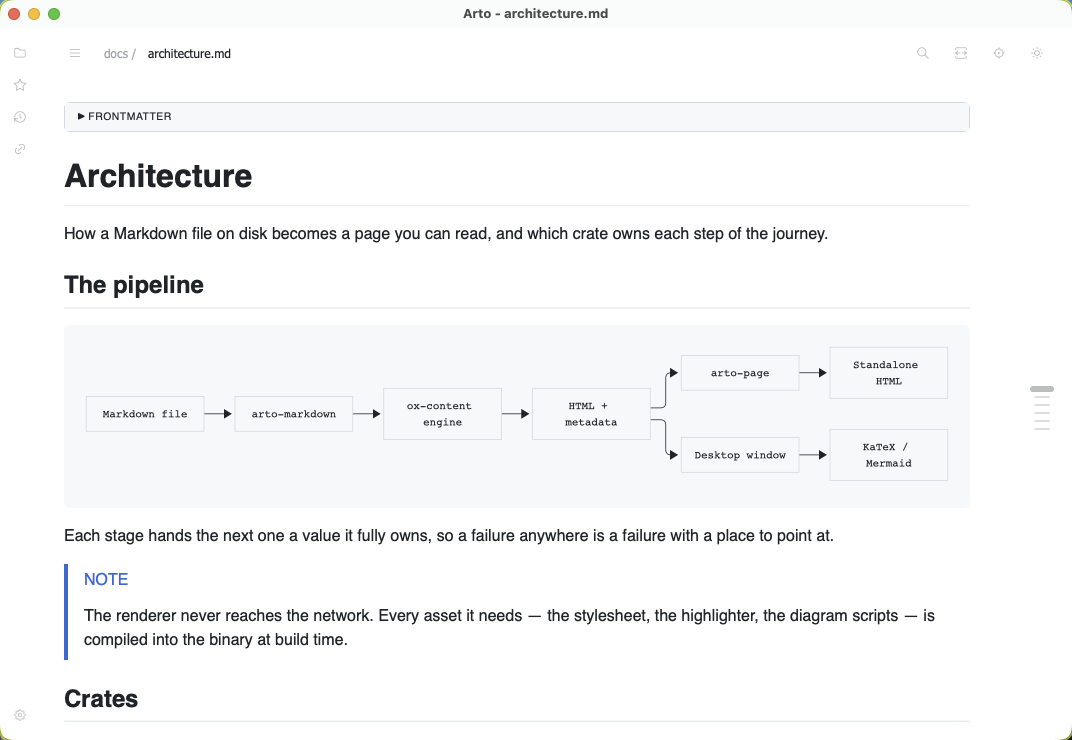
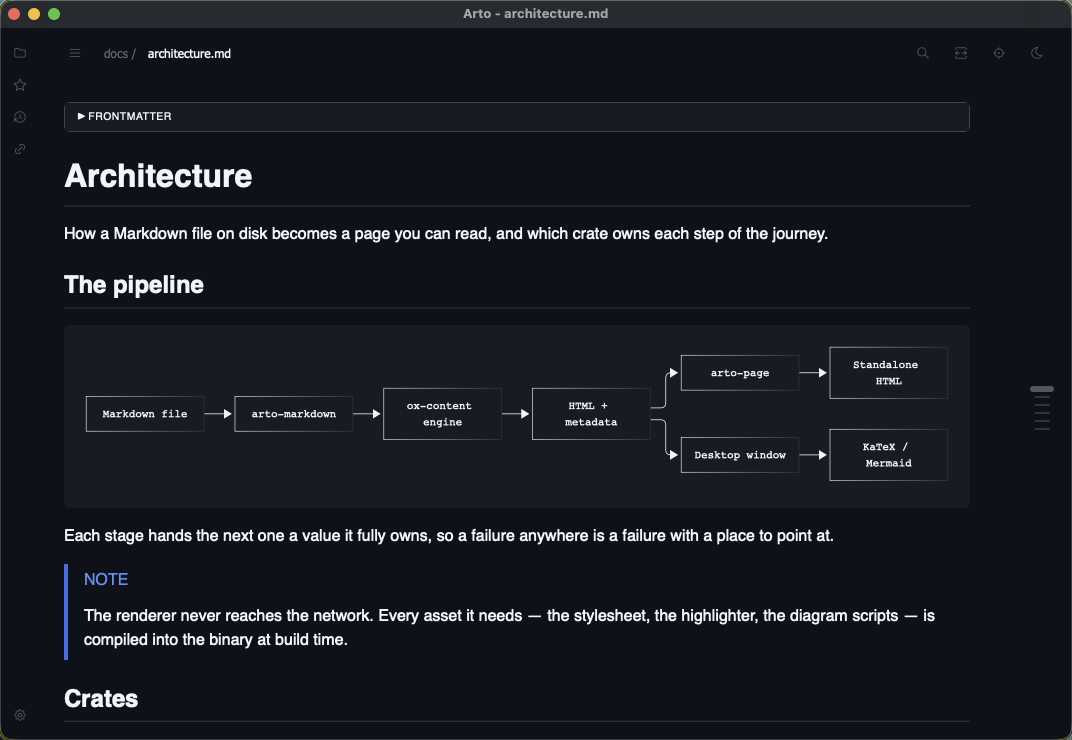
The stylesheet, the highlighter and the diagram and formula code are compiled into the binary. The renderer never reaches the network.
What the renderer reads
Markdown is a family of dialects, so the extensions are switches rather than assumptions: bare URLs as links, math, wiki links, superscript and subscript, definition lists, heading attributes and permalinks, smart punctuation, CJK emphasis, and whether raw HTML is filtered, passed through, or escaped so the markup itself shows. Filtered — the default — also takes out event handlers and javascript: links, not only the tags GitHub strips.
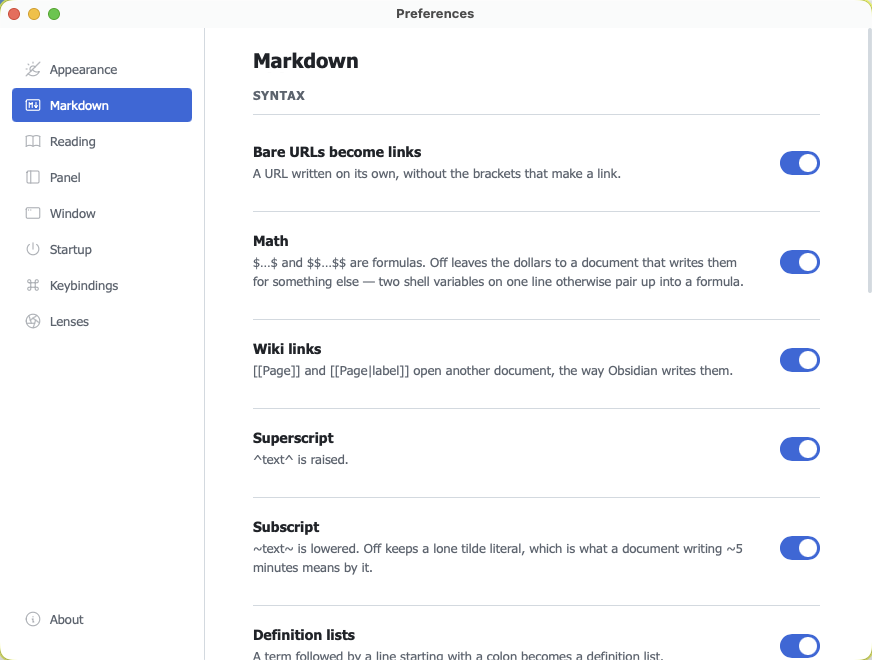
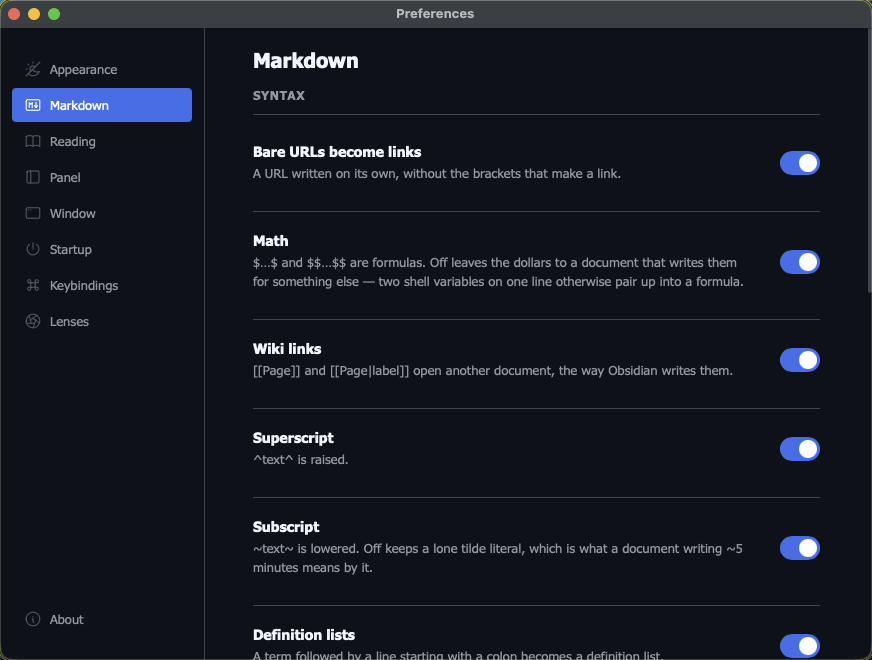
The reason to turn one off is usually a document that means something else by the same characters — math off leaves the dollars alone, so two shell variables on one line do not pair up into a formula; subscript off keeps a lone tilde literal, which is what ~5 minutes means by it.
Reading closely
For the documents you read more than once — the plan an agent keeps rewriting, the spec you are working through.
What changed since you last read it
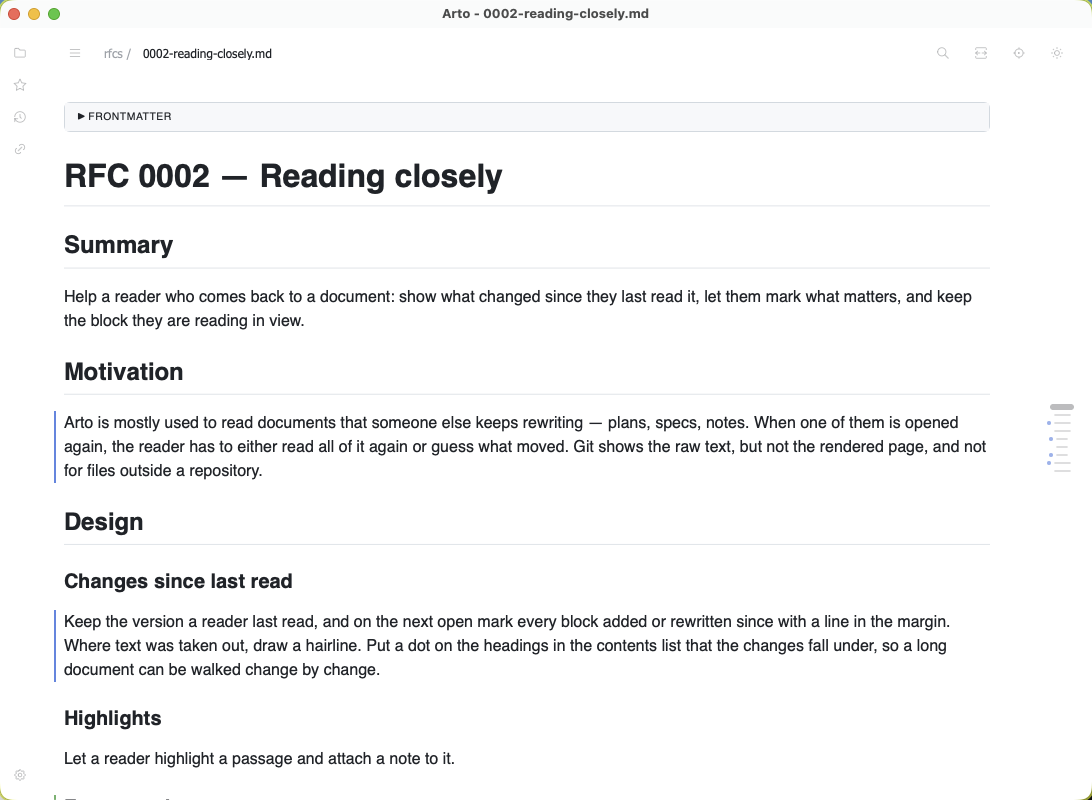
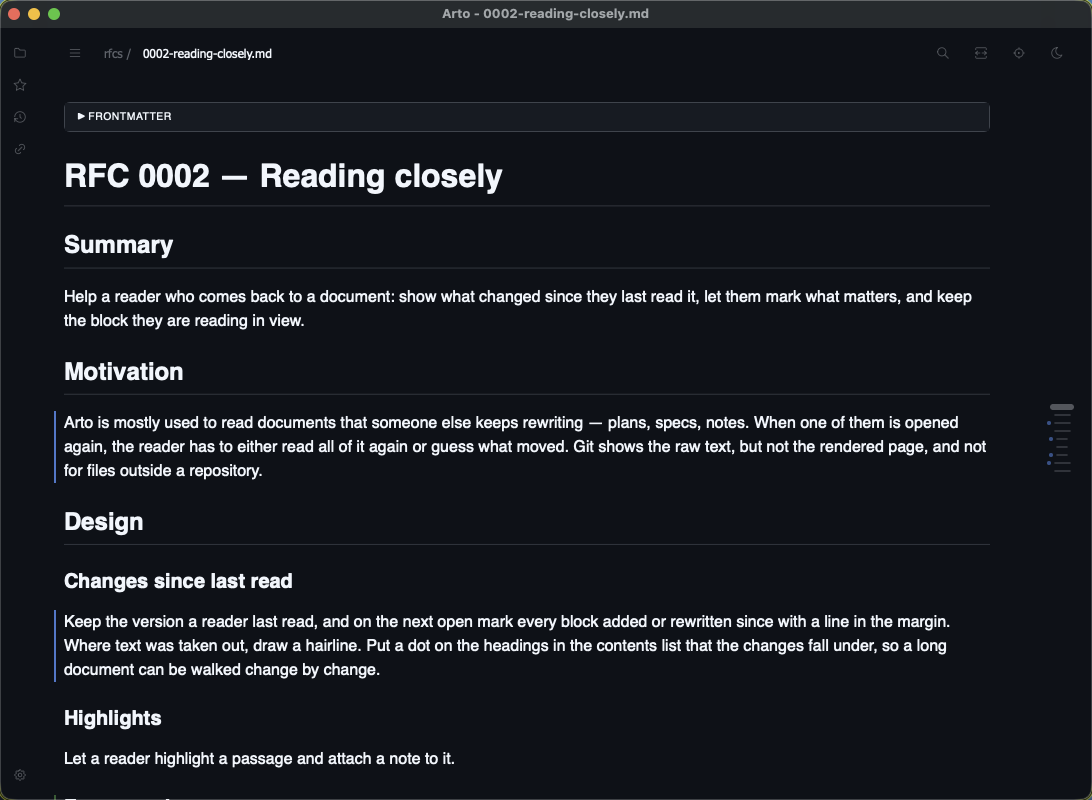
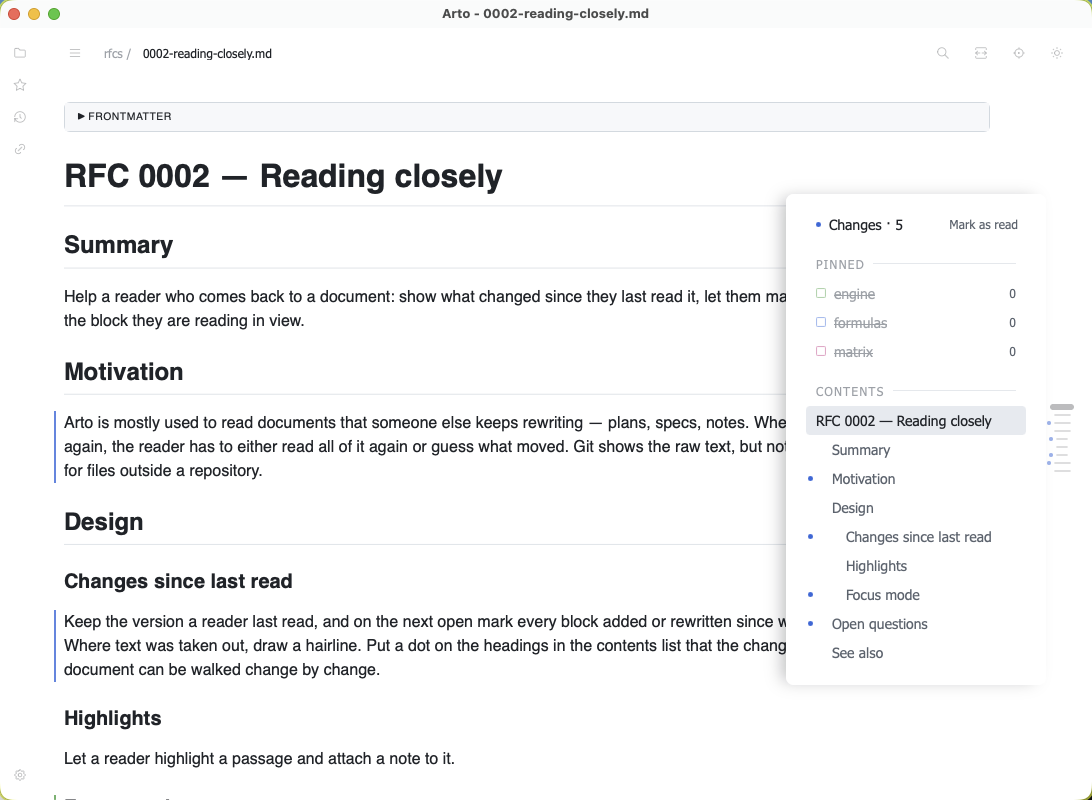
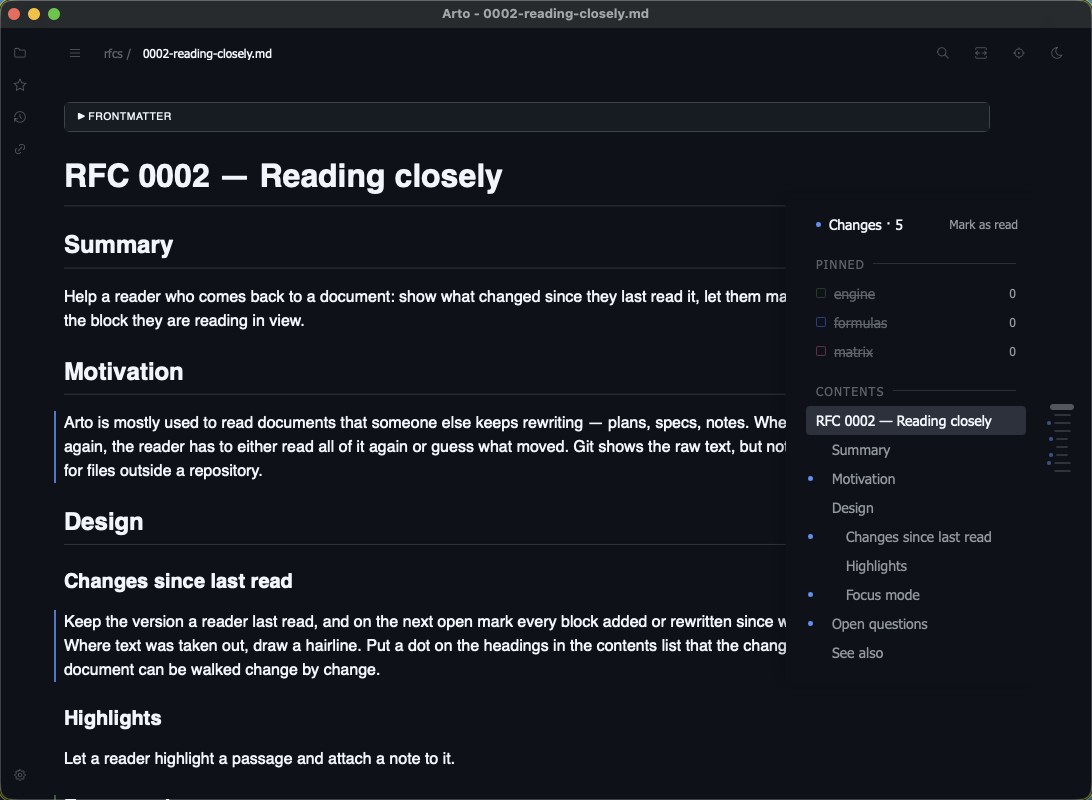
Arto keeps the version of a document you last read, and on the next open marks what moved since: a line in the margin beside each block added or rewritten, a hairline where text was taken out, and a dot on the headings in the contents list those changes fall under. Hovering a mark says how long ago that version was read.
⌃] and ⌃[ step from change to change, and Mark as Read clears them and takes the page as it is now. Whitespace-only edits are left unmarked unless you ask for them.
Highlights and notes
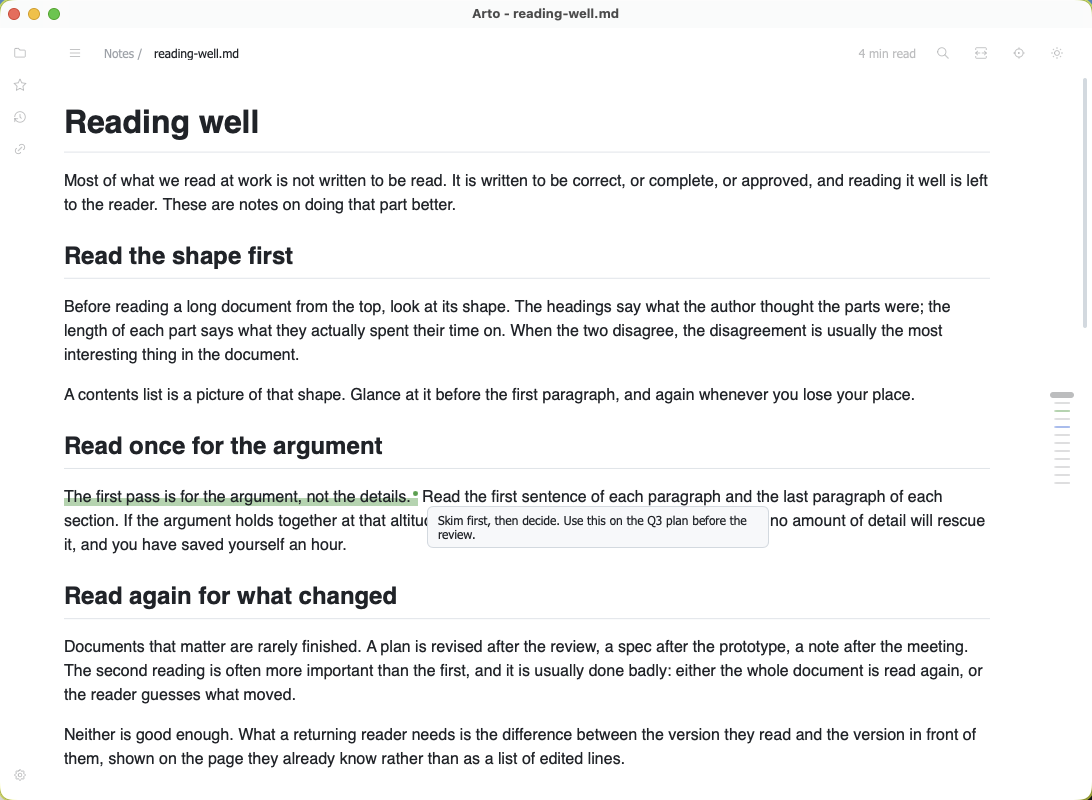
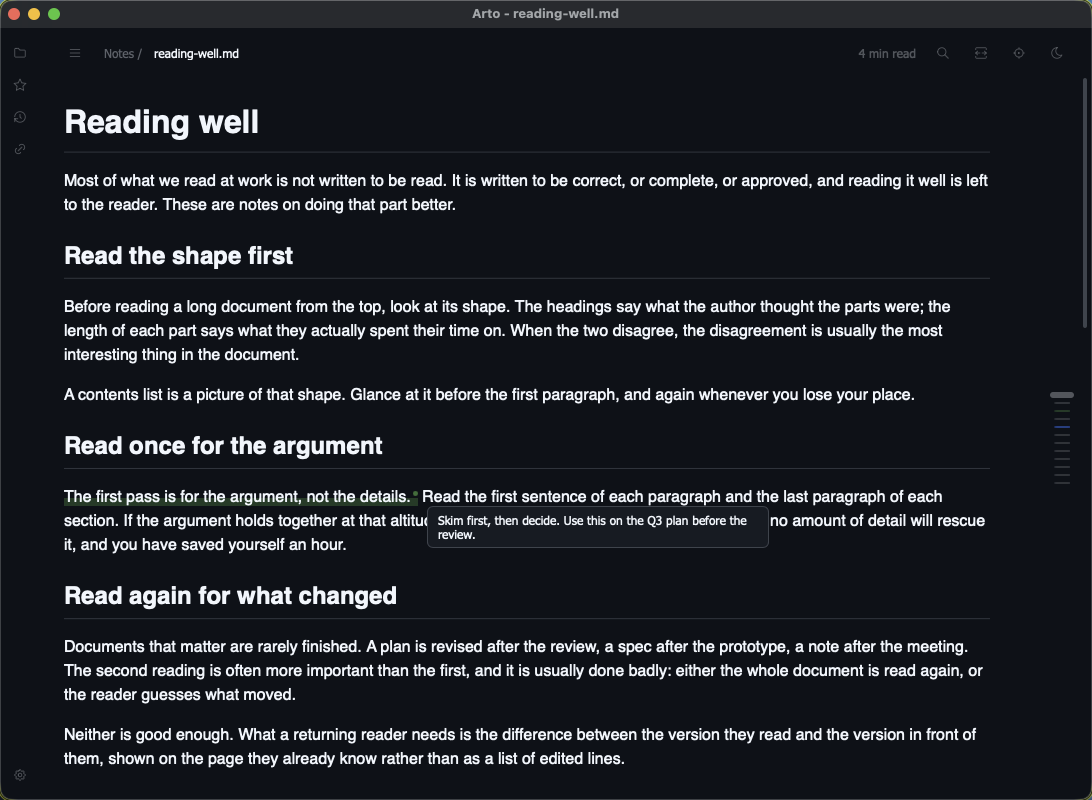
Select a passage and highlight it from the context menu, in a colour of your choosing, or with ⇧⌘H in the colour you used last. ⇧⌘M highlights it and opens a note beside it at once. A highlight with a note ends in a small dot that shows the note on hover, and every highlight is listed in the contents under its quote.
A highlight is found again by its words rather than by where it was, so it survives edits above it in the file; if its text is gone, Arto says so instead of marking the wrong place.
Previews on hover
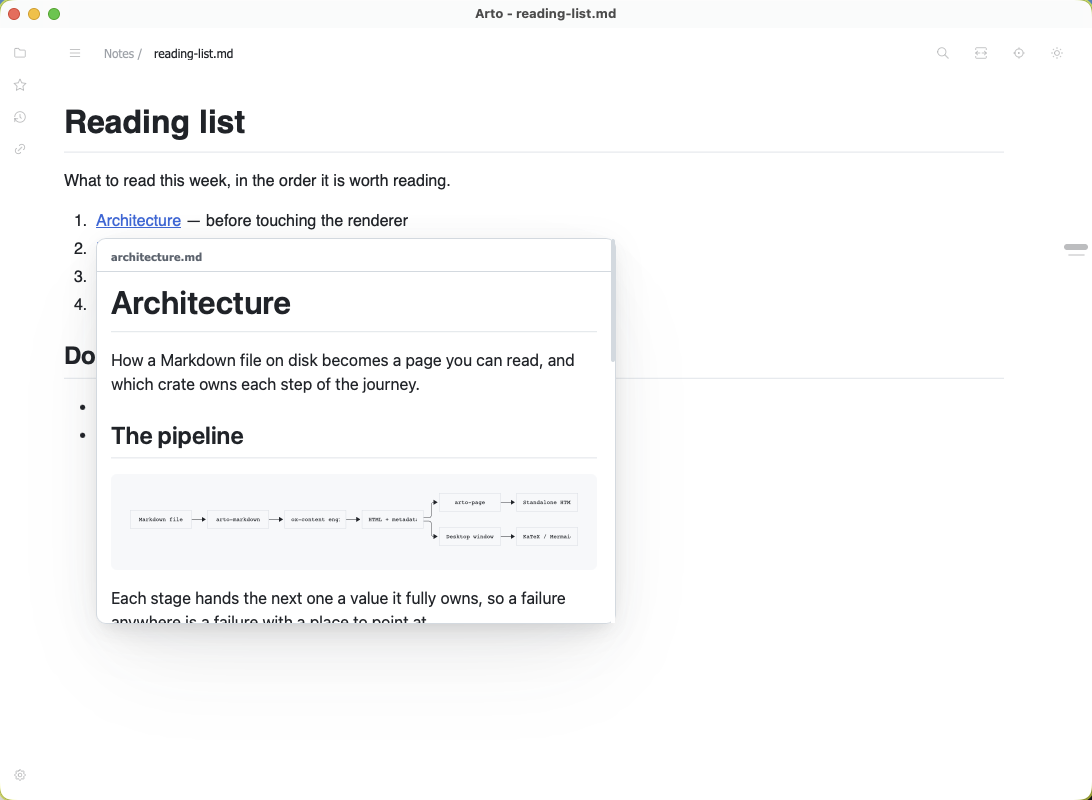
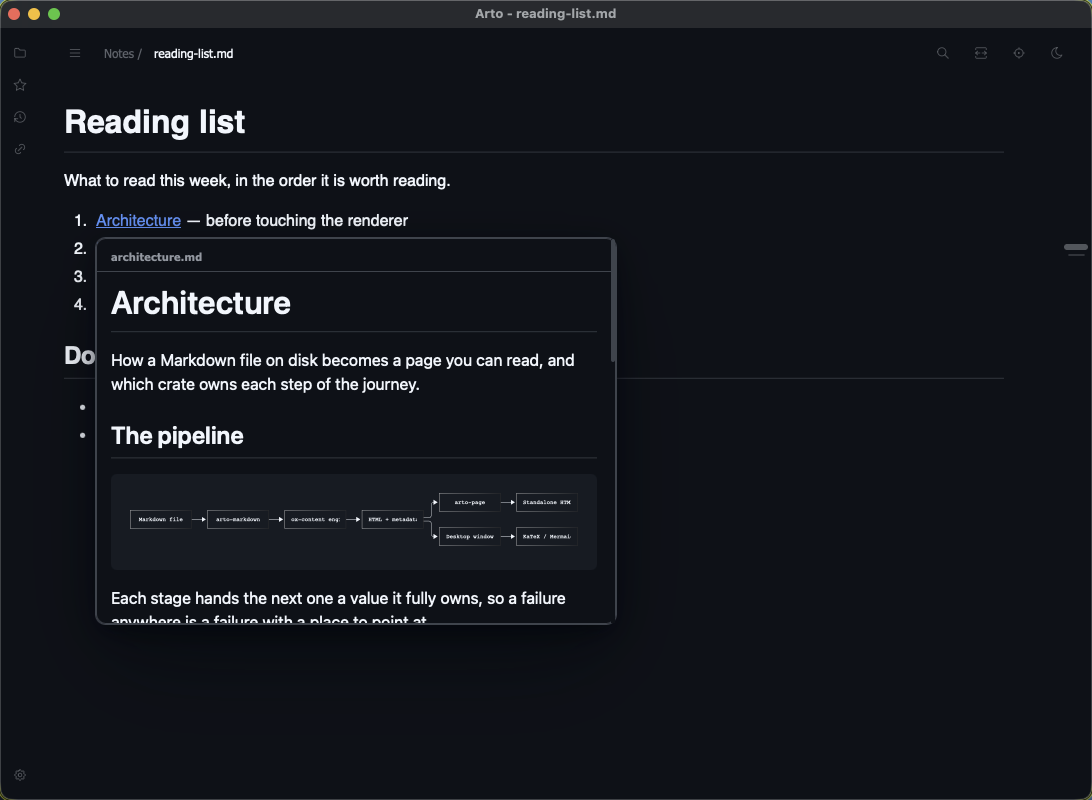
Rest the pointer on a footnote reference and the note appears beside it; on a link to a heading, that section; on a link to another document, its opening or the section it names — formulas and diagrams drawn. A click still follows the link. ⇧⌘Space shows the same card for the link under the keyboard cursor.
Focus mode
⇧⌘F folds the header away, puts the panel and the gutter aside, and dims every block but the one in the middle of the window. The wheel scrolls freely; the keys that scroll a line — ↓ and ↑, or j and k in Vim's preset — step a block at a time instead. A click on the page, or Esc, brings everything back as it was.
Reading time
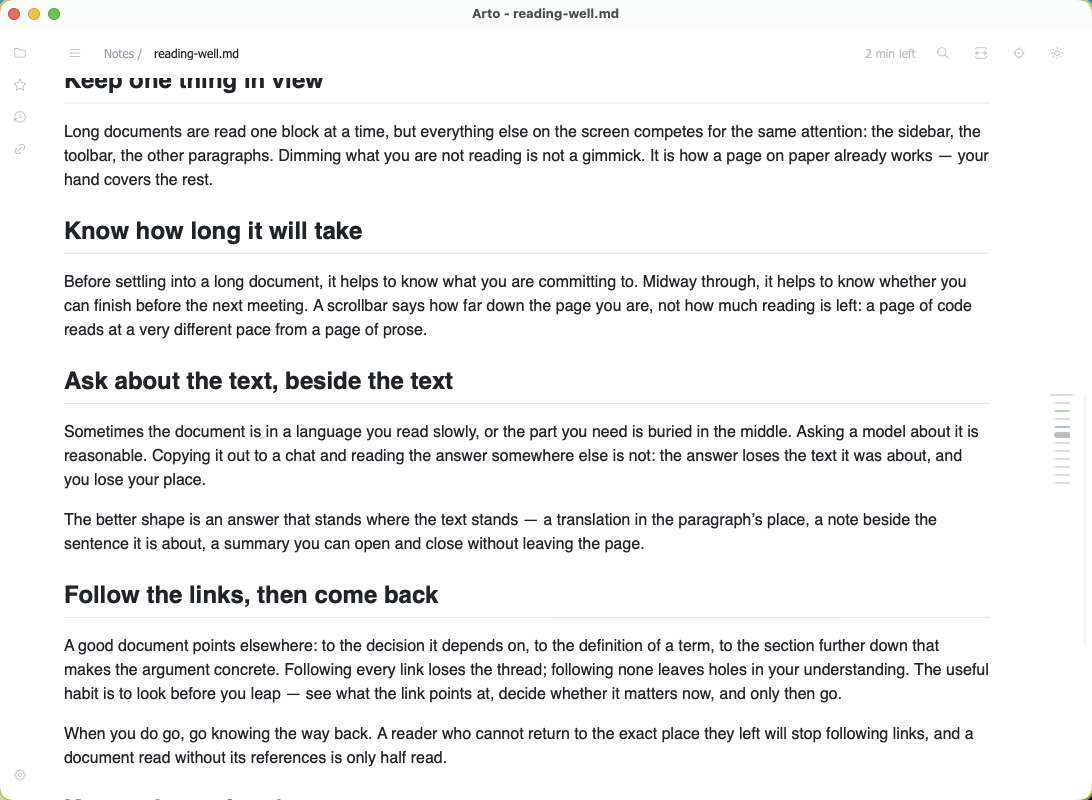
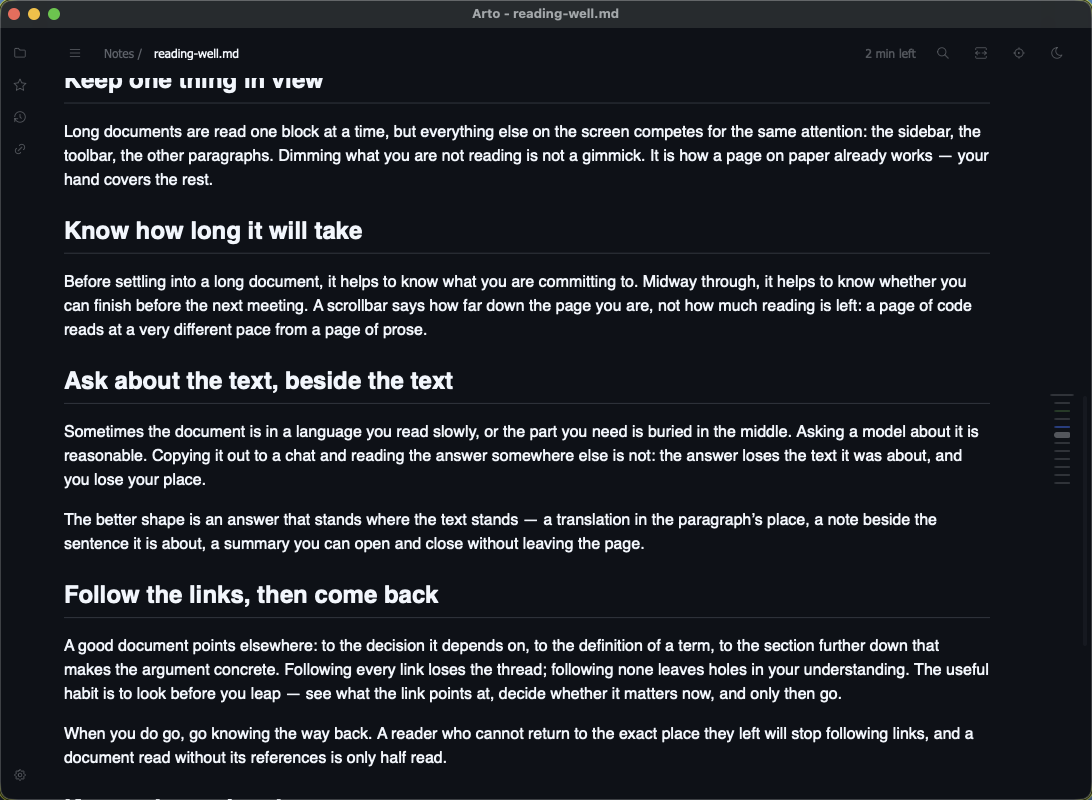
The header says how long a document takes to read, and once you start scrolling, how long is left from where you are. It counts what each block asks of you — words, CJK characters, lines of code, figures — rather than the length of the file, and stays out of the way on anything shorter than a few minutes.


Type set to your taste
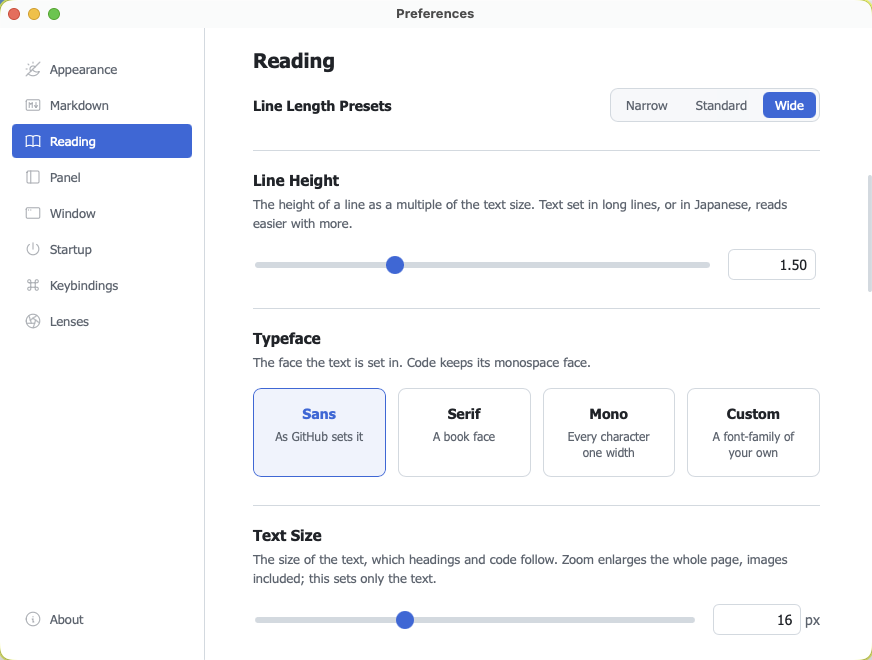
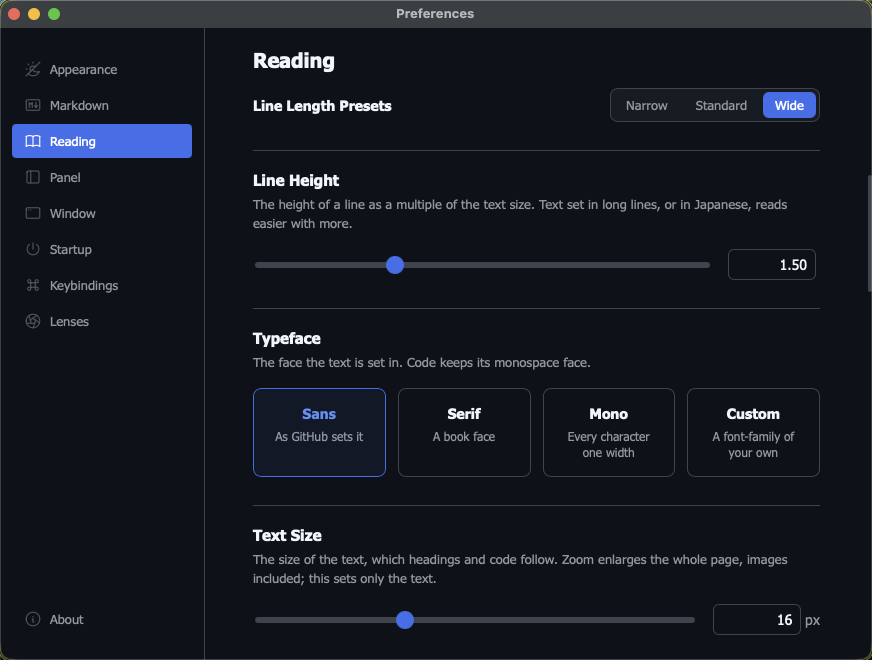
The Reading pane sets the measure, the line height, the typeface — sans, serif, monospace or a family of your own — and the text size. The measure is in em rather than characters, so it holds the same line whether the document is in English or Japanese.
One Han character takes a different glyph in a Japanese, Chinese or Korean face, so the CJK font language says whose faces to draw them in — for Japanese documents on an English system, say. Left on Auto, the system decides, as it does on GitHub. arto page and Quick Look set the text the same way.
Getting around
The welcome page, the panel, the gutter beside the text, and the links in the document itself.
The welcome page
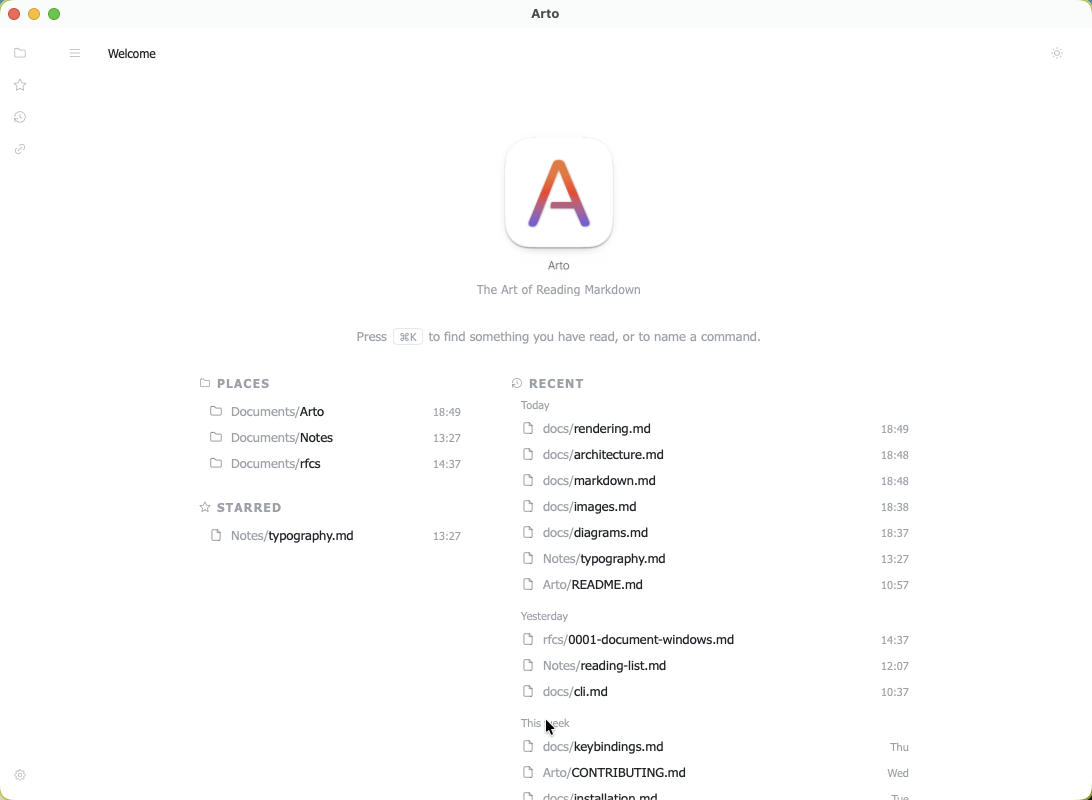
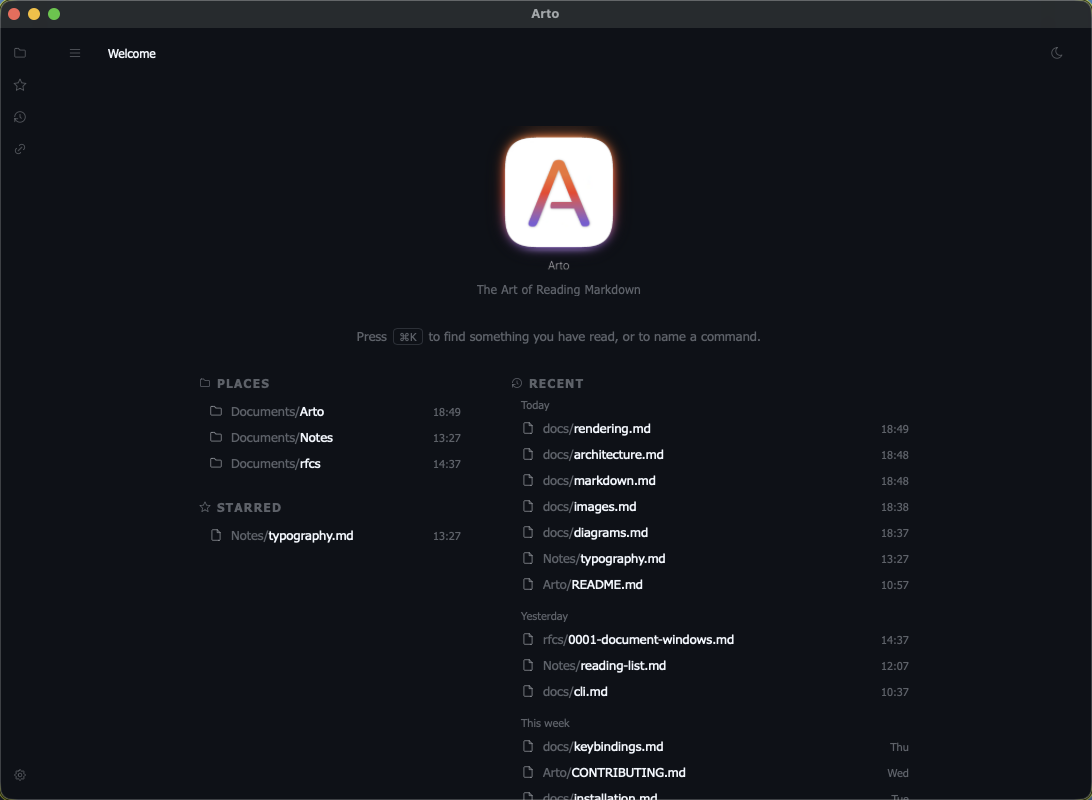
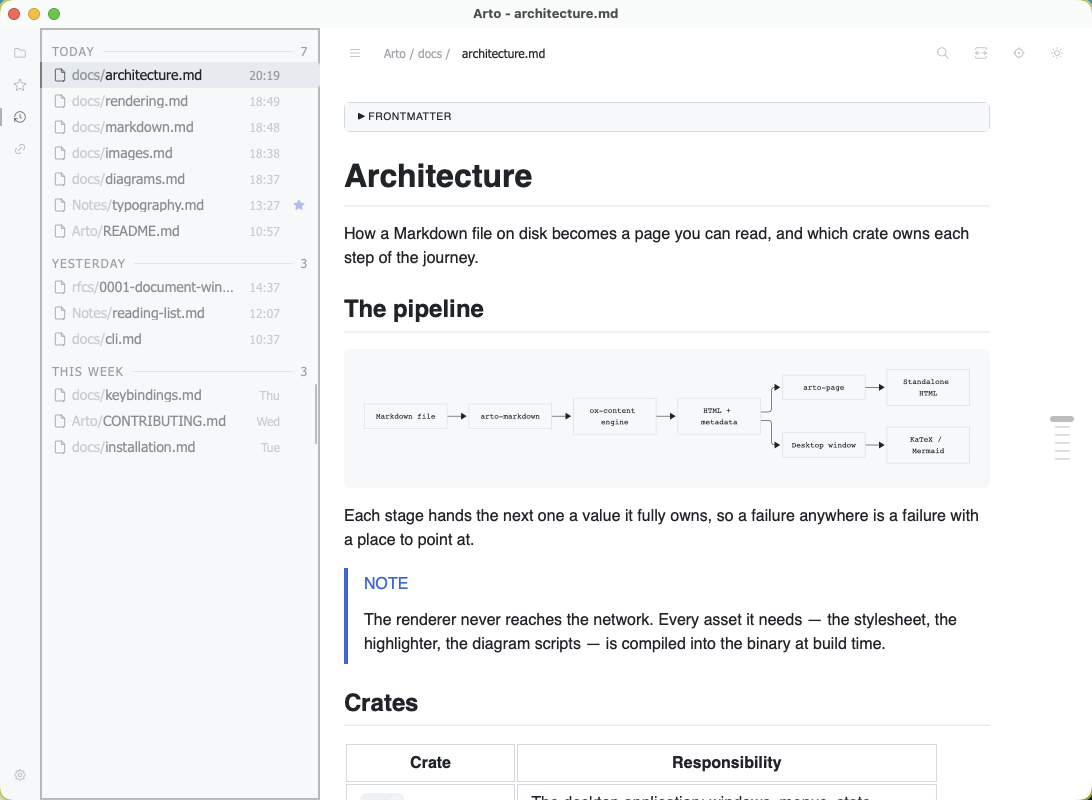
What a window shows with nothing open: the folders you have starred, the documents you have starred, and what you have read, grouped under today, yesterday and this week. Its field narrows all three at once.
One panel, many faces
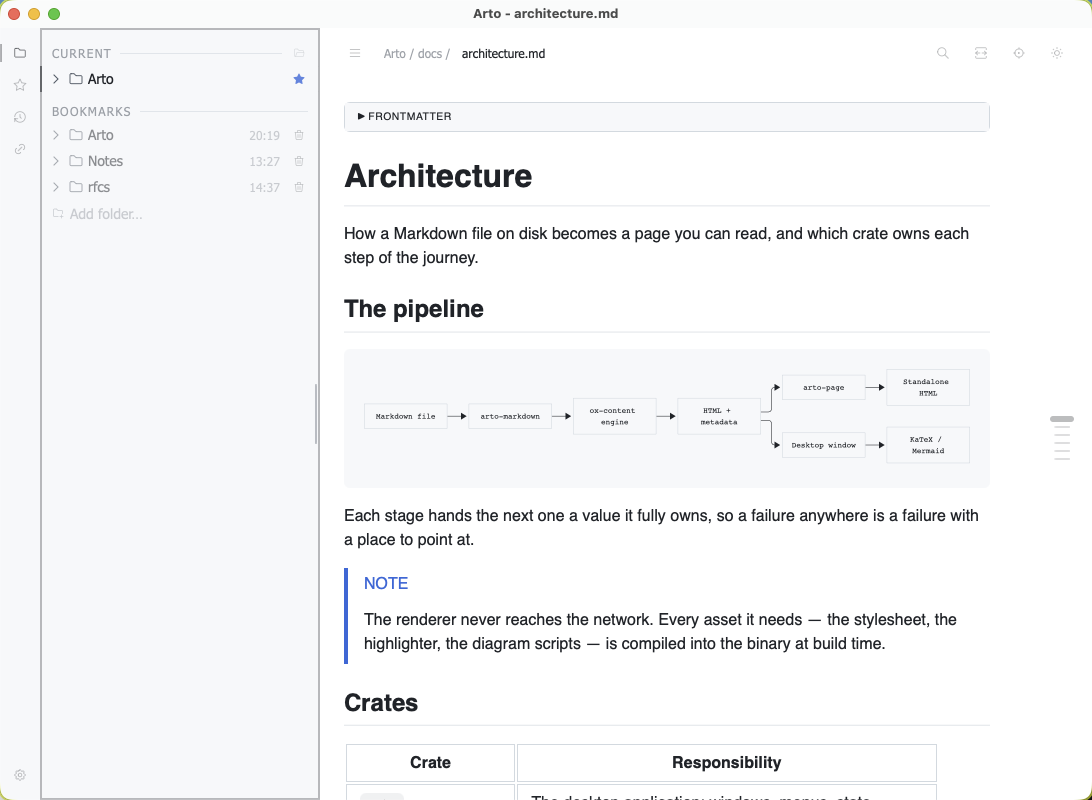
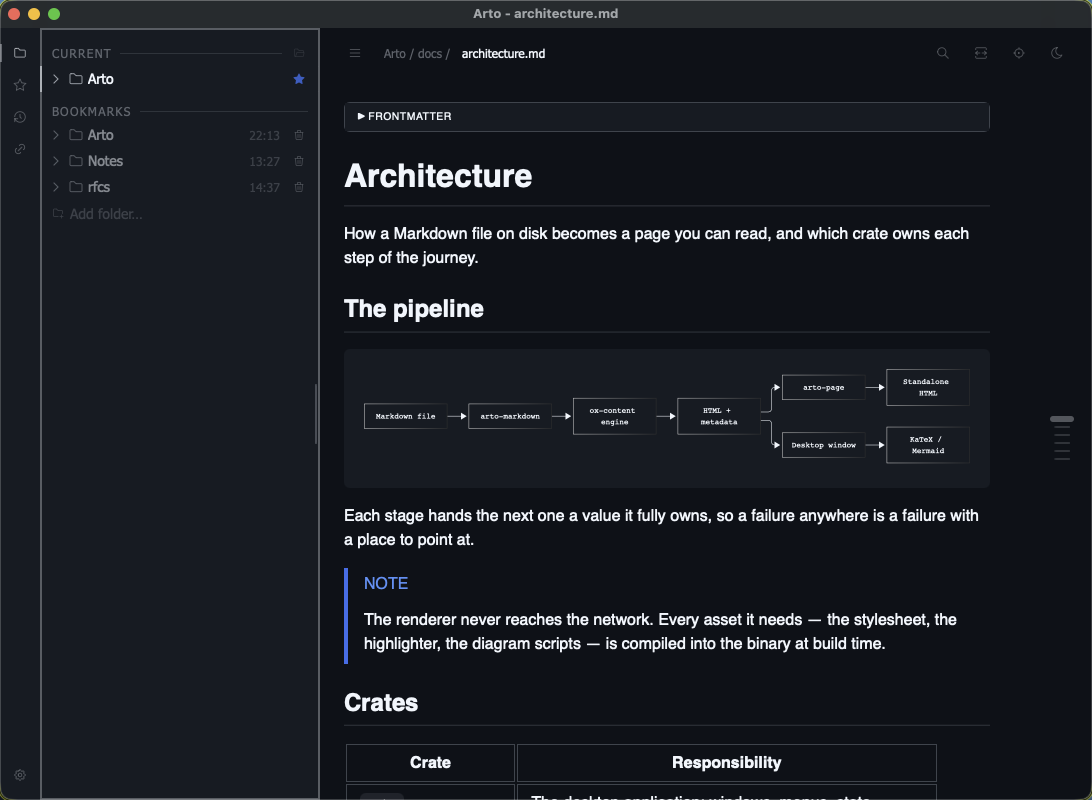
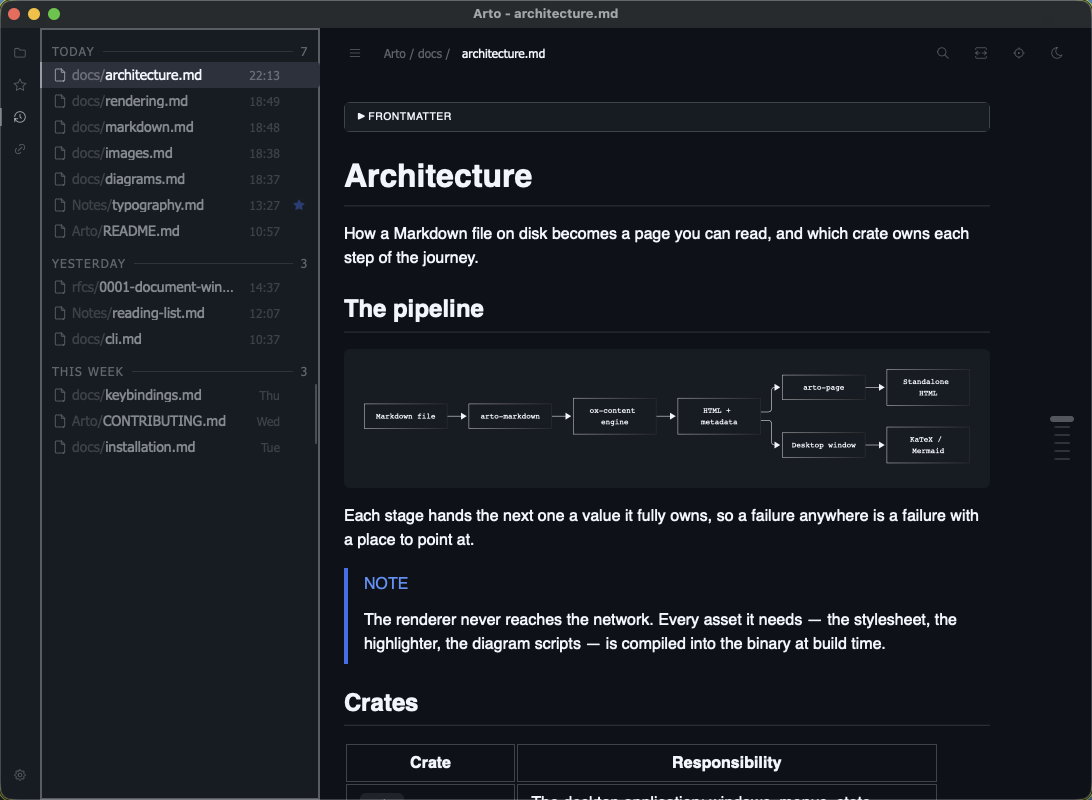
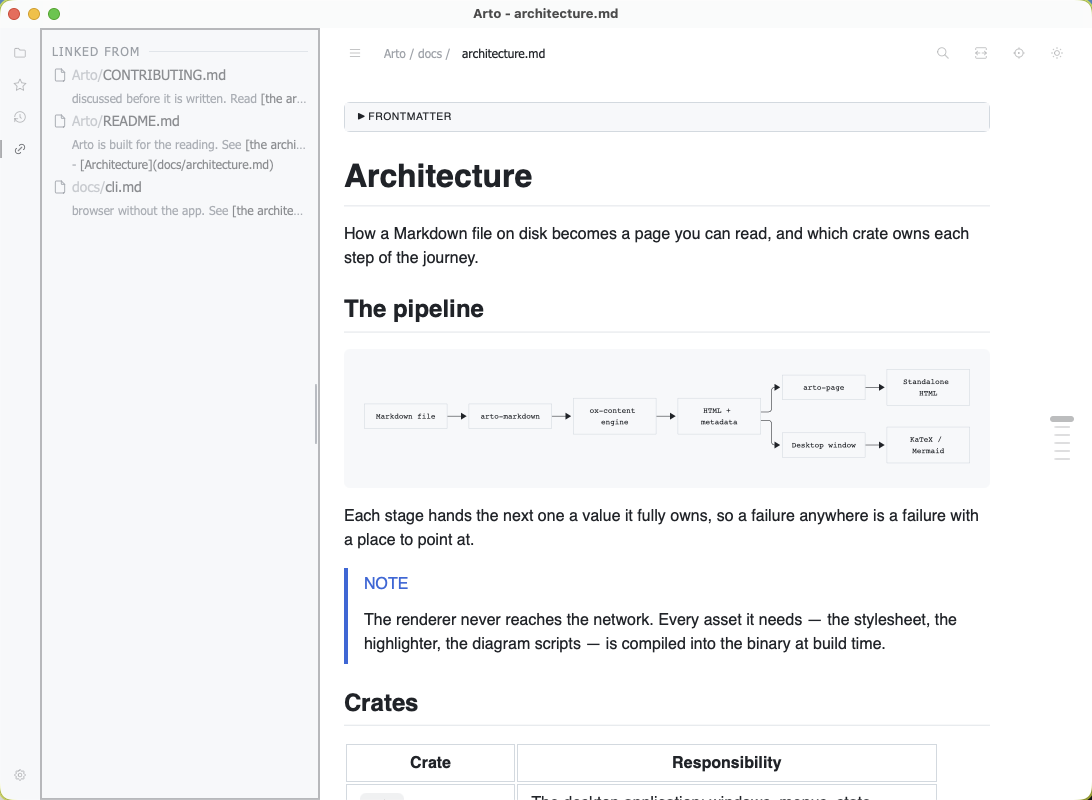
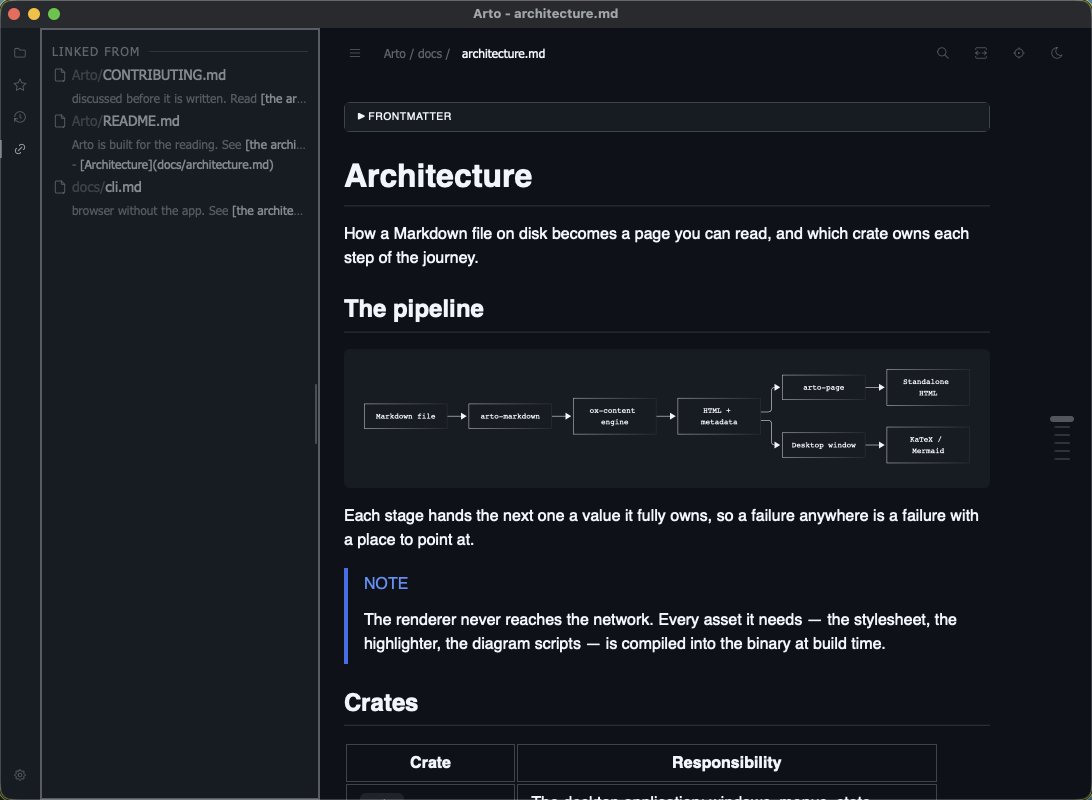
A file explorer, the reading history, your bookmarks and the documents linking to this one are faces of one panel rather than separate panels, a rail beside it switching between them. It reveals on hover and can be pinned open.
Several roots at once
The explorer holds more than one folder, so the project you are reading and the notes you are reading it against sit in the same tree. Folders you keep returning to are bookmarked below the one you are in.
The reading history
Everything you have opened, newest first, under the day you opened it — which is why closing a window loses nothing.
What links here
⌘4 turns the panel to Links: every document under the folder you are in that links to the one on screen, each with the lines that do. Relative paths, wiki links and percent-encoded names are resolved the way a click resolves them, so the list is exactly the links that would bring you here.
The gutter
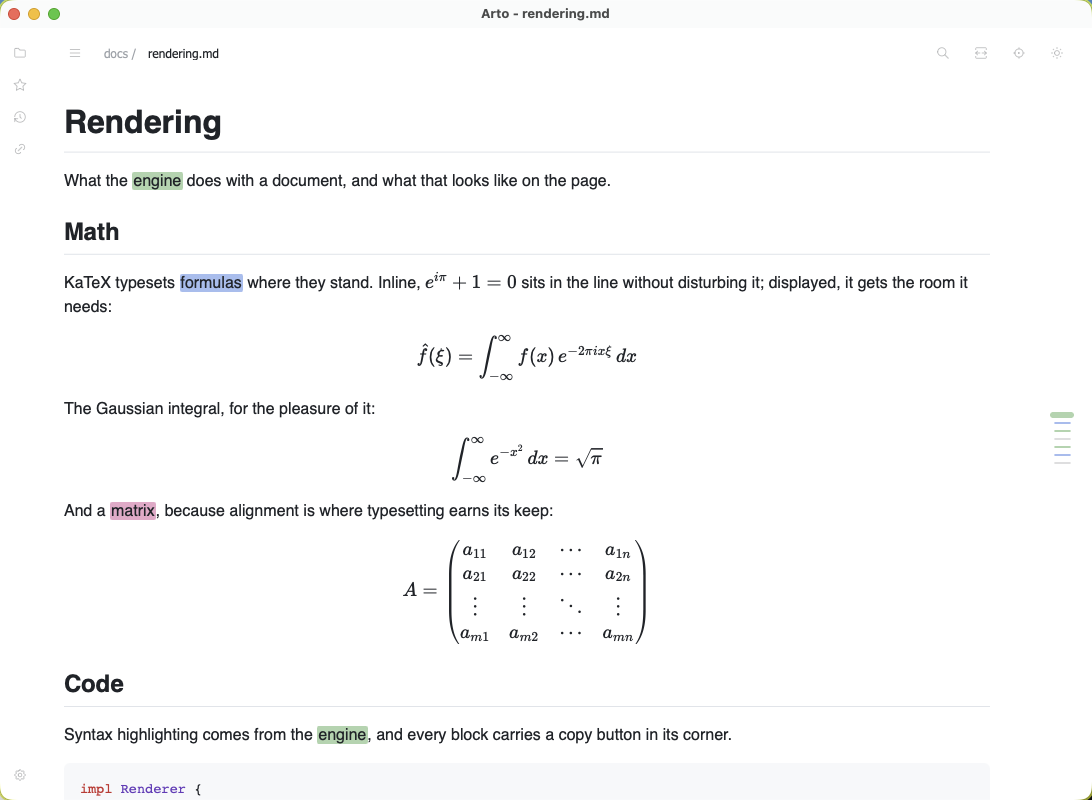
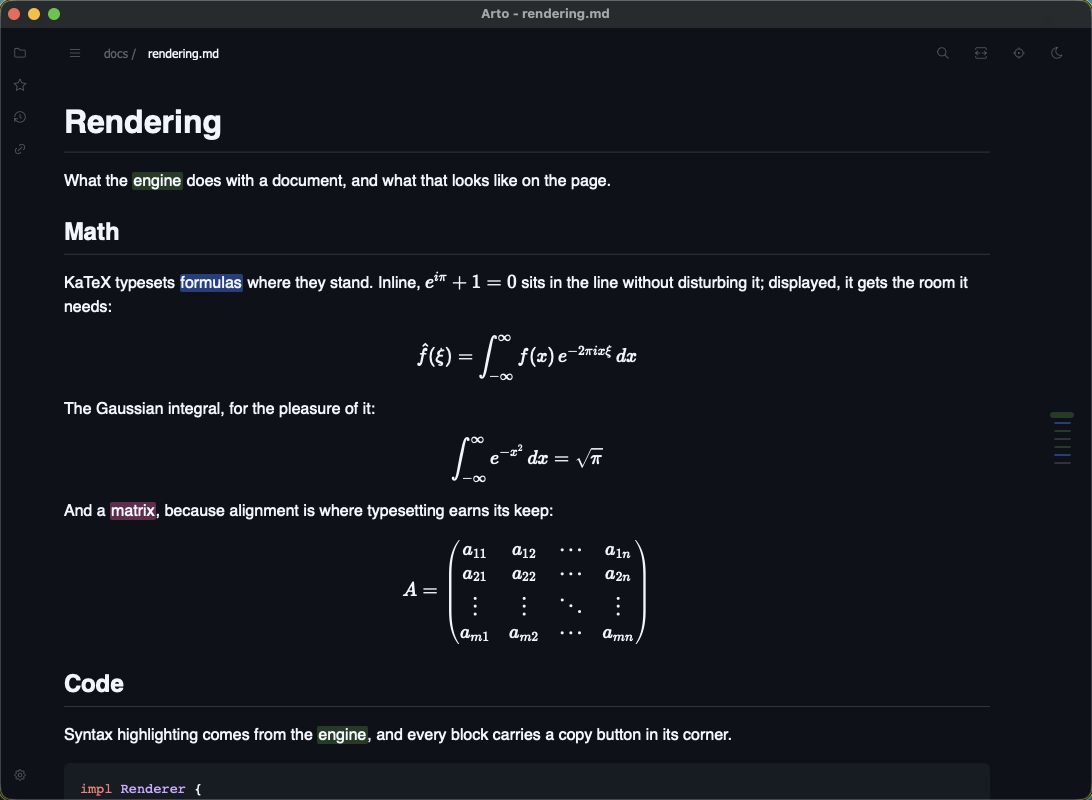
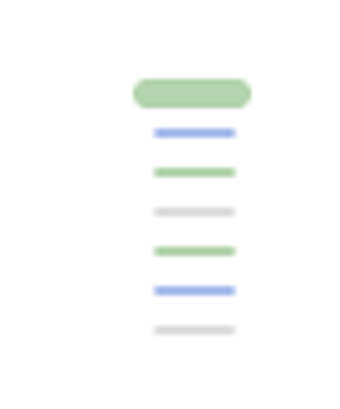
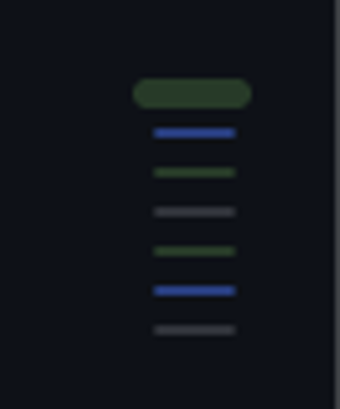
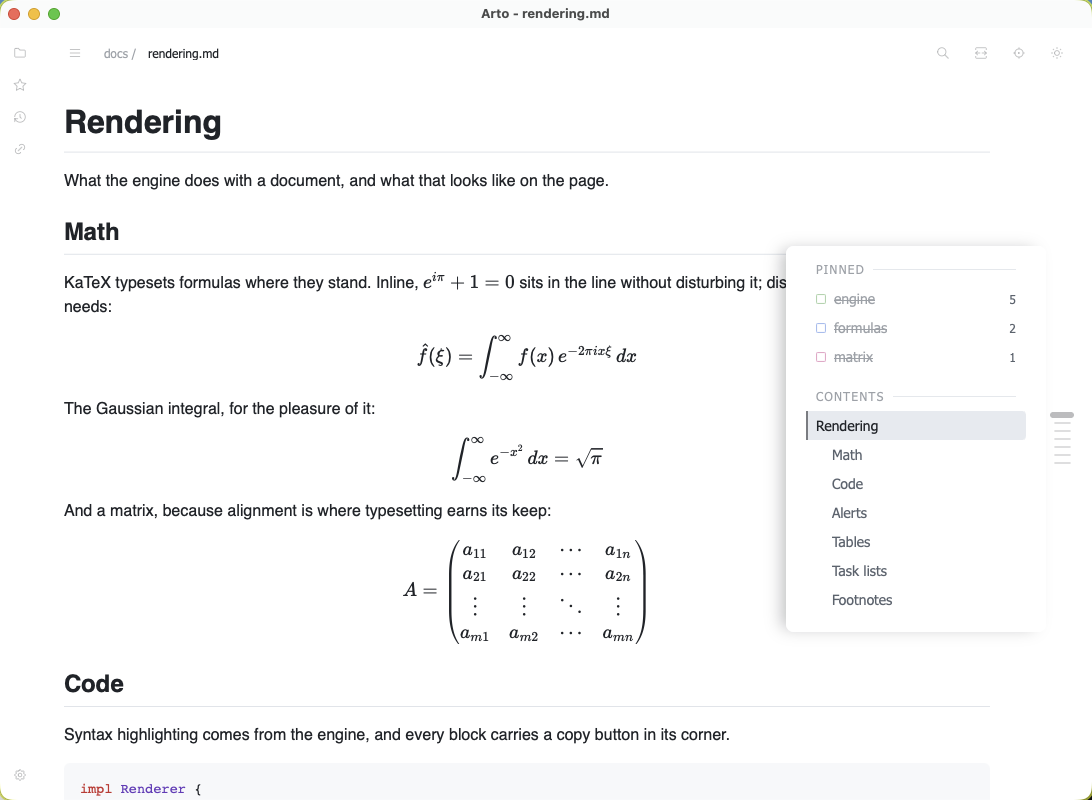
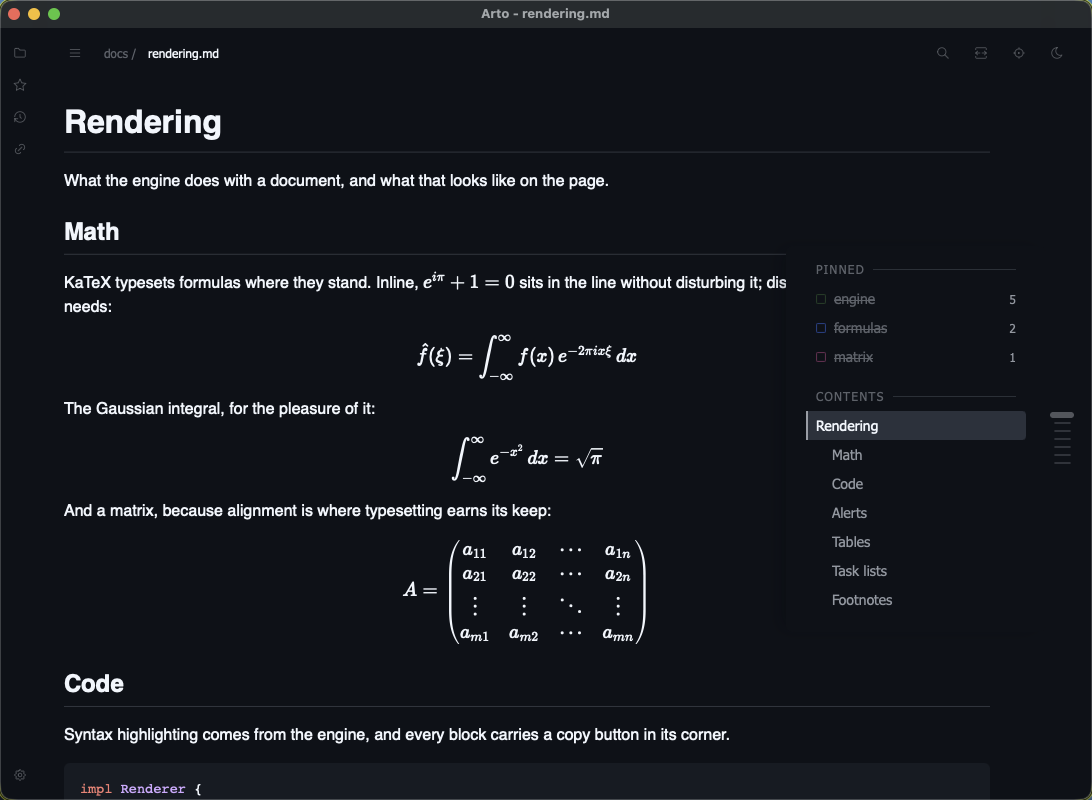
A ruler stands in the page's own margin and marks every heading. It is set against the text rather than against the window, so it reads as a note beside the document rather than as chrome around it — you can see it at the right-hand edge of almost every screenshot on this page.
Each mark says three things with three devices, one each: its width is the heading's depth, its colour is a pinned search, and its thickness is where you are. The gutter is given up only when the window is too narrow to afford it.
The contents list
⌘J opens the same gutter into a list of headings you can walk with the arrow keys and confirm with Return. The list is the ruler named rather than a second map of the document — and where a window is too narrow for the ruler, the list is still there.
Links between documents
A relative link opens the document it names, and a fragment scrolls to the heading it points at. ⌘[ and ⌘] move back and forward across the trail, and so do the side buttons of a mouse that has them.
Where you left off
Reopening a document puts you back at the place you stopped reading, not at the top.
Finding
One palette over everything, and a find that marks where the matches fall.
The command palette
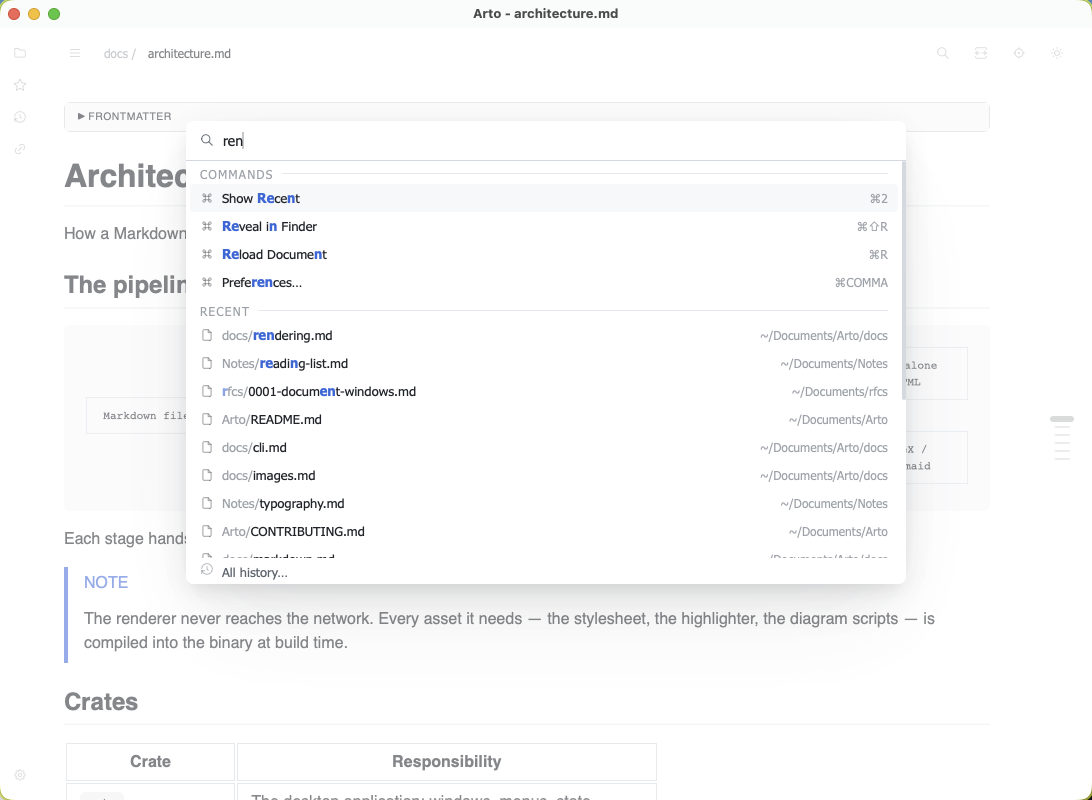
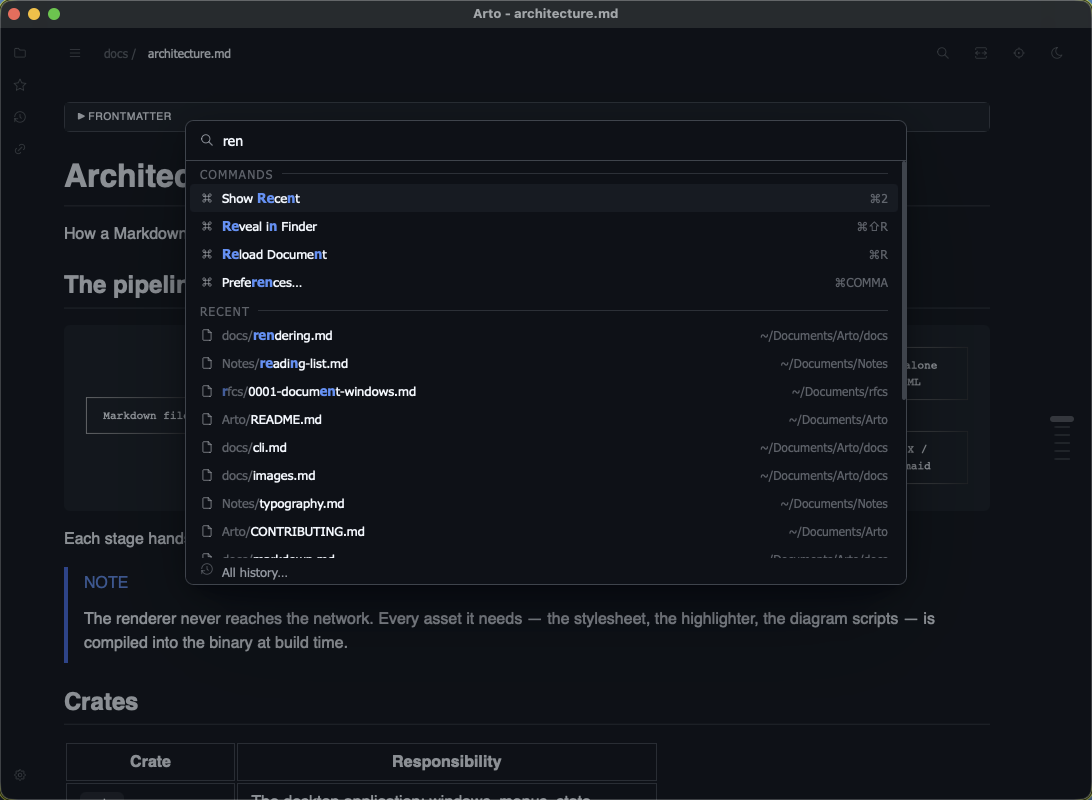
⌘K fuzzy-matches one query against the files under the folder you are in, what you have read, what you have kept, and every command by name — the way fzf finds a file, in a single list. A command found by name shows the keystroke that runs it, so the palette teaches the keyboard rather than replacing it.
The document already on screen is left out — it is the one place you cannot go — so with nothing typed, the first row is the one you read before it, and ⌘K Return takes you back.
Find in page
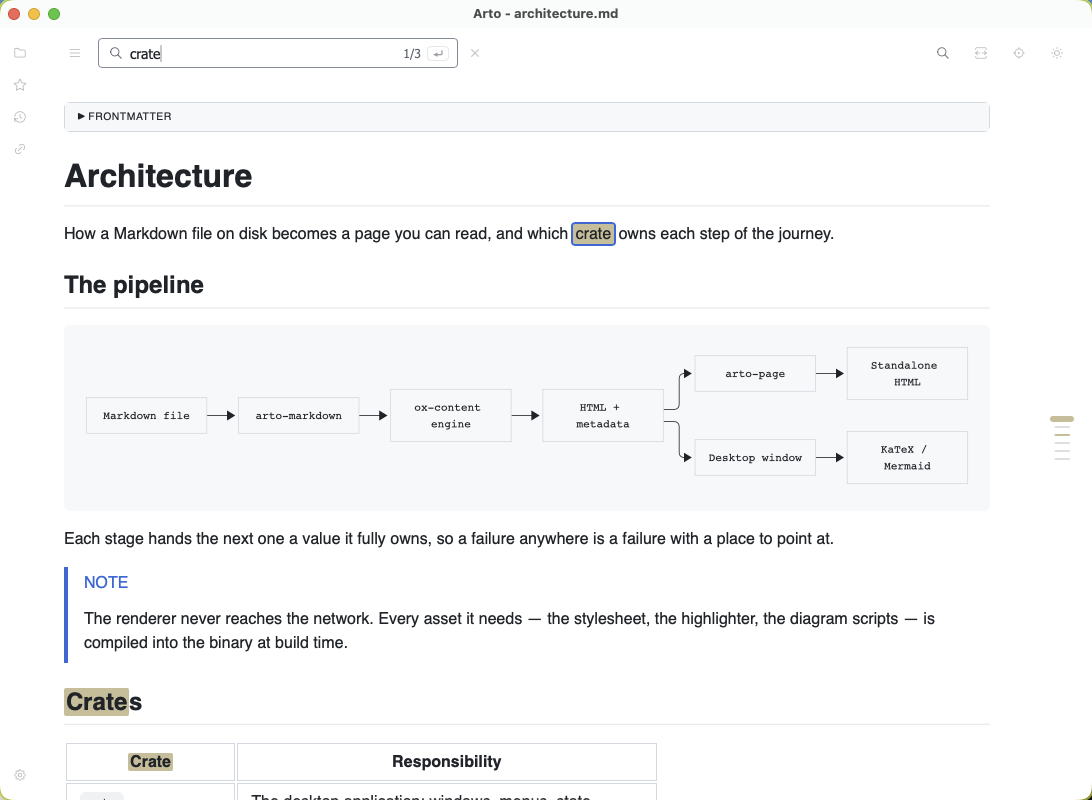
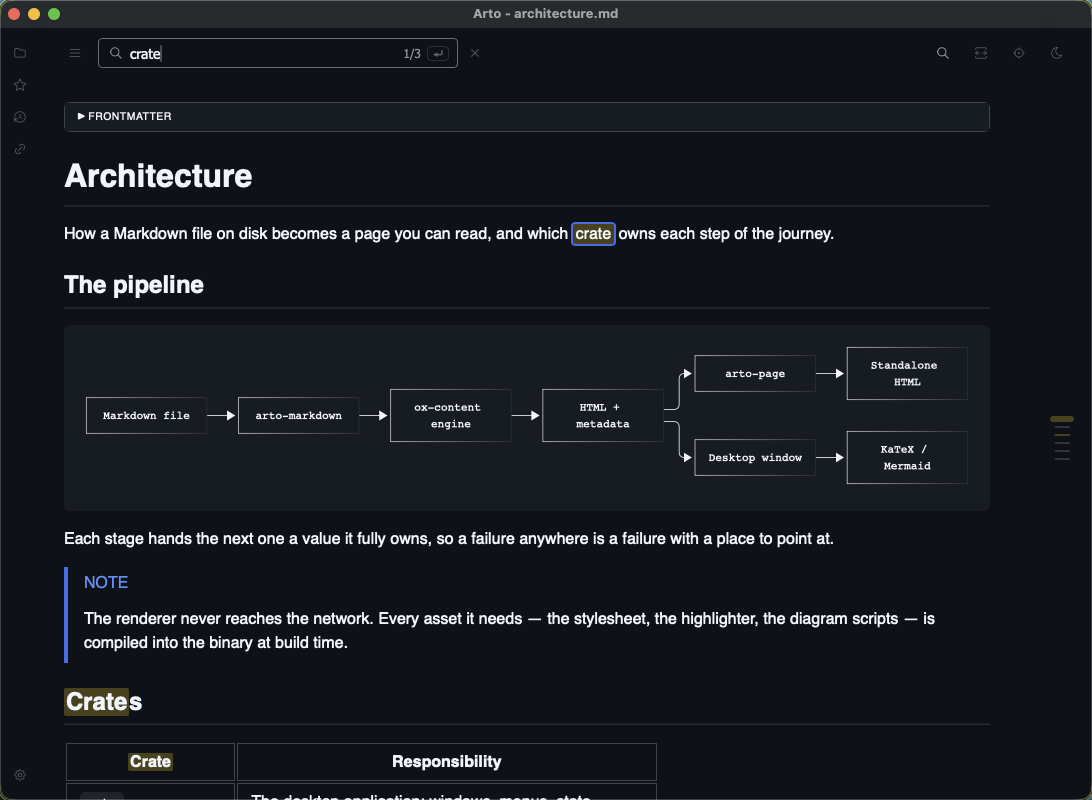
⌘F puts the field in the row the document's name is in, so nothing moves and nothing is covered — the name steps aside while a search is on and comes back when it ends. The count and what Return would do are inside the field, because both are about what was typed.
Pinned searches
Return keeps what you typed. It stops being the temporary highlight of a search in progress and becomes one of the document's own marks — a colour of its own among green, blue, pink, orange and purple, repeated in the gutter where that colour already belongs, and kept across sessions and across windows.
Windows
One document to a window, and child windows for the things inside it.
A window is a document
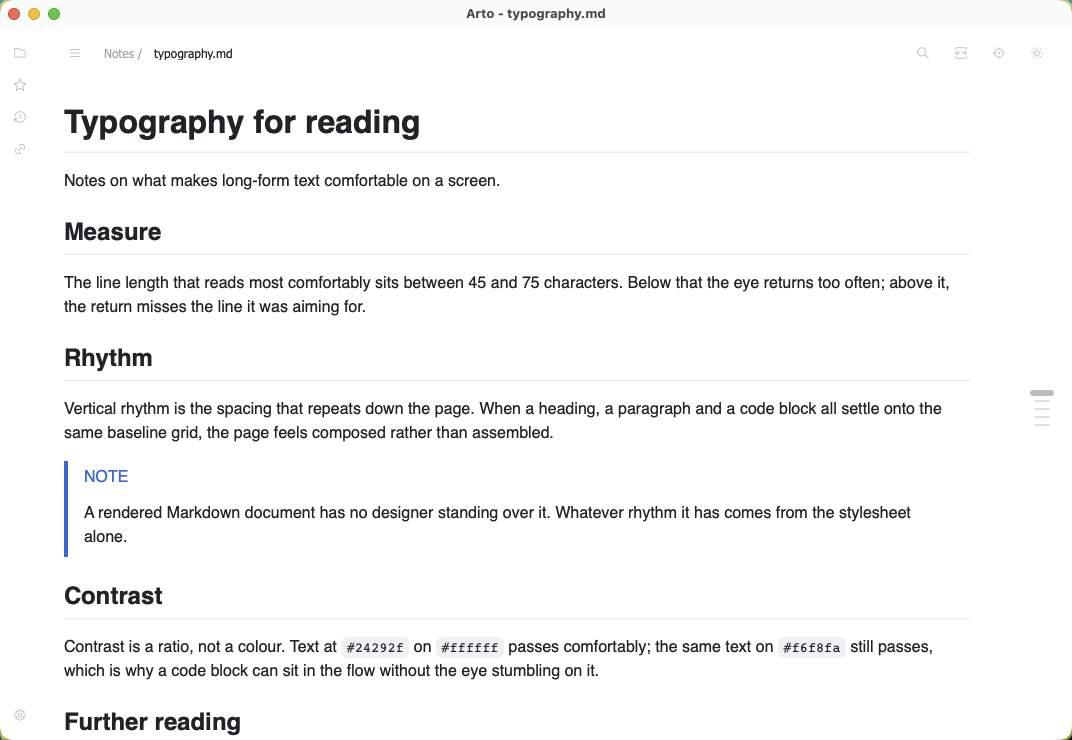
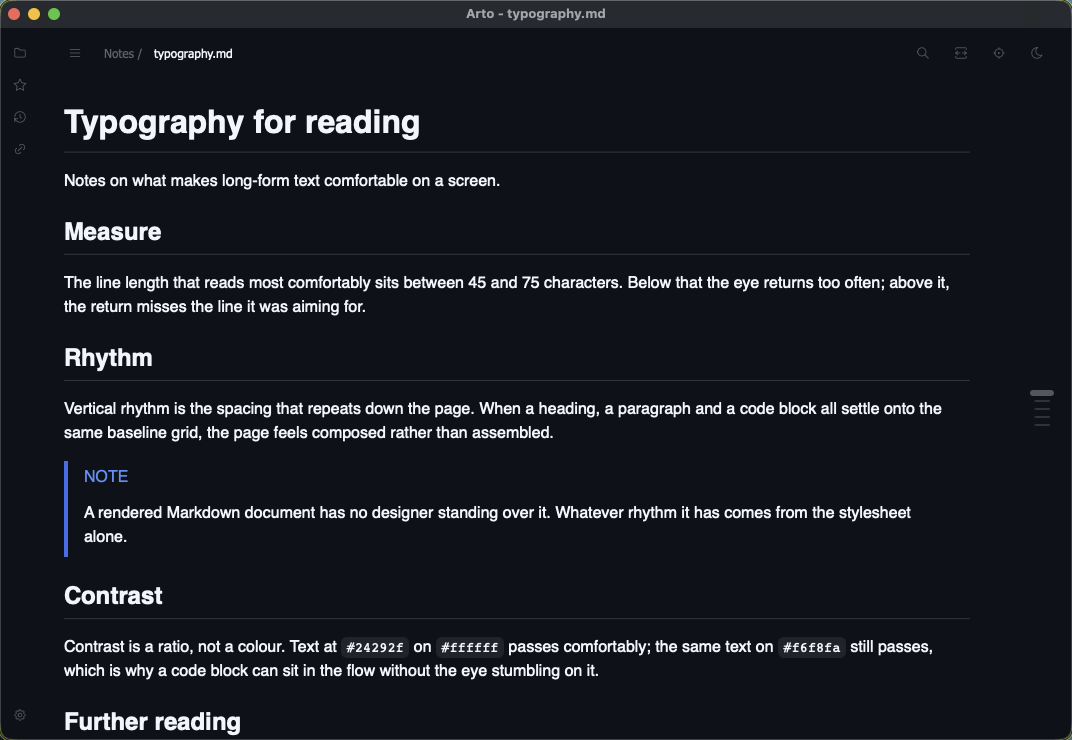
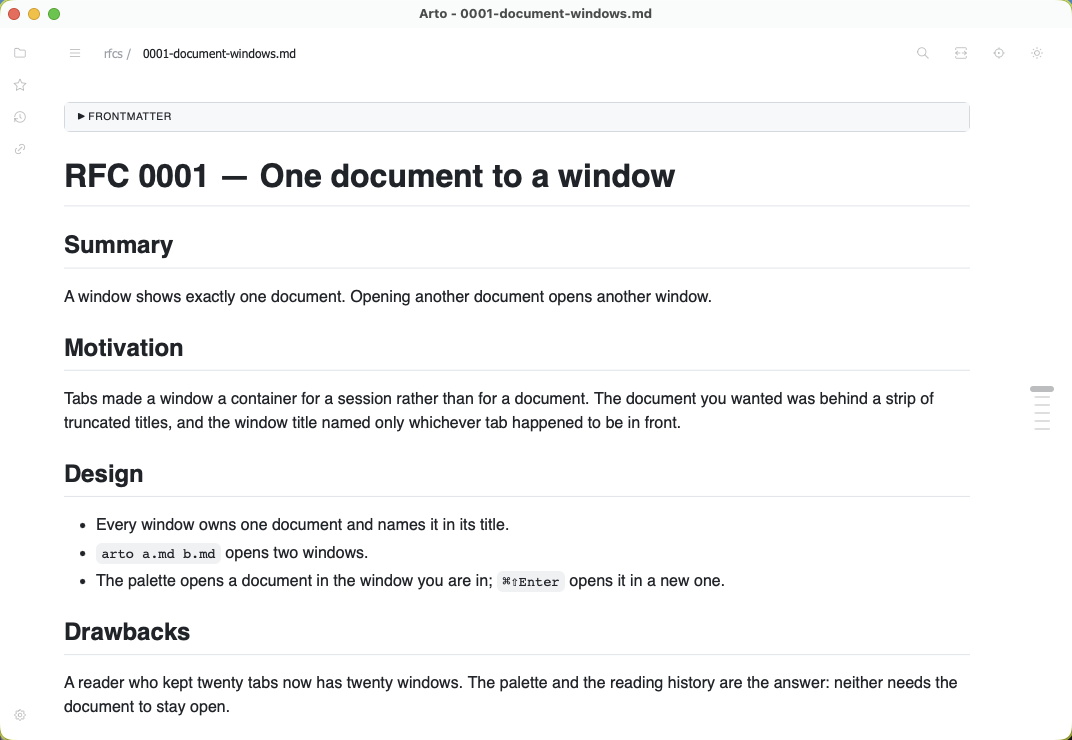
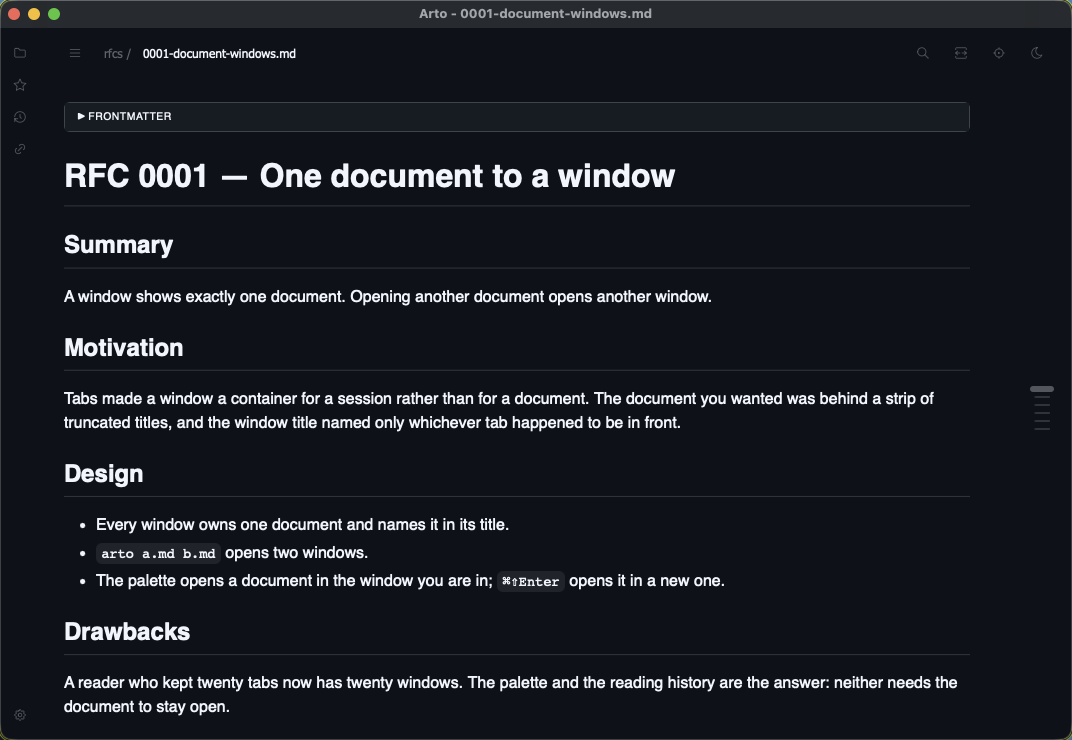
Each window shows one document and names it in its title. Opening another opens another window; arto a.md b.md opens two. The tab strip that used to hold them was a second copy of the reading history, which already remembers everything opened — so closing a window, like closing a tab before it, loses nothing.
Child windows
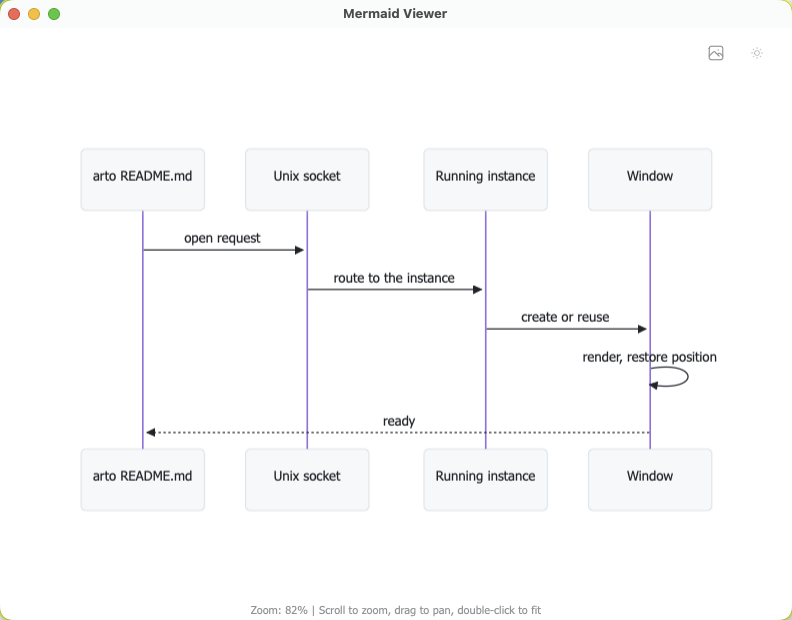
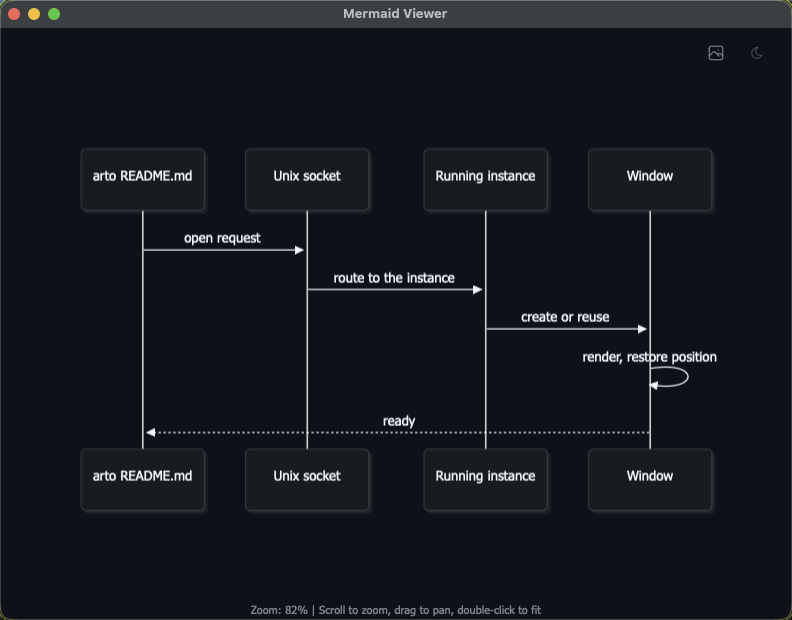
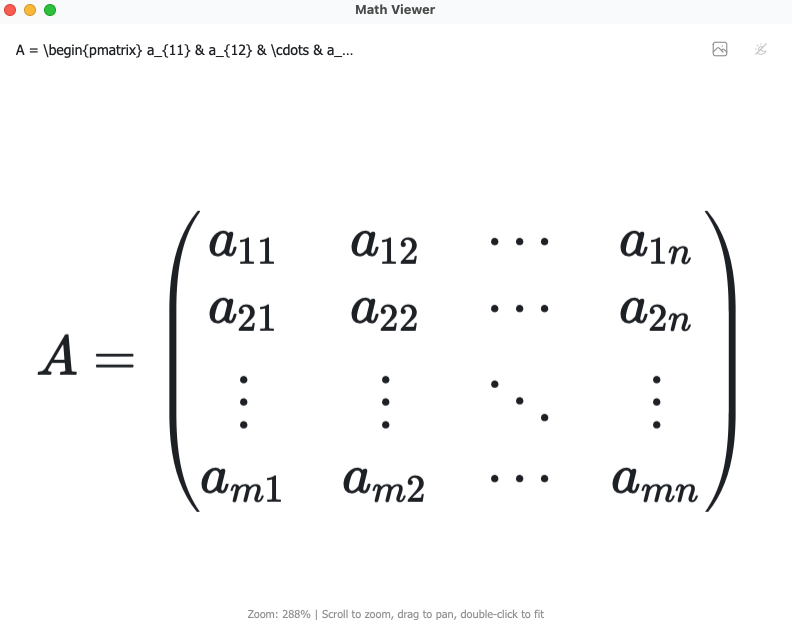
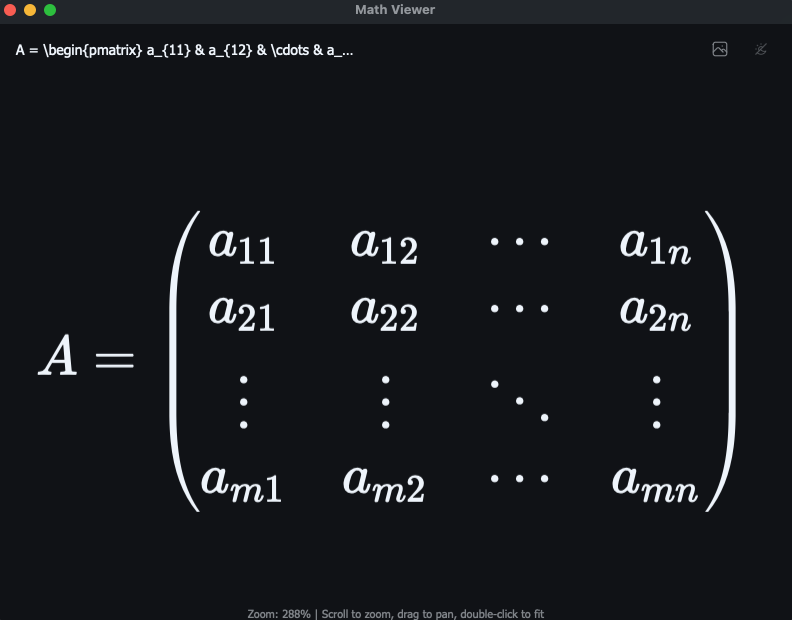
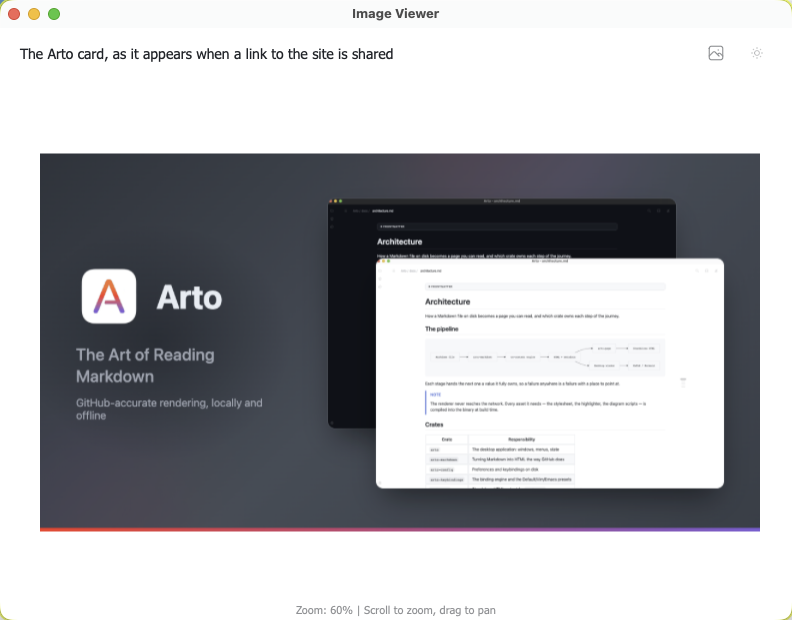
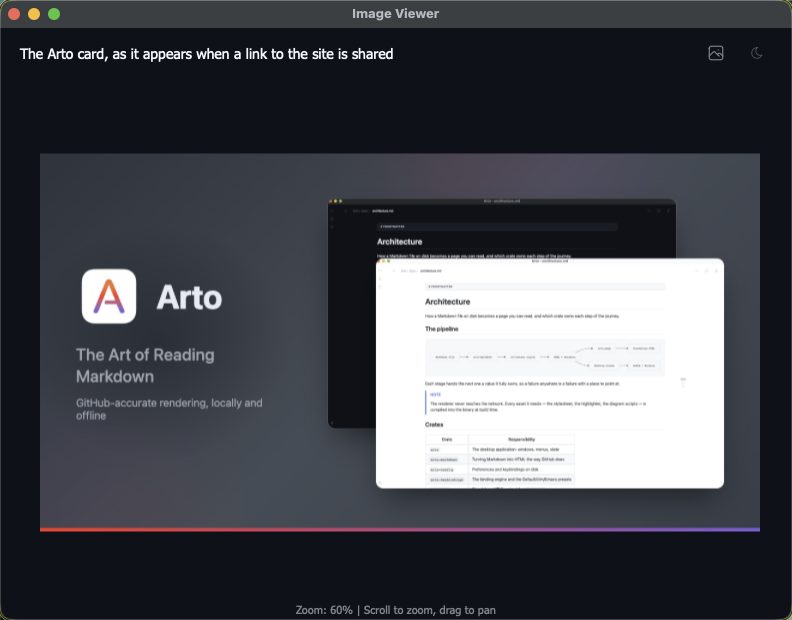
A diagram, a formula or an image opens into a viewer of its own — three windows built the same way, each with zoom, pan, fit and copy-as-image, and each naming its source in the header.
Drag and drop
A file dragged onto Arto opens — including one dragged out of an editor such as VS Code.
Where a window appears
Preferences sets the size and position a new window takes, and whether it reuses the last focused window, one on the screen the cursor is on, or always a new one. --behind hands a document over without pulling Arto in front of what you are working in.
Rich content
Diagrams, formulas, images and code — and getting any of them back out again.
Mermaid diagrams
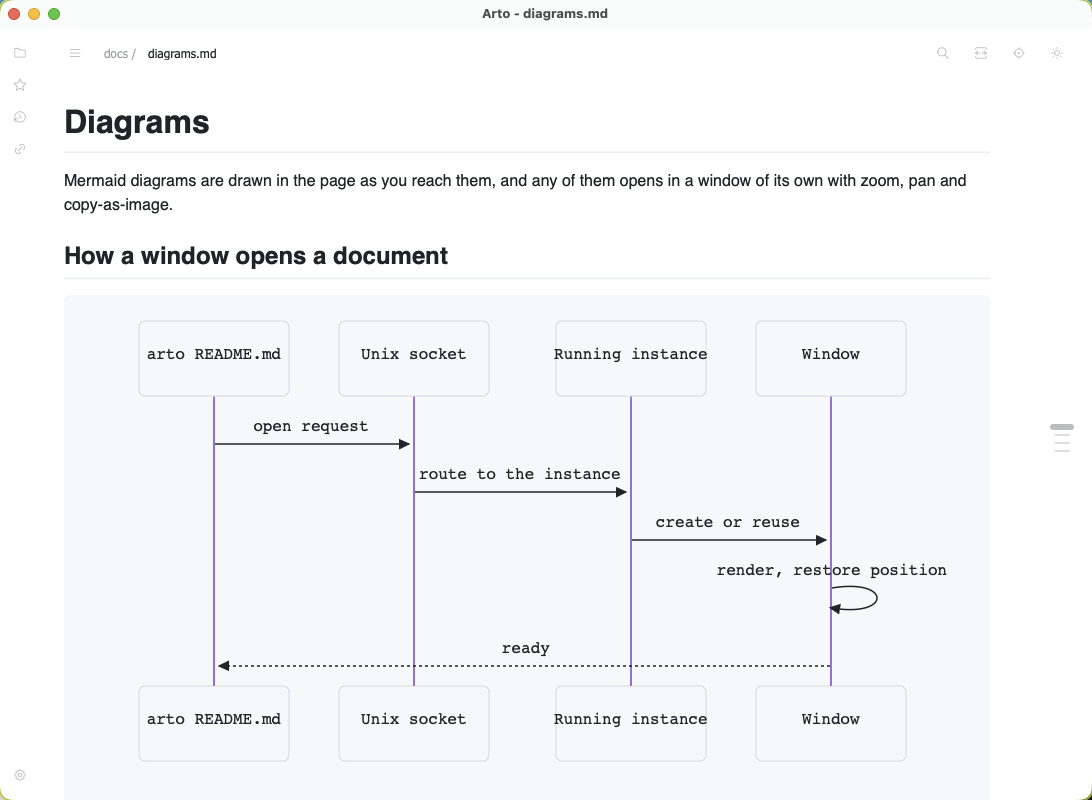
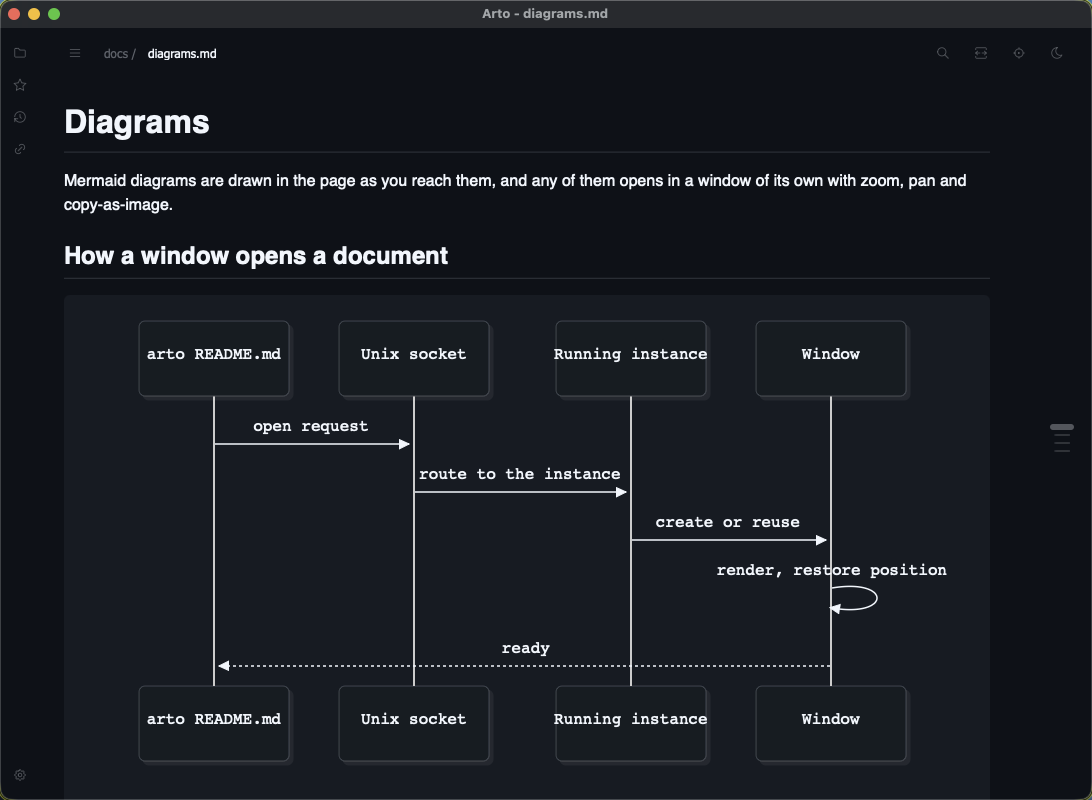
Flowcharts, sequence diagrams, state diagrams and the rest, drawn by Mermaid in the page as you reach them.
KaTeX math
Inline and display formulas typeset by KaTeX where they stand, with the dollar-sign edge cases against Markdown punctuation handled.
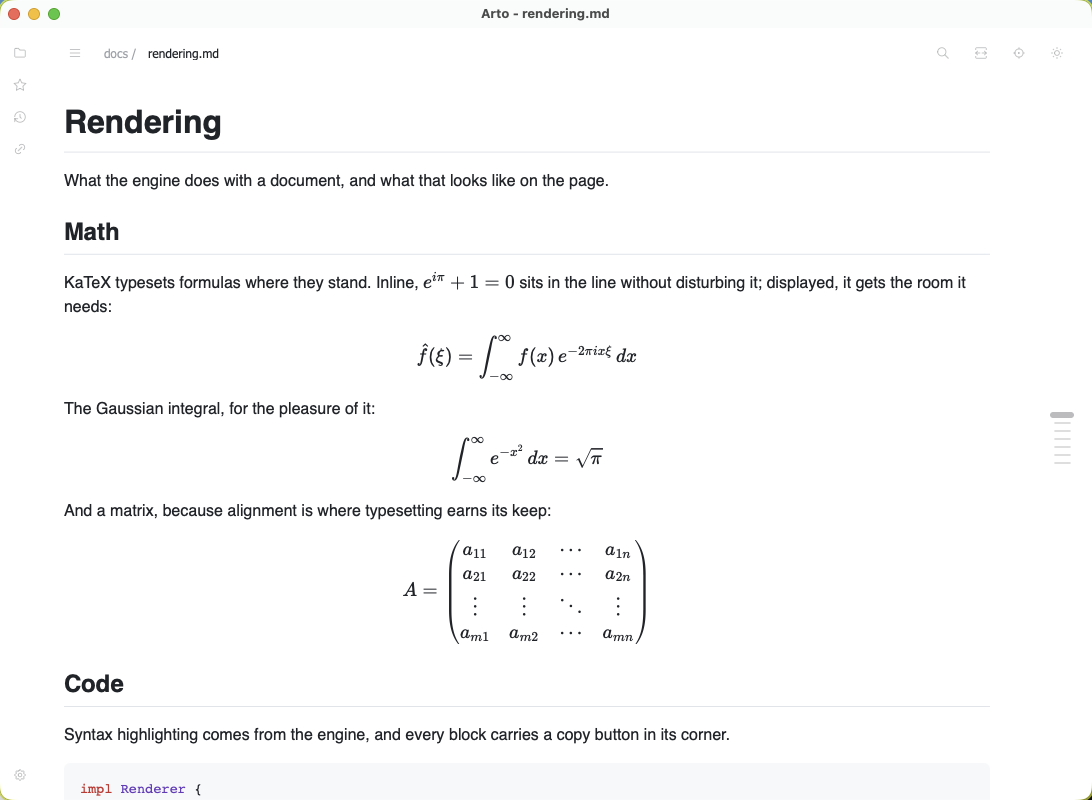
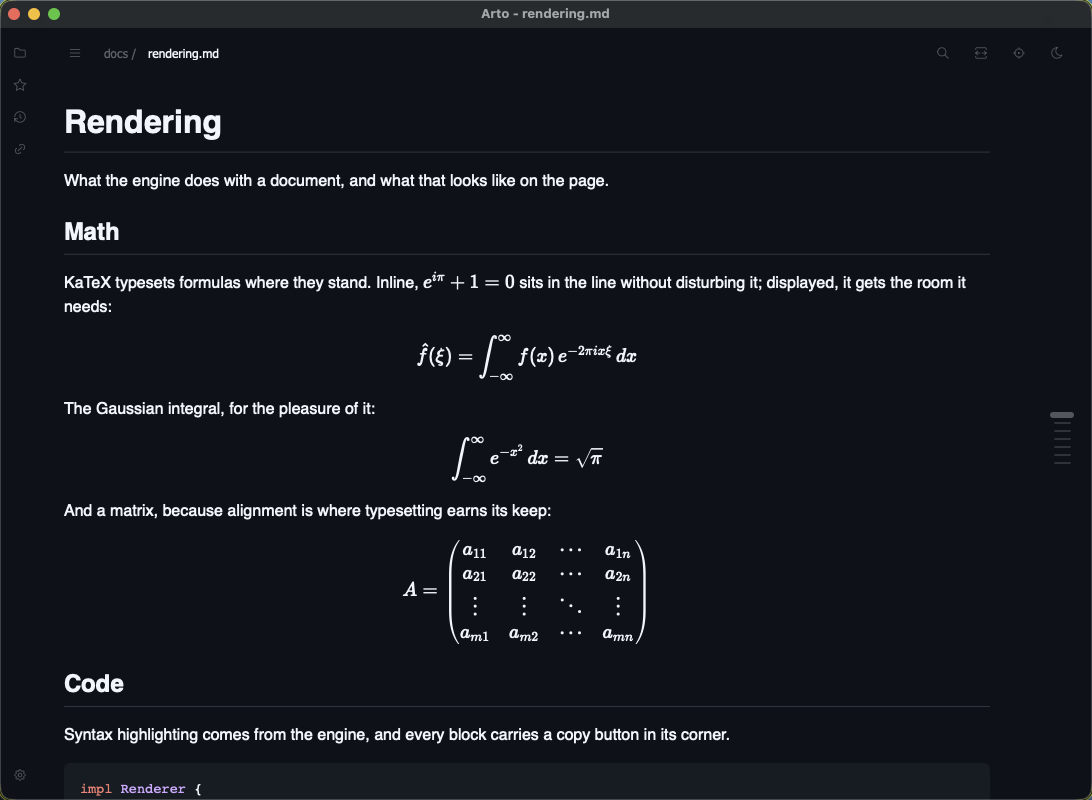
Drawn near the viewport
Diagrams, formulas and highlighting are rendered as they come into view rather than all at once, so a long document opens as quickly as a short one.
Copy As…
The context menu copies a selection as Markdown, a code block with or without its fence, a table as Markdown, CSV or TSV, and an image as Markdown or as the image itself — with or without a background.
Source-aware utilities
Copy a file path, a path with the line you are on, or a path with a range; save an image to disk; reveal the document in Finder; or make the folder above the current root.
Lenses
An agent you choose, asked about the document you are reading — its answer shown with the text, the file itself never changed.
On the page, in a popover, beside each block
A page lens takes the document's places block by block from the top as it is written — a translation, each original a point at its margin away. A popover answers about the whole document from the header, or about one block beside it — a summary, an explanation. An annotate lens keeps a note beside each block that has something worth saying — terms, a critique, a fact check with its sources.
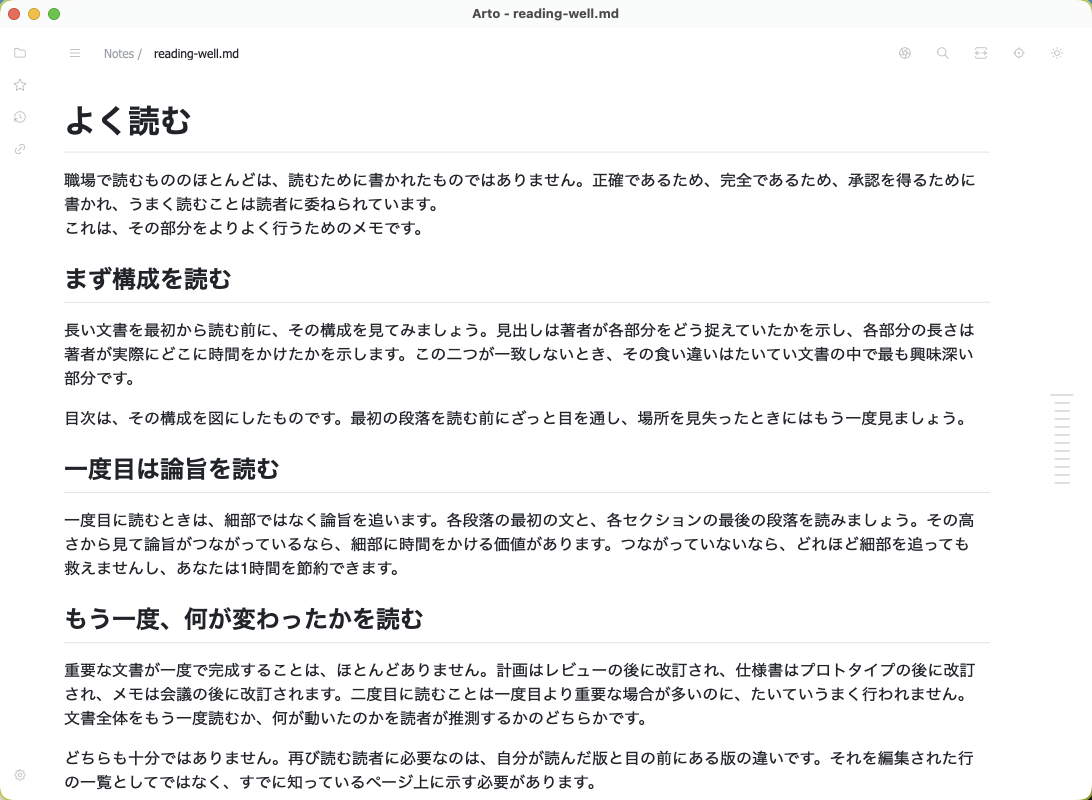
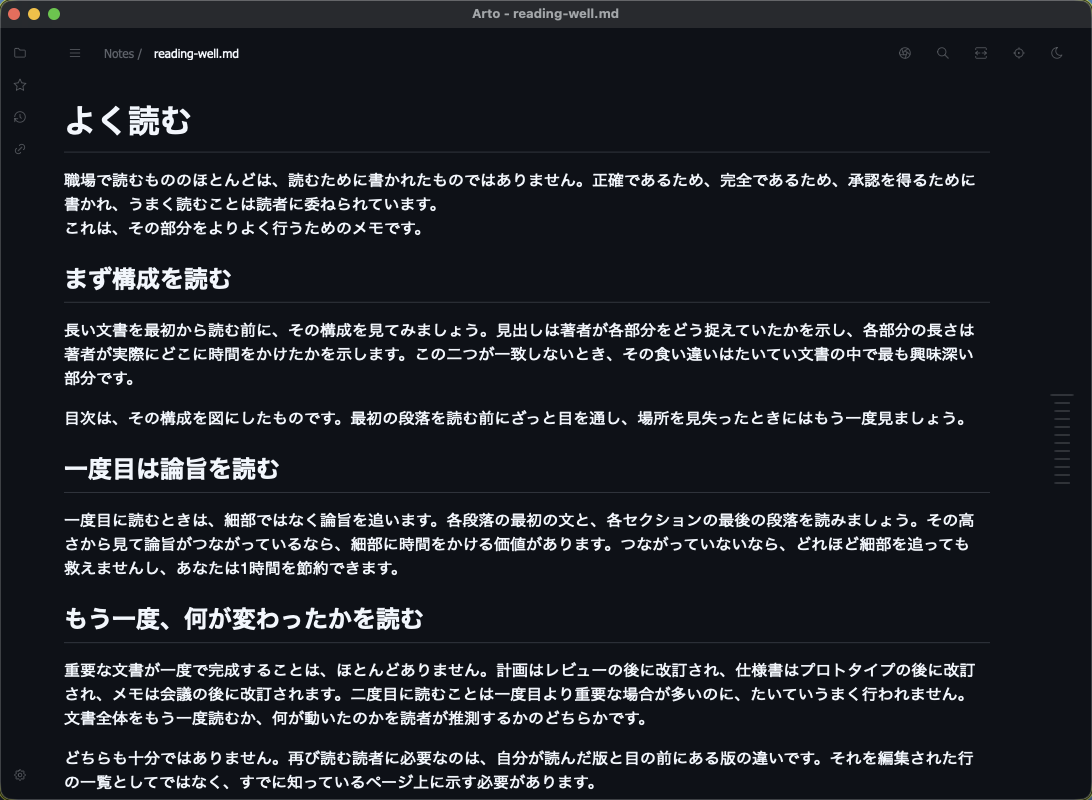
The agent is yours
claude and codex are run as they are installed, with their tools off; a model under Ollama, any OpenAI-compatible server, or a program of your own can be named instead. Preferences → Lenses starts one from a recipe that leaves only the blanks to fill, and a server's API key goes to the system's credential store rather than into config.json.
Nothing leaves until you ask
A lens runs only when you open it, and hands the text only to what you configured — an Ollama server on your own machine keeps it there. Searching the web or reading the files beside the document are allowed per lens, one at a time, and off unless you turn them on.
Answers are kept
What a lens answered is filed per document, so reopening one — after a restart, too — shows it again without asking again. An answer whose block has since changed is marked outdated, and regenerating asks only about what changed. More on lenses
Fitting in
Themes, keys, and the parts of the operating system that expect a Markdown reader.
GitHub's own themes
Light and dark defaults, dimmed, high contrast, and the colour-vision themes — with a separate choice for light mode and dark mode, and the system deciding which applies. Each card is painted by the theme it names, down to the five semantic hues, which is where the themes actually part company.
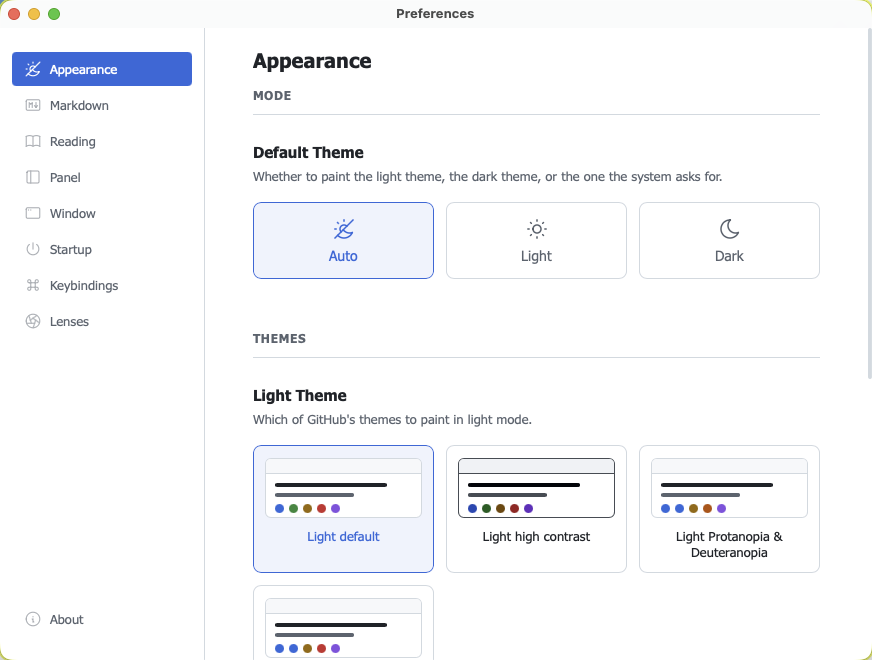
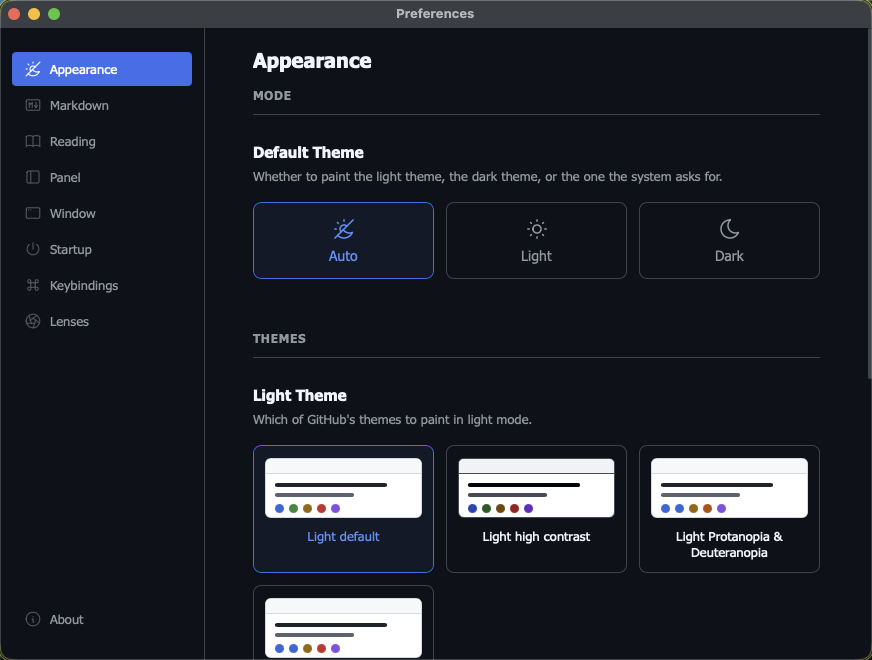
Picking one puts it on
The window takes the theme the moment you pick it, and that outranks the mode — so a dark theme can be judged from light mode. It lasts exactly as long as the unsaved edit that chose it: saving settles it, leaving the page drops both.
Keybindings
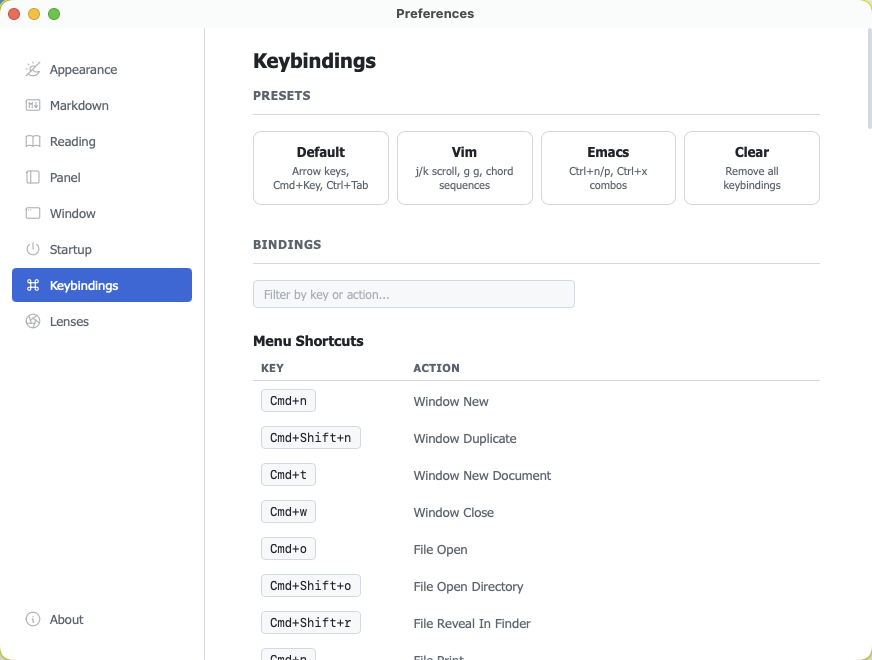
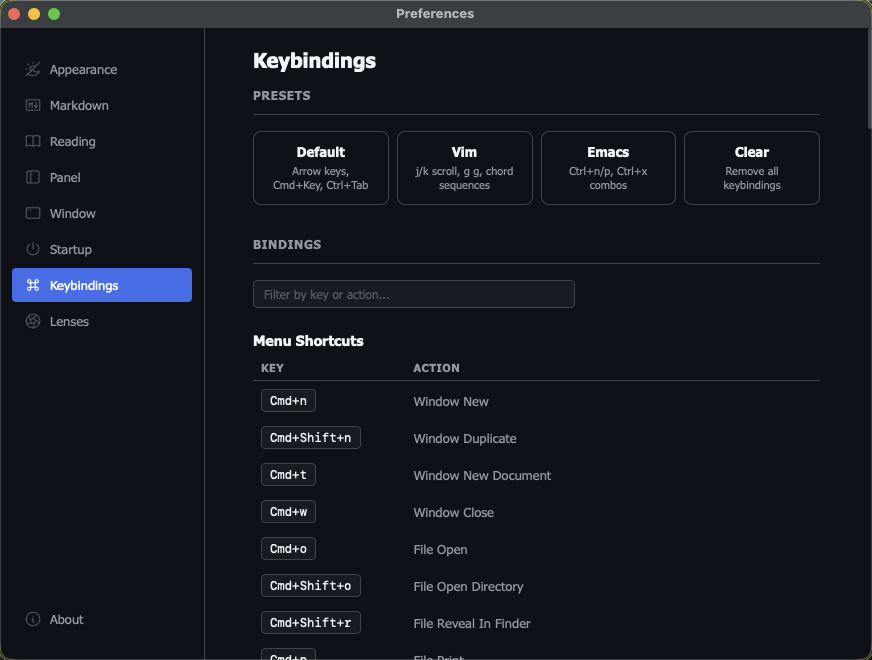
The presets that ship are Default (arrow keys, Cmd+Key, Ctrl+Tab), Vim (j/k scroll, g g, chord sequences), Emacs (Ctrl+n/p, Ctrl+x combos) and Clear, which removes the lot so you can start from nothing. Every binding underneath is editable, and the filter takes either a key or an action name.
There are two kinds, and the pane keeps them apart. Menu shortcuts are native accelerators: single chords, shown in the menu bar, dispatched by the system — which is how ⌘N opens a window when none is focused. Keybindings are handled by the in-window engine, which is what makes chord sequences possible, and they are per-context: the document, the panel, the search field, the palette and the contents list each have their own. Lists and fields answer to bindings too, not only the document.
They live in mappings.json, beside config.json, if you would rather edit the file.
A config file an editor understands
Preferences writes config.json, and the file can be edited by hand as well: Arto reads it again when it is saved, so a change needs no restart. The file names its own JSON Schema, so an editor that reads one completes every key, explains it on hover, and flags a misspelled one before Arto silently drops it.
Zoom
⌘+, ⌘− and ⌘0, or the trackpad, with the level remembered.
Print and PDF
⌘P prints the rendered document, or saves it as a PDF, through a stylesheet made for paper.
Quick Look and the Finder preview pane (macOS)
Press Space on a Markdown file and it previews rendered rather than as source. Both read the same configuration the app does.
Beyond the window
A command that hands files over, and a renderer that needs no app at all.
Single instance
arto routes to the process already running rather than starting a second one, over a socket private to your user.
A window a script can place
--position, --size and --theme set the window a command opens, and --wait-ready holds the command until that window has finished drawing — so a screen capture or a scripted demo needs no fixed sleep.
Standalone pages
arto page README.md > README.html writes one self-contained HTML file — stylesheet, diagrams and math inlined — that opens in any browser. It follows your configuration, and ships with a Content-Security-Policy that blocks scripts embedded in the Markdown.
A renderer without the app
The same command exists as a separate arto-page binary, for machines that need the output but not the window.
Standing on
Arto is a Rust application. What it does not write itself, it takes from these.
Dioxus
The Rust UI framework the whole application is written in — native windows, menus and state, with no Electron underneath. dioxuslabs.com
ox-content
The Markdown engine. It renders GitHub's dialect — autolinks, alerts, heading slugs, the tag filter — so Arto carries no version of any of them. github.com/ubugeeei-prod/ox-content
KaTeX
Typesets the maths, in the page, as you reach it. katex.org
Mermaid
Draws the diagrams, in the page and in their own viewer window. mermaid.js.org