Markdown, the way GitHub draws it
A desktop reader that renders your Markdown locally and offline — diagrams, formulas, alerts and all — with none of the editor around it.
Free and open source. This site describes v0.39.1.
Windows
One document, one window
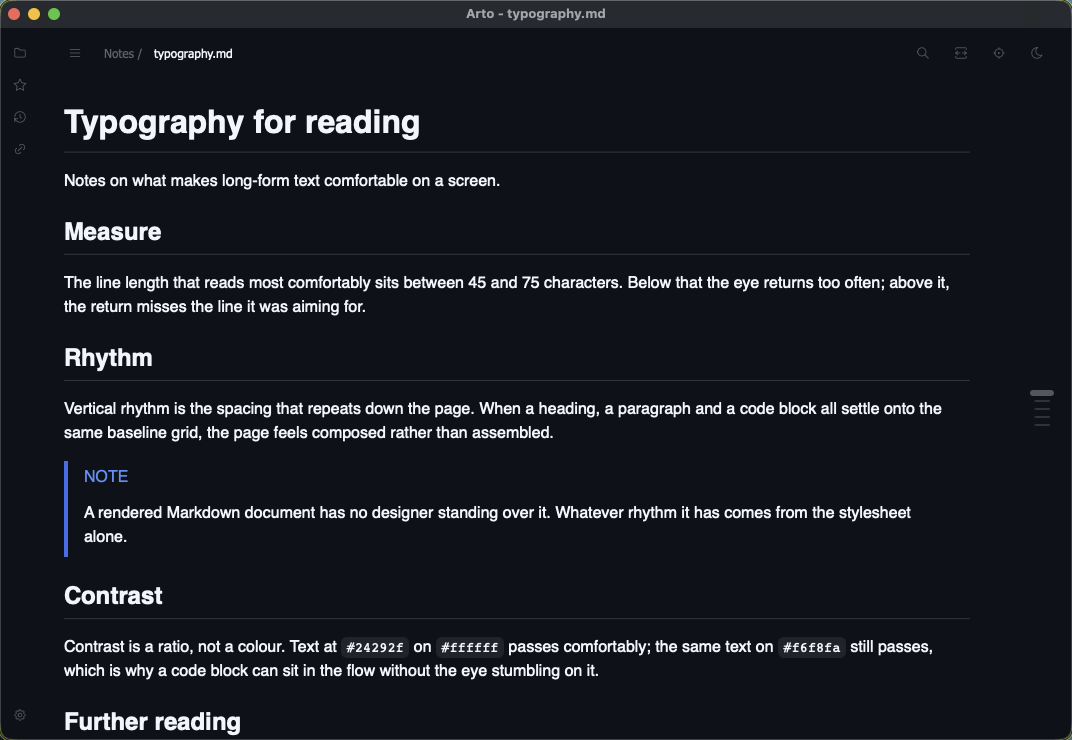
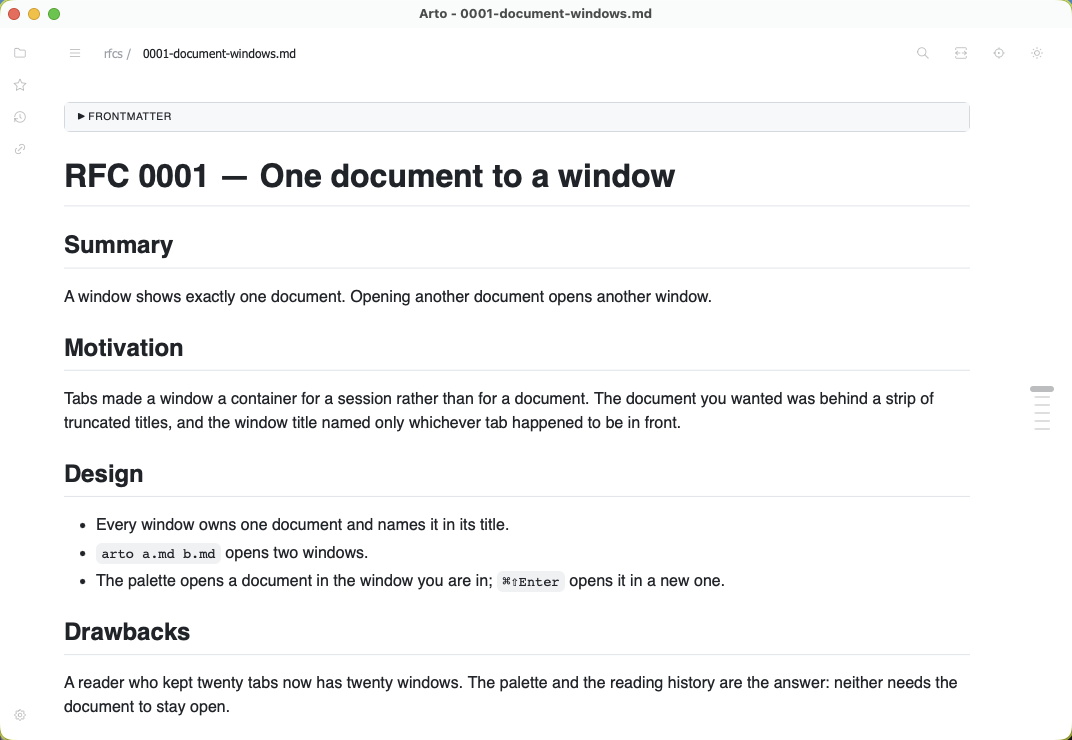
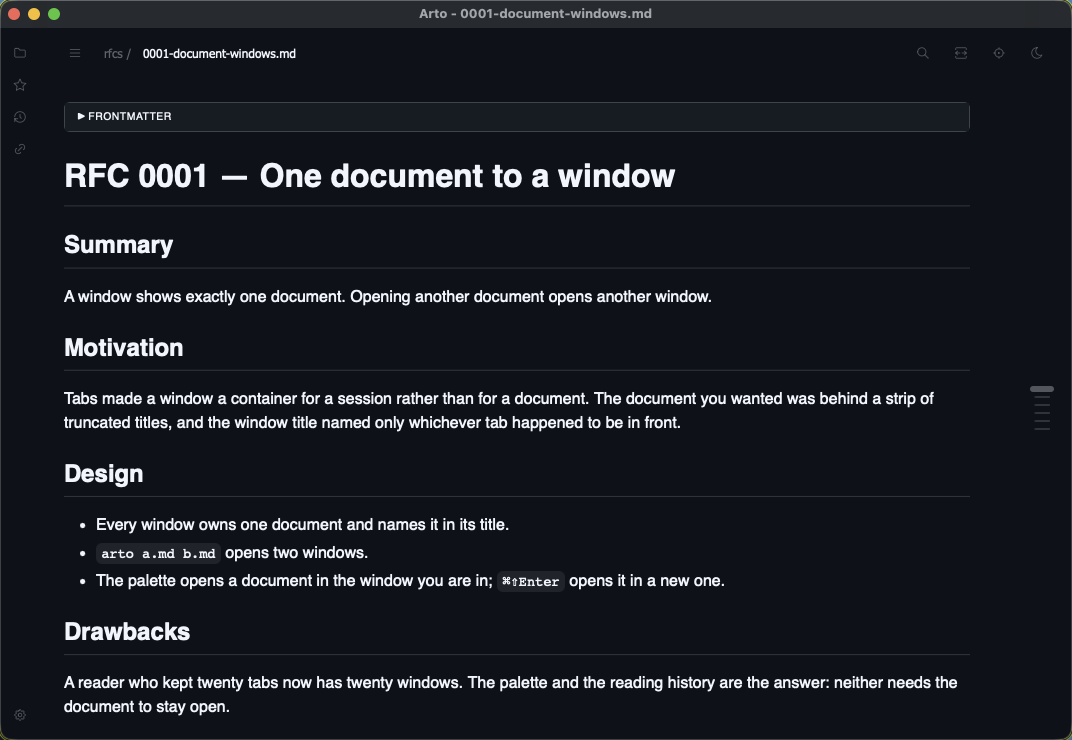
A window used to hold a list of documents and an index into it — and closing one lost nothing, because the reading history already remembers everything you have opened. The tab strip was a second, worse copy of something the app already knew, and it stopped being useful somewhere past a dozen.
So a window reads one document and names it in its title. Everything the strip had grown around itself — dragging a tab out, the preview that followed the cursor, pinning, “close others” — went with it.
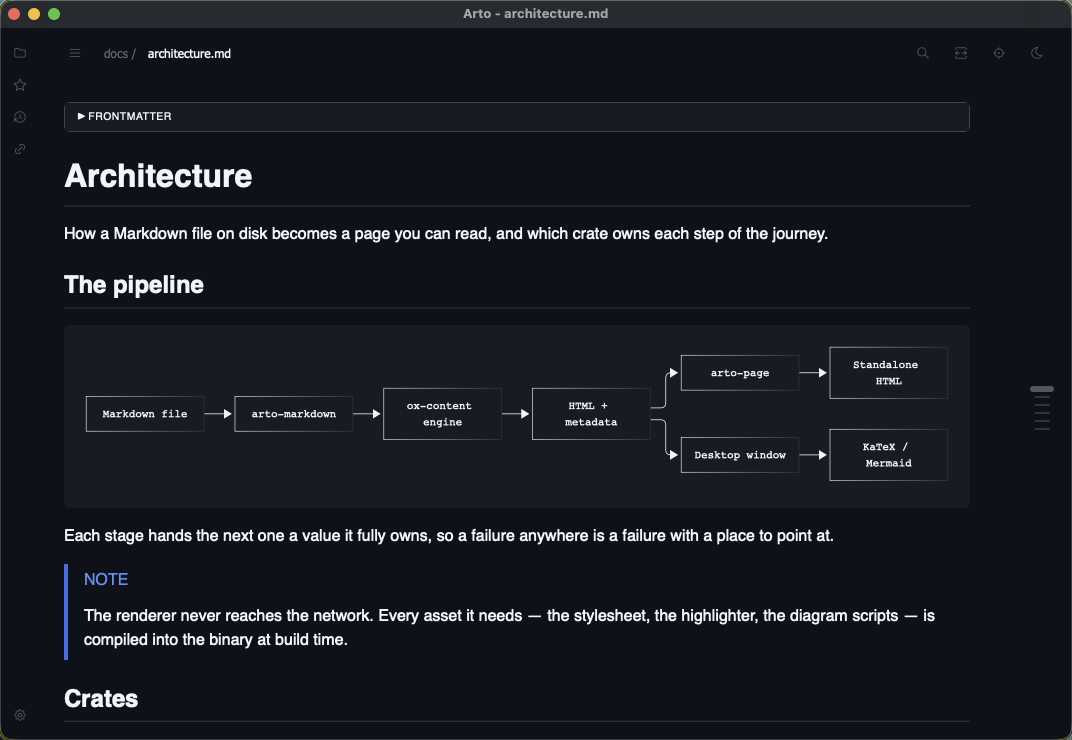
Finding
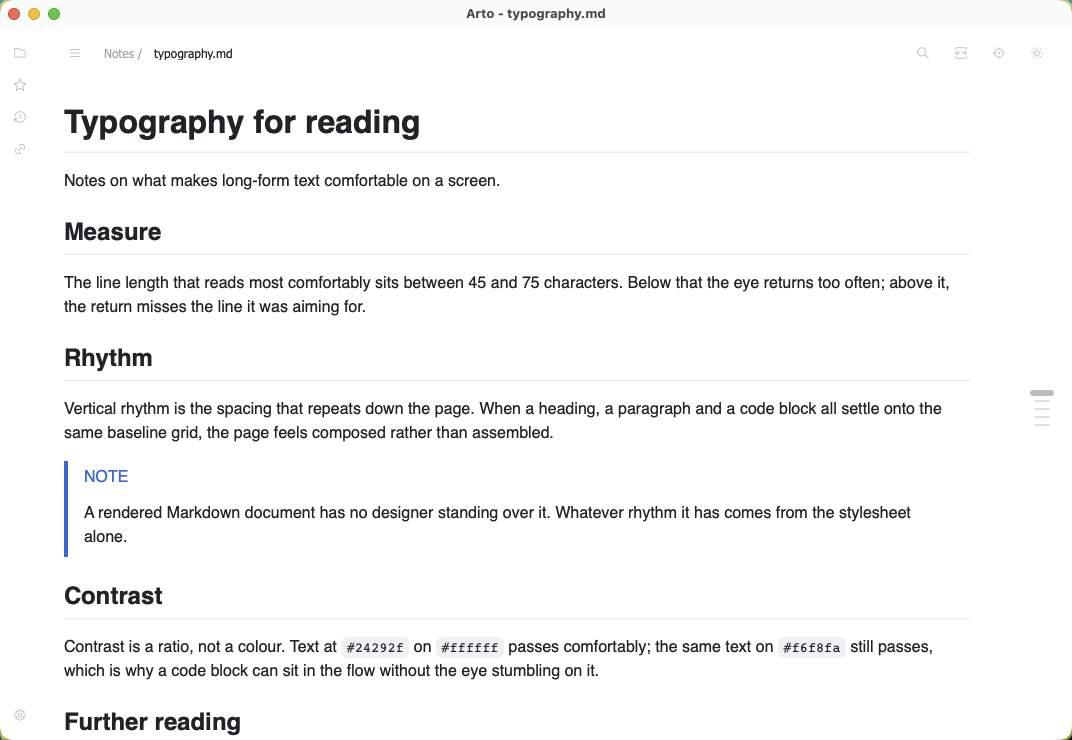
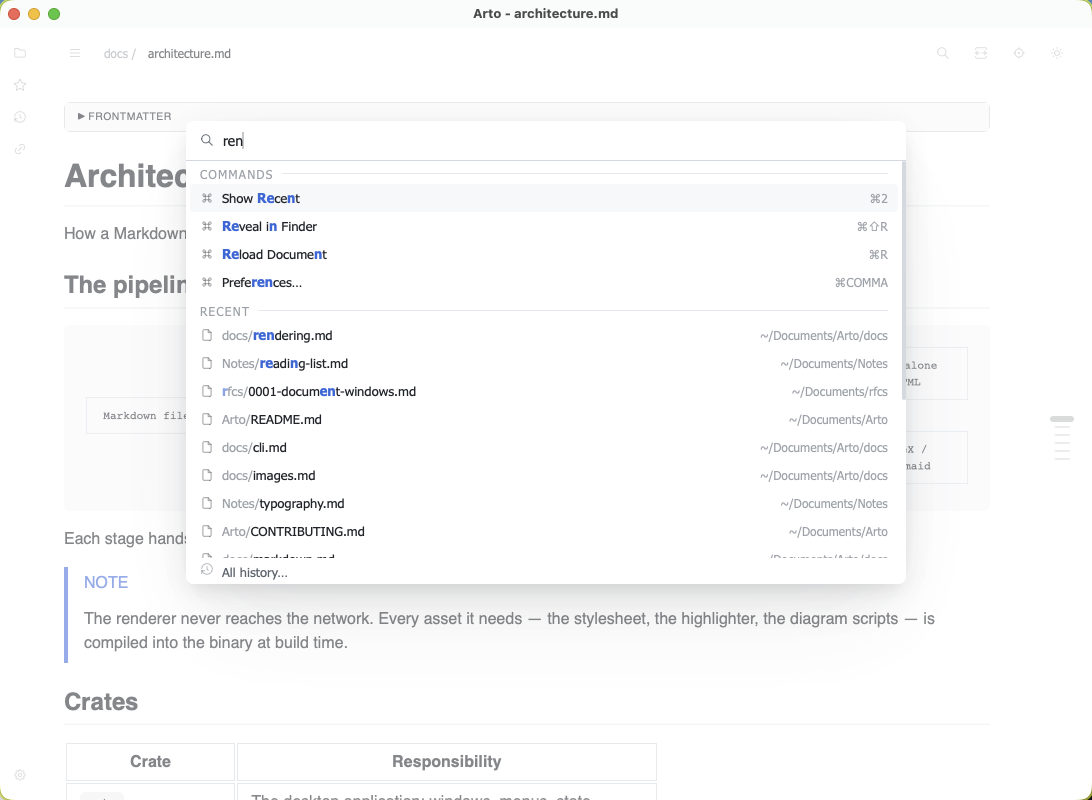
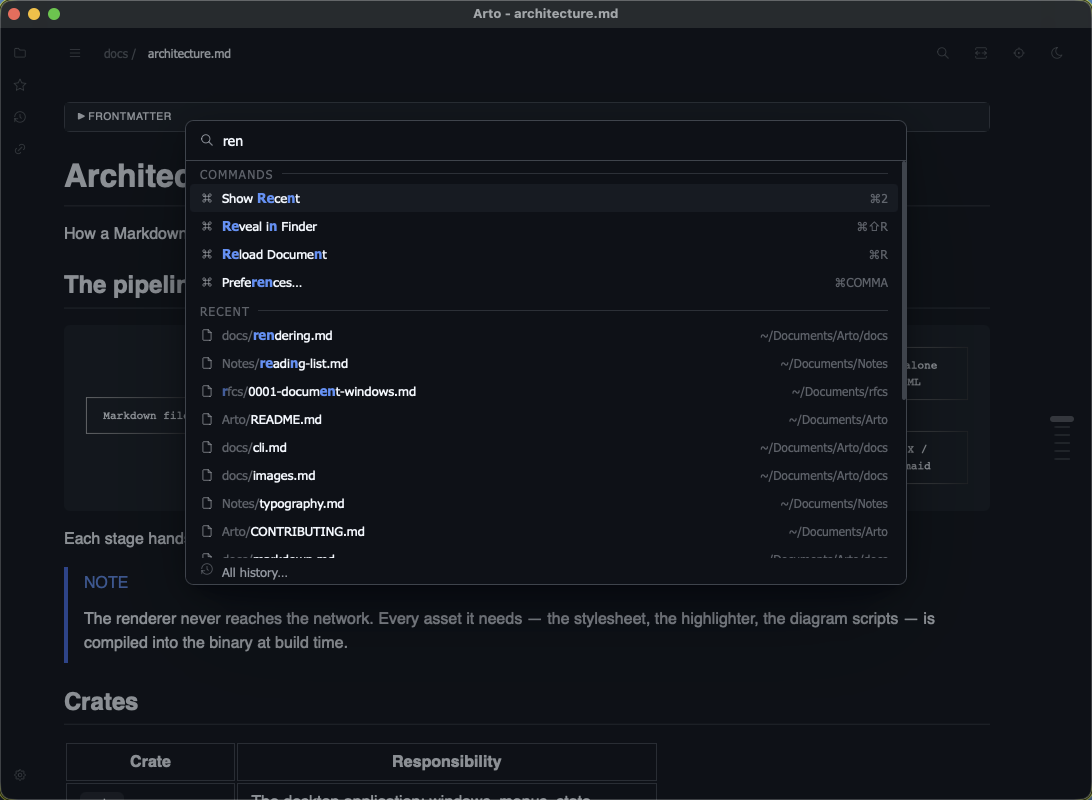
Everything in one list
One shortcut, one query, fuzzy-matched the way fzf matches: the files under the folder you are working in, what you have read, what you have kept, and every command by name — with the keystroke that runs it.
Getting around
One panel, many faces
A file explorer across as many folders as you need, the documents you have been reading grouped by day, the ones you keep coming back to, and the ones that link to what is on screen. It stays hidden until you reach for it, and pins open when you want it there.
Marks
Searches you keep
Find sits in the row the document's name is in, so nothing moves and nothing is covered. What you type is highlighted while the field is open and gone when it closes — unless you press Return, which keeps it. The search becomes one of the document's own marks, in a colour of its own, and survives the session.
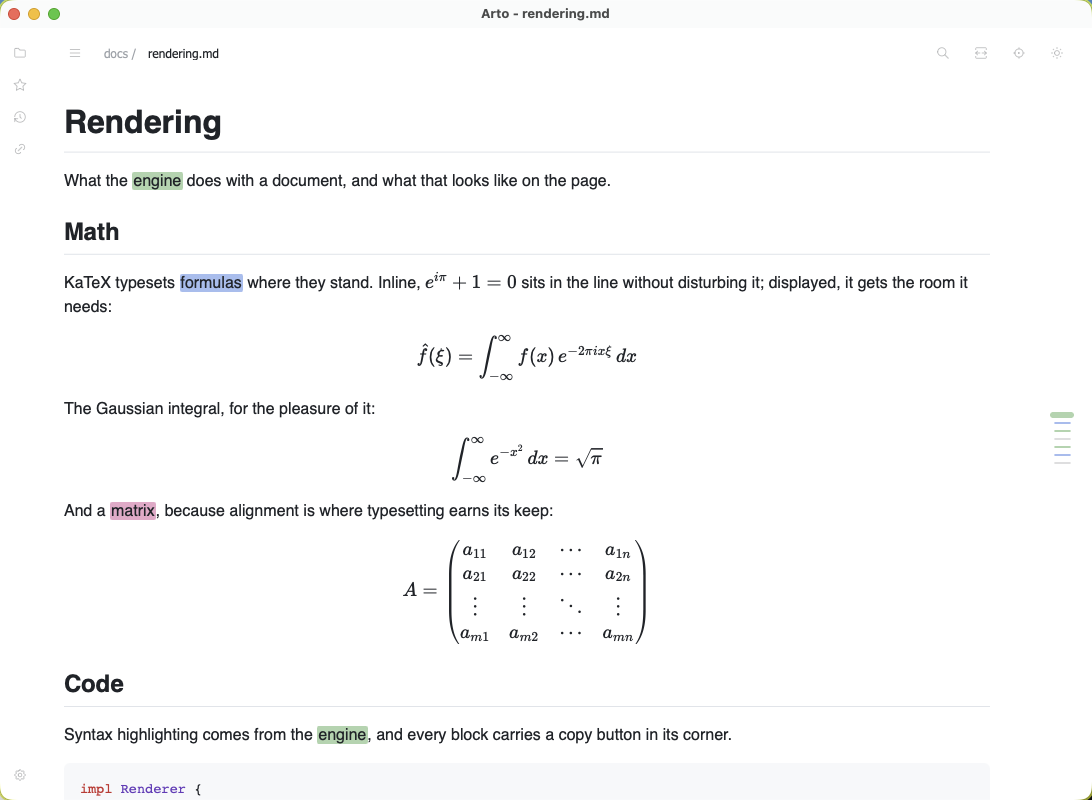
The ruler beside the page says three things with three devices: a mark's width is the heading's depth, its colour is a pinned search, and its thickness is where you are.
Rich content
Diagrams that open up
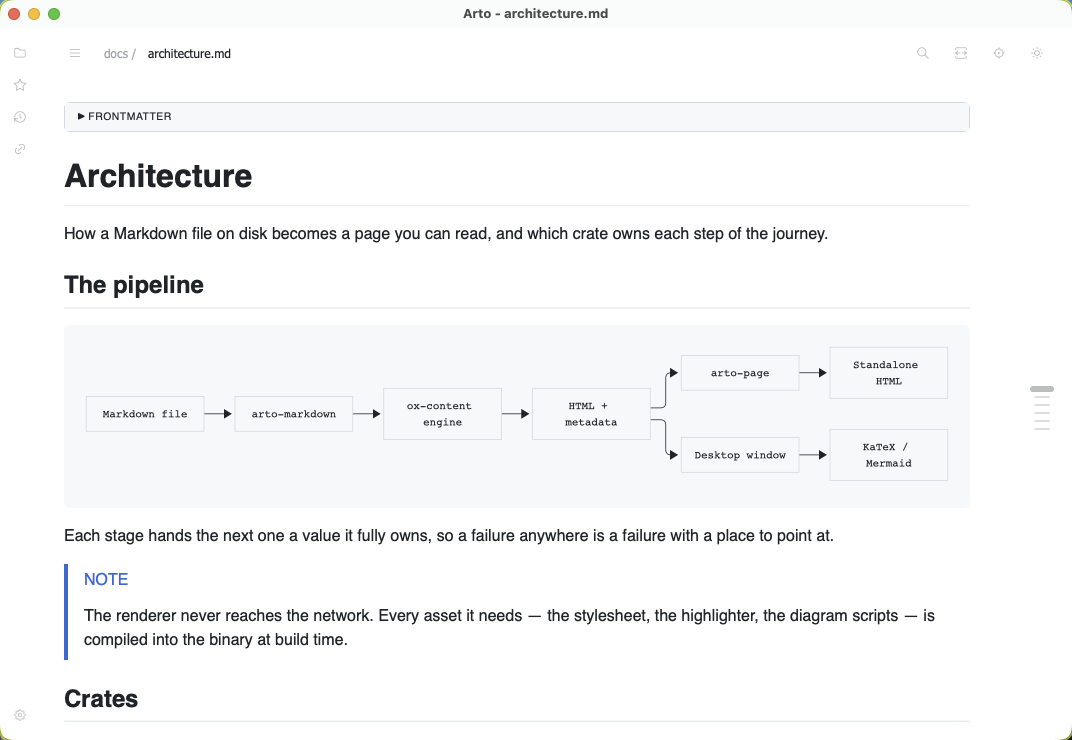
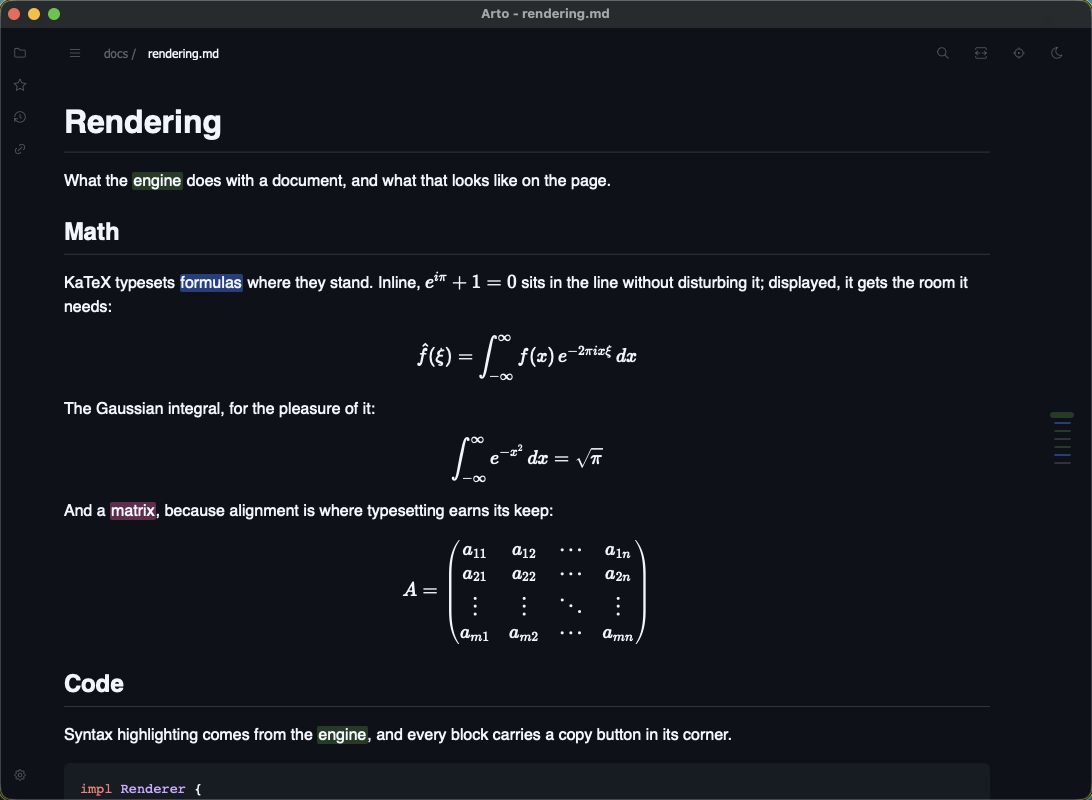
Mermaid and KaTeX render in the page as you reach them, so a long document opens as fast as a short one. Press Enter on a diagram and it lifts into a viewer with zoom, pan and copy-as-image.
A formula and an image get the same window, each naming its own source at the top — the Mermaid, the LaTeX, the alt text.
For reading it again
Most of what gets read in Arto is read more than once — a plan, a spec, notes someone else keeps rewriting.
What changed
Reopen a document and the blocks rewritten since you last read it are marked in the margin, with a key to step between them.
Highlights and notes
Mark a passage, write beside it, and find both again — even after the file has been edited above them.
Previews on hover
Rest on a footnote or a link and what it points at appears beside it, without leaving your place.
Focus mode
The chrome folds away and every block but the one you are in dims.
Time left
How long a document takes, and how much of it remains from where you are — prose, code and Japanese each counted at their own pace.
Lenses
A translation, a summary or notes from Claude, Codex or a local model, shown with the text — sent nowhere until you open one. More on lenses
It looks like your machine
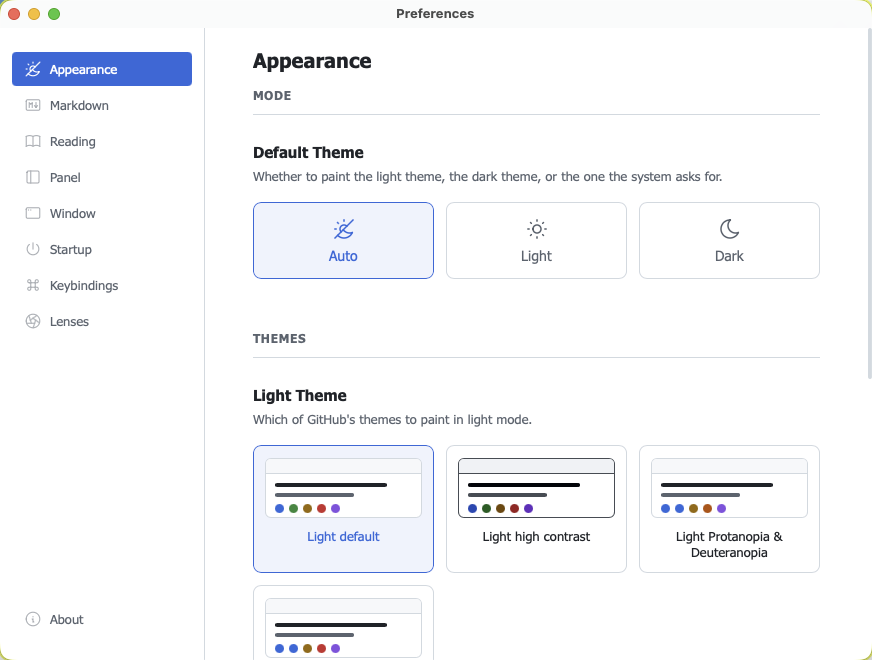
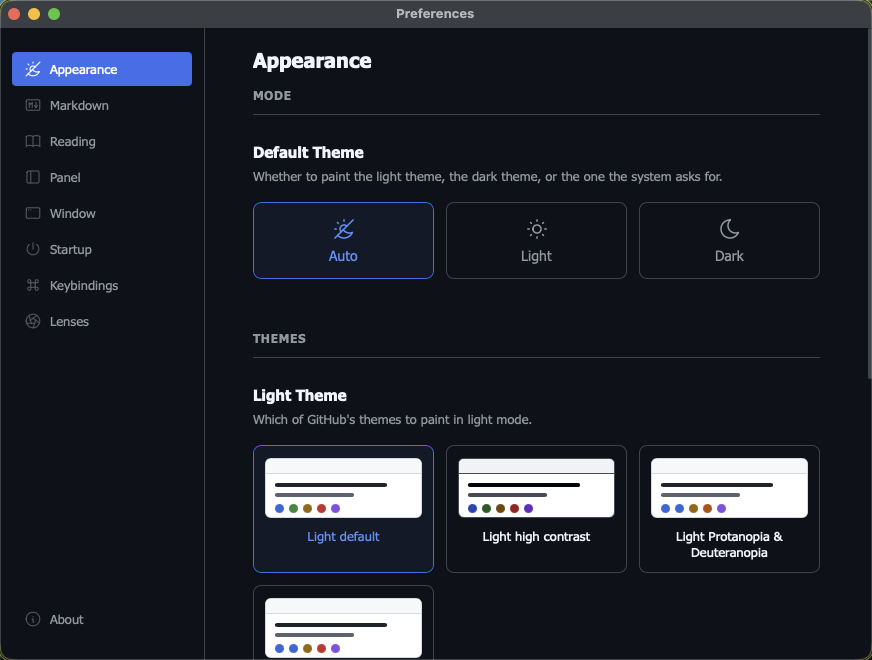
GitHub's own themes — dimmed, high contrast and the colour-vision ones included — with a separate choice for light and dark, and the system deciding which applies.
And the rest of it
The parts that do not need a screenshot to explain.
Offline, always
The stylesheet, the highlighter and the diagram code are compiled into the binary. The renderer never reaches the network.
Auto-reload
A file that changes on disk re-renders in place, so a document being edited elsewhere stays current.
Where you left off
Reopening a document puts you back at the place you stopped, not at the top.
Your keys
Default, Vim and Emacs presets, every binding editable, chord sequences supported.
Standalone pages
arto page README.md writes one self-contained HTML file that opens in any browser, without the app.
Quick Look
On macOS, Space on a Markdown file previews it rendered — in Finder's preview pane too.
Standing on
Arto is a Rust application. What it does not write itself, it takes from these.
Dioxus
The Rust UI framework the whole application is written in. Native windows, menus and state — no Electron.
dioxuslabs.com ↗ox-content
The Markdown engine. It renders GitHub's dialect — autolinks, alerts, heading slugs, the tag filter — so Arto carries no version of any of them.
github.com/ubugeeei-prod/ox-content ↗Start reading properly
One line on macOS, through the Homebrew tap.
brew install --cask arto-app/tap/arto