
The Art of Reading Markdown
A beautiful, offline-first macOS app that faithfully reproduces GitHub-style Markdown rendering. Because reading Markdown should be a quiet, deliberate act of understanding.
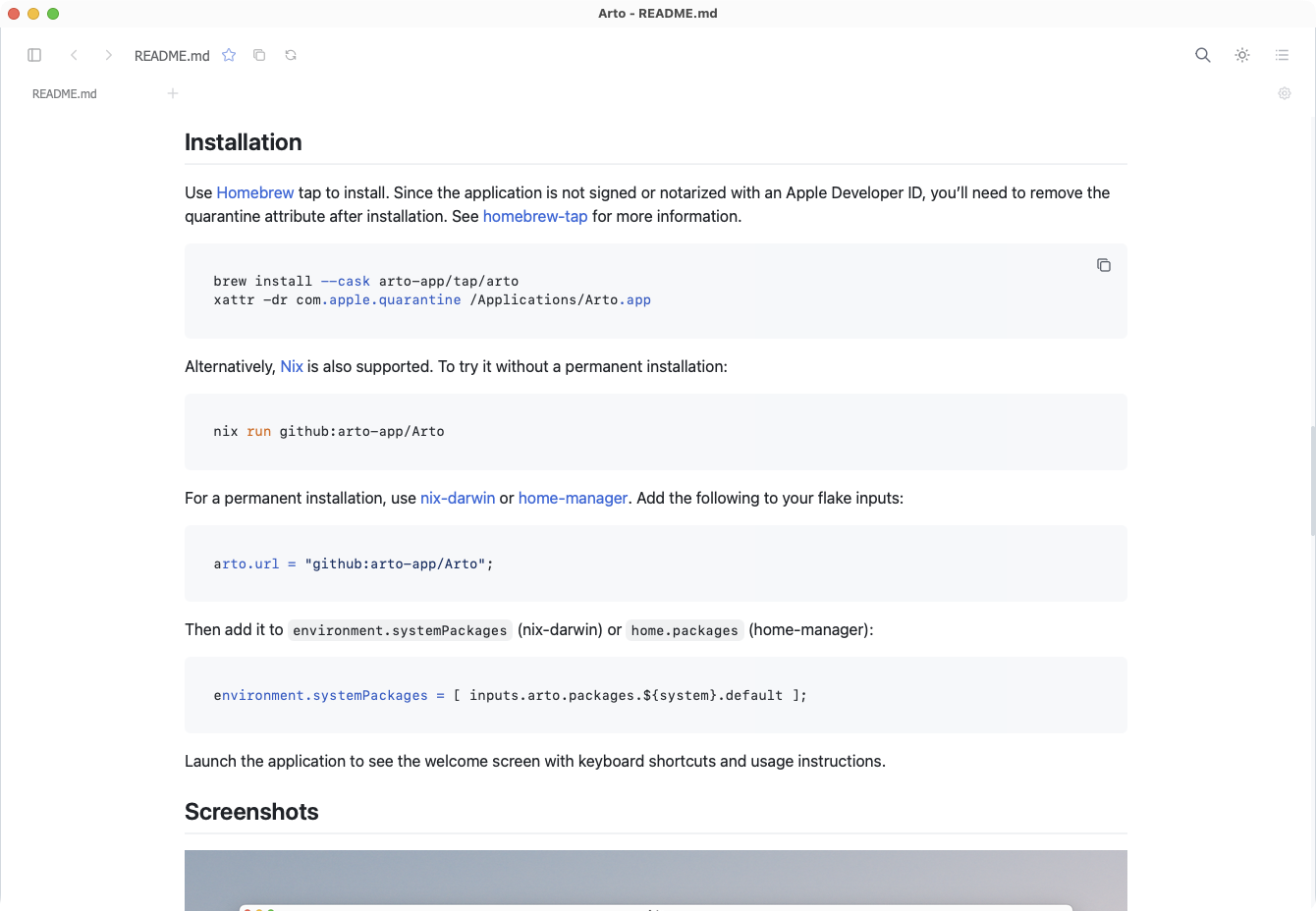
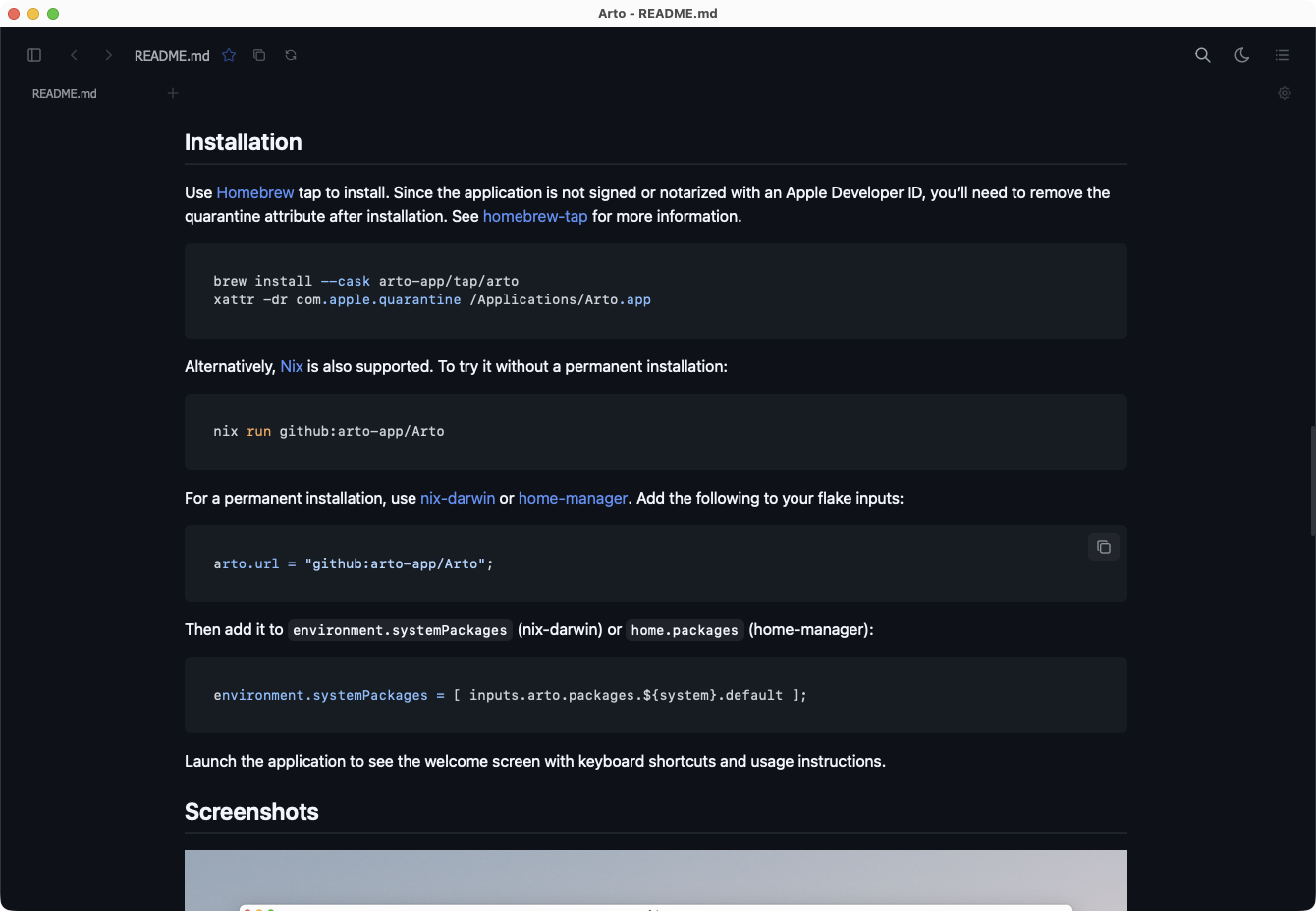
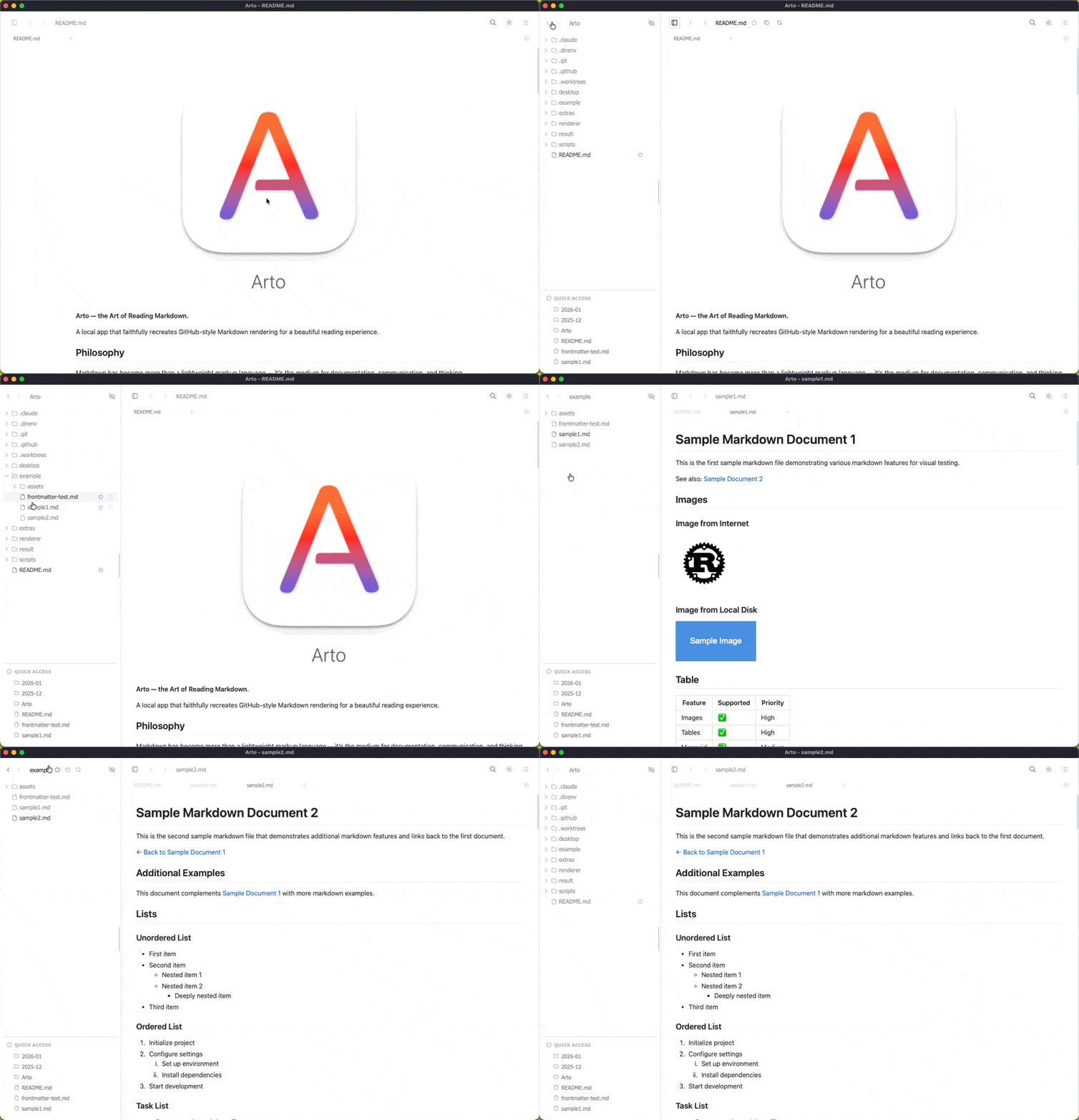
Why Arto?
Arto has evolved beyond a basic Markdown viewer. It combines faithful rendering, powerful navigation, flexible automation, and refined reading workflows in one native app.
Reading-First Design
Purpose-built for reading, not editing. Enjoy a calm, focused experience that lets you absorb content without distractions.
GitHub-Style Rendering
Faithful reproduction of GitHub's Markdown rendering, including extended syntax, alerts, and styling you're familiar with.
Native Performance
Built with Rust for blazing-fast performance. Opens instantly, renders quickly, and uses minimal system resources.
Dedicated Viewer Windows
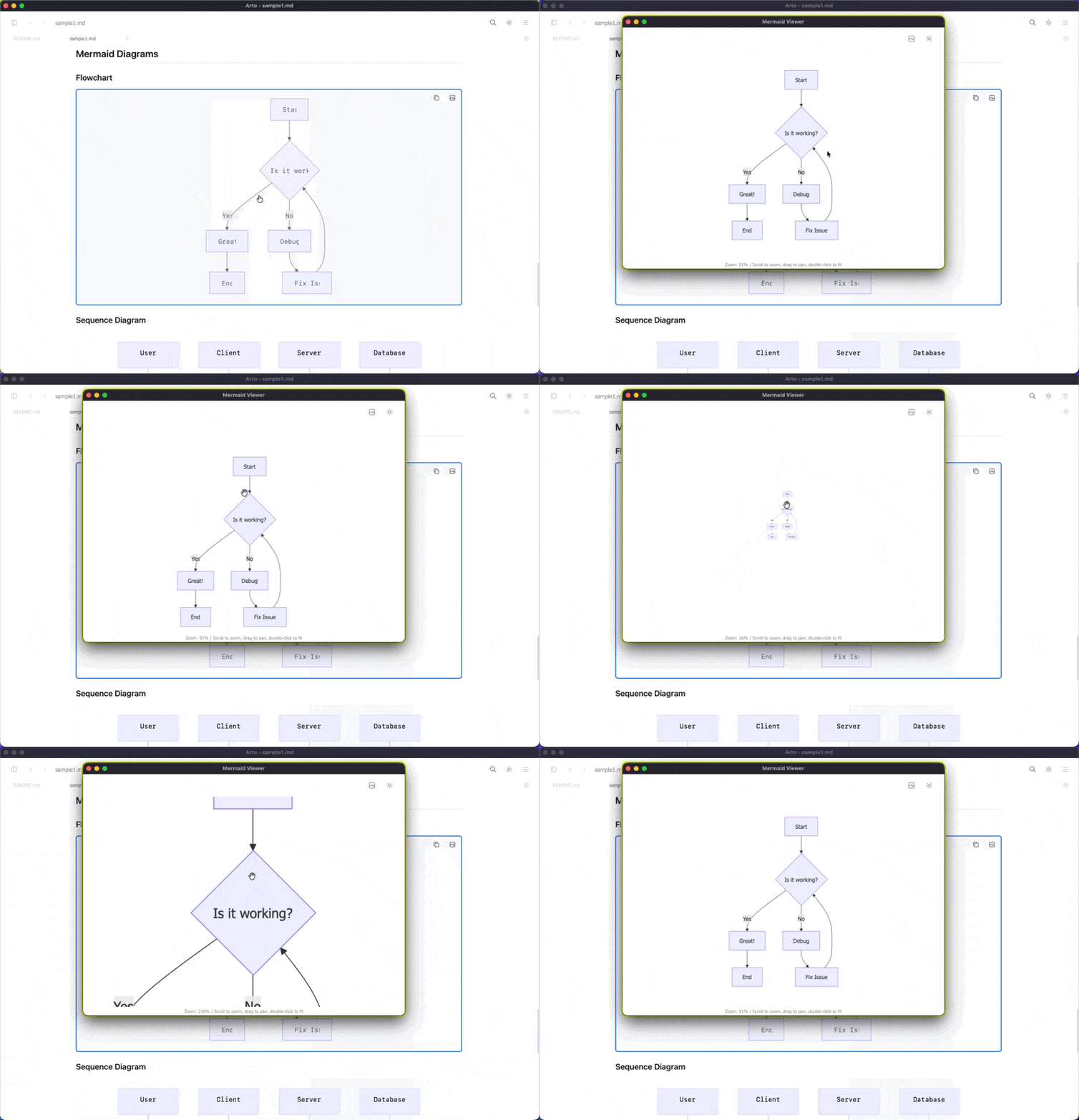
Open Mermaid diagrams, math expressions, and images in focused viewer windows with zoom/pan interactions.
Smart Copy Workflows
Use context-aware copy actions, including Copy As... variants for text, code, tables, and rendered blocks.
Custom Keybindings
Edit shortcuts and choose preset mappings (Default, Vim, Emacs) to match your muscle memory.
Powerful CLI Integration
Open files/directories with single-instance routing and window control options like --open and --directory.
Polished Reading Environment
Dark mode, zoom controls, bookmarks, pinned tabs, and persistent search highlights improve long-form reading.
Offline-First & Private
Works fully offline and keeps your documents local, so your reading workflow remains fast and private.
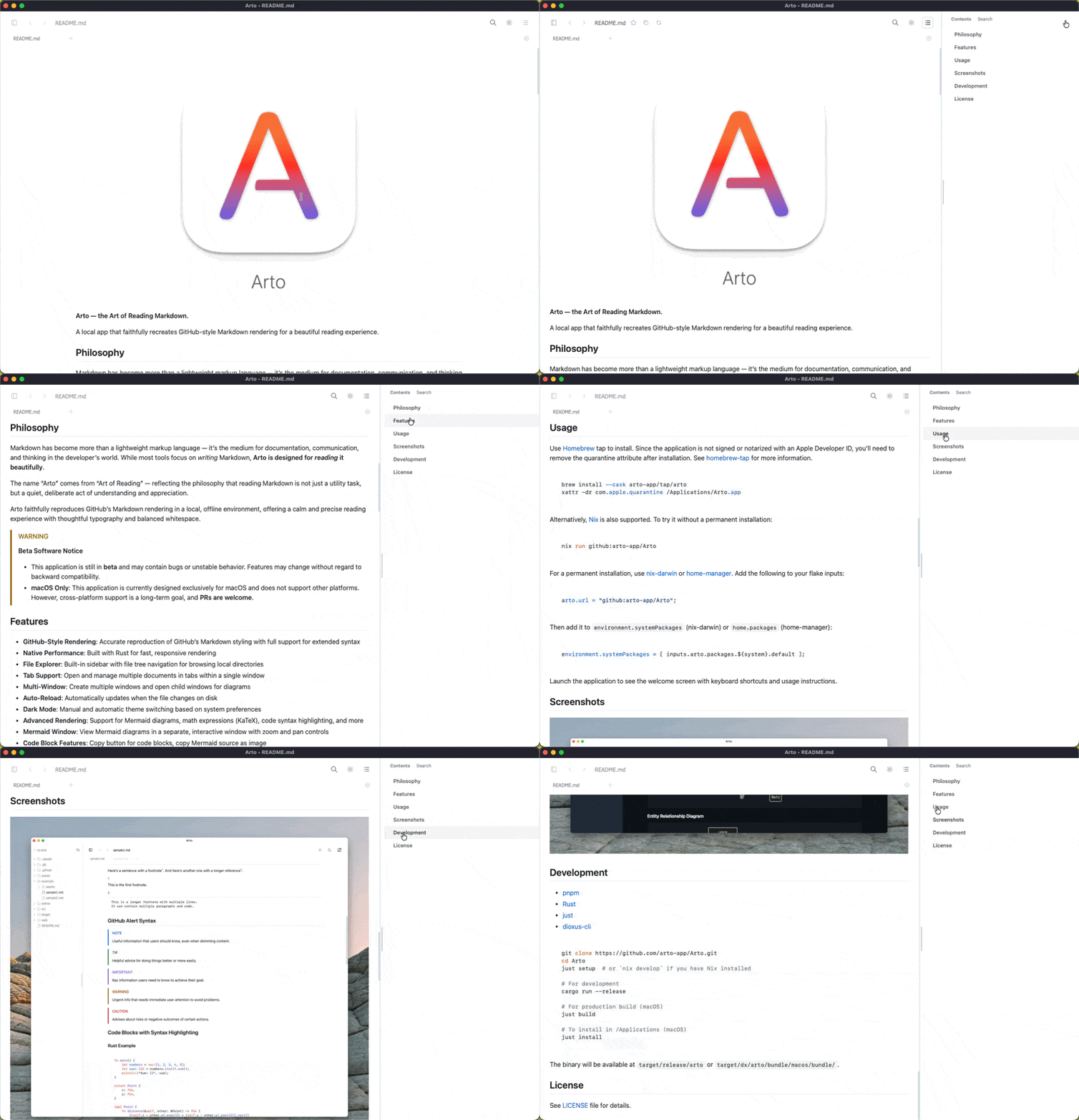
See Arto in Action
Watch how Arto transforms your Markdown reading experience.
"Reading Markdown is not just a utility task"
It's a quiet, deliberate act of understanding and appreciation. Arto is built on this philosophy—providing a serene space where content takes center stage and the interface fades into the background.
Explore All FeaturesGet Started in Seconds
Install Arto with Homebrew and start reading beautifully rendered Markdown immediately.
brew install --cask arto-app/tap/arto
xattr -dr com.apple.quarantine /Applications/Arto.app
Documentation Status
This website currently tracks Arto v0.24.1. See detailed sync records and migration notes.